The complete solution for IT Documentation - Built for real Infrastructure.

– Start your free 30-day trial 

Whether hardware, software, networks, or contracts – with i-doit you document your entire IT infrastructure centrally, transparently, and audit-proof. No more Excel spreadsheets.

rating-stars-transparent-white 4.7/5 on Capterra | 2.000+ Satisfied customers

Header Avatar Template Max

Start free. Upgrade when you're ready.

i-doit already supports 2,000+ IT teams in making their IT documentation more efficient, secure, and complete.
Choose between  on premises or cloud version

Free. No risk. No obligation.

How to start your free trial — it's simple:

Starting with i-doit couldn't be easier. Set up your personal test environment in just a few steps. Just follow these instructions:

Get started right away:


1. Fill out the form
– Create your free trial account in just a few moments.

2. Get access – You'll receive access to your test environment immediately after the form – either on-premises or in the cloud.

3. Document your IT – Start structuring your IT documentation from day one — central, traceable, and built for audits. 

Professional IT documentation doesn't have to be complicated – with i-doit you're up and running in minutes.

Features

i-doit combines features from CMDB, ISMS, ITSM & ITAM

icon-it-inventory-dk IT Inventory

Automatic detection of new and existing devices.

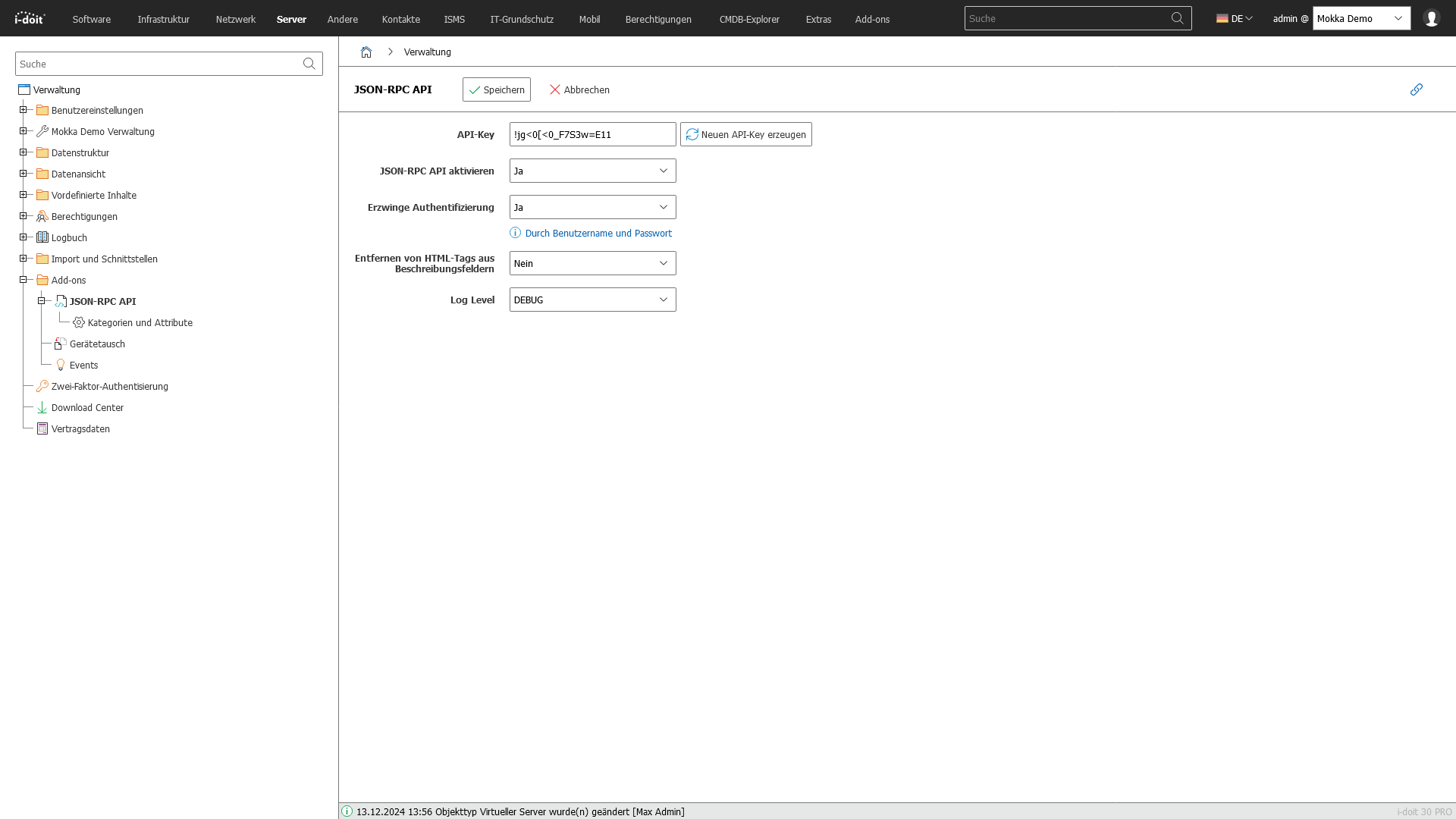
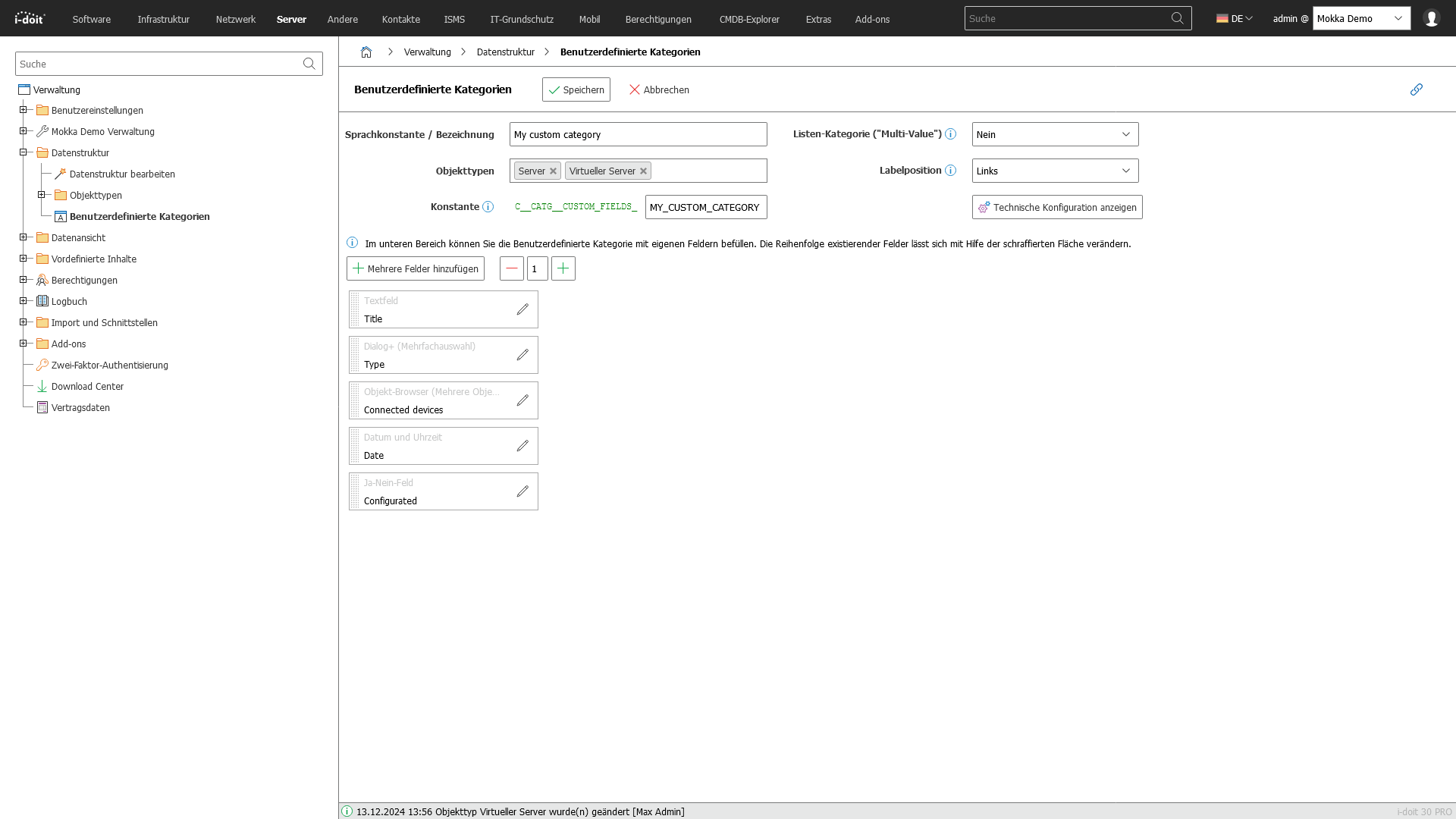
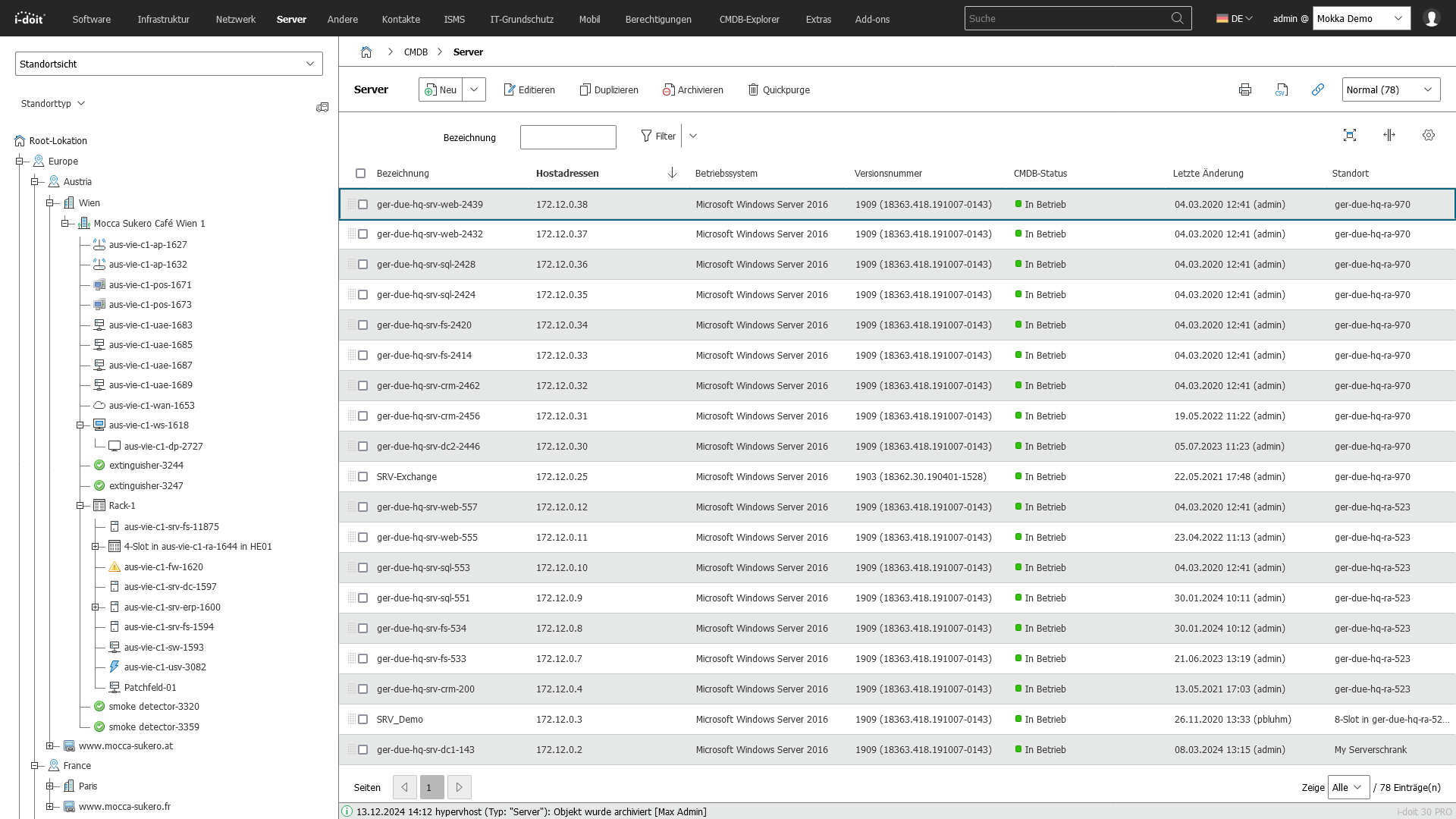
Screenshot

 
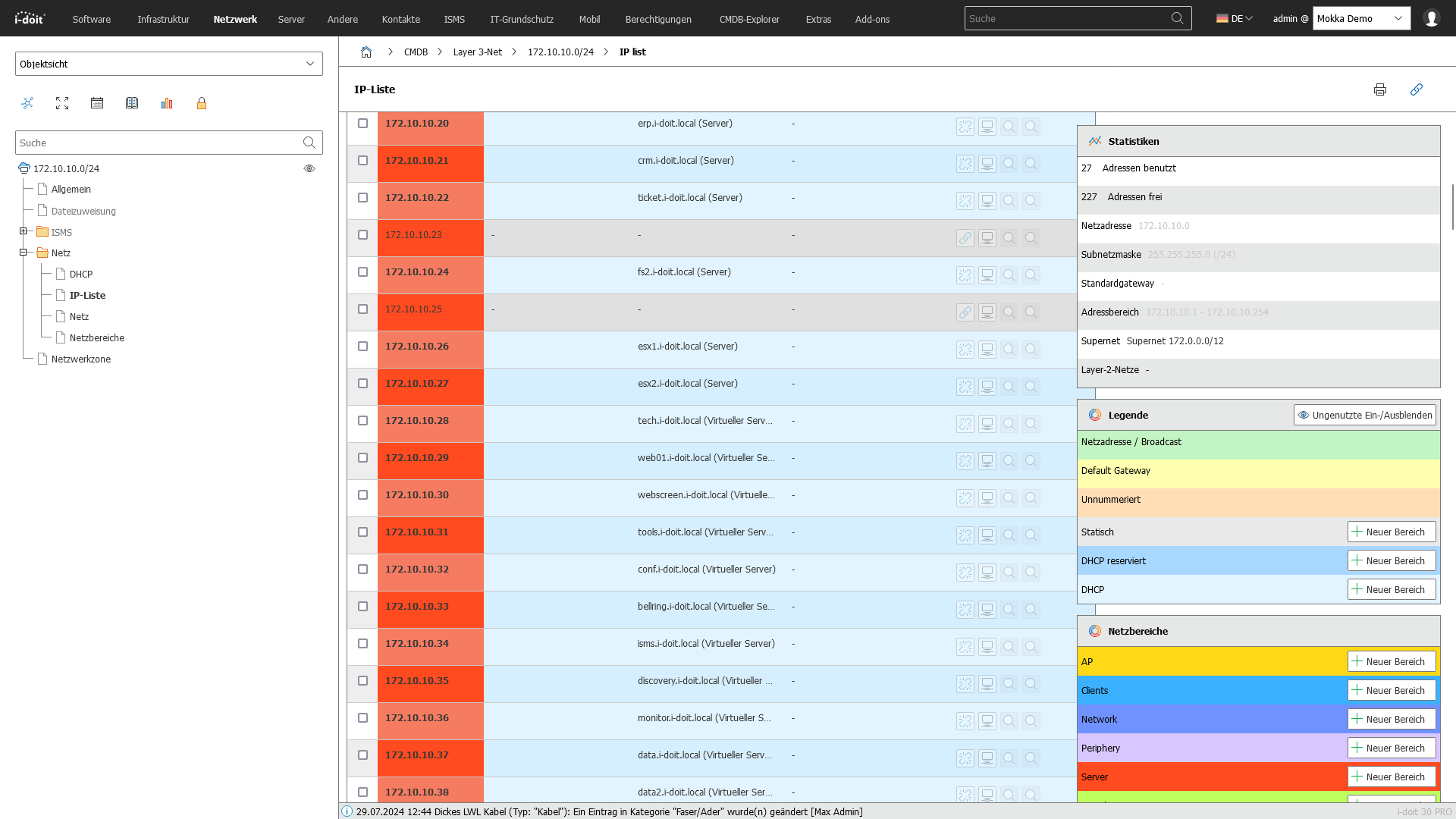
icon-IPAM-dk IP Address Management

Organization and management of IP addresses.

Screenshot

 
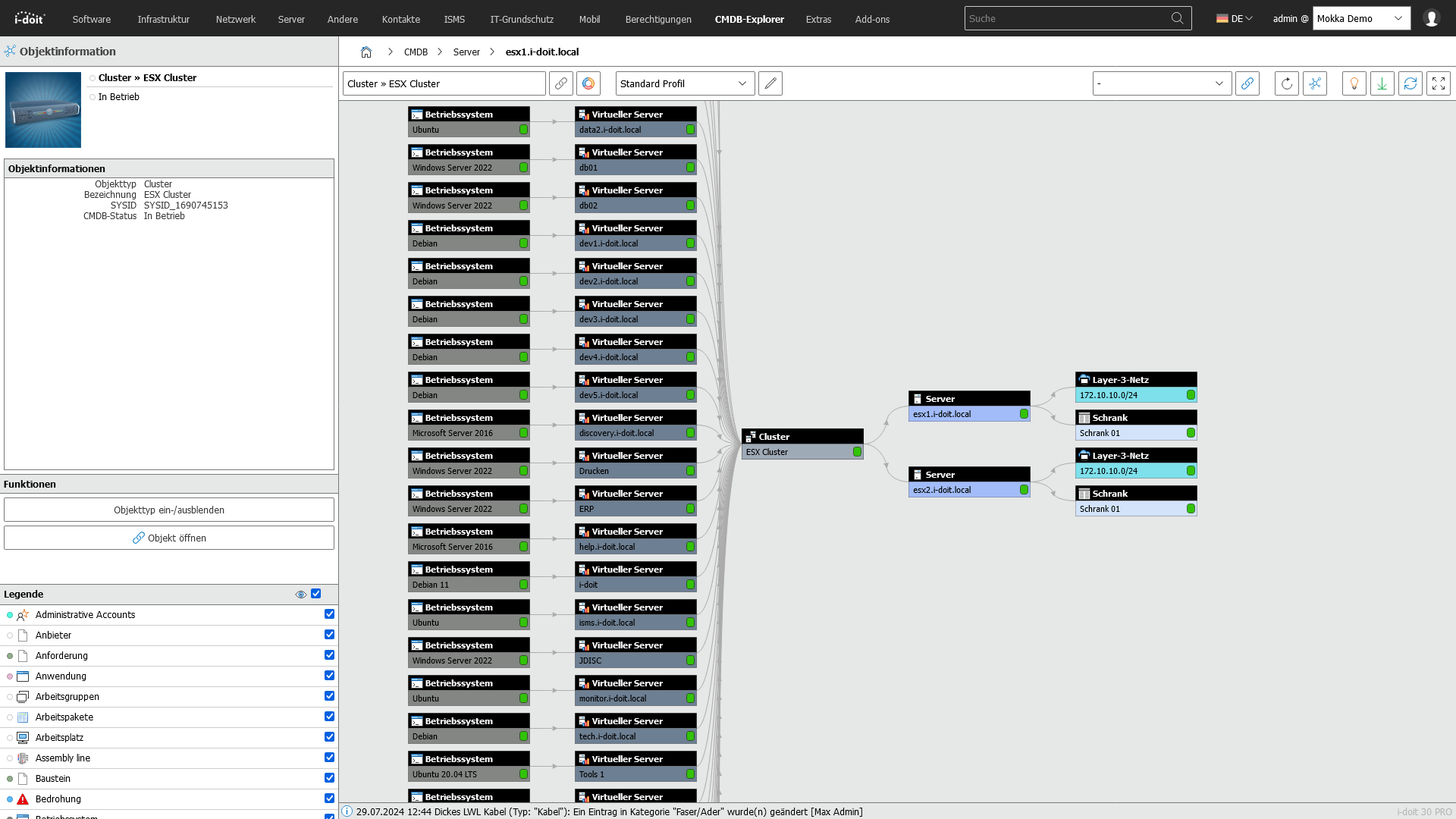
icon-link-dk Relationship Management

Documentation of asset relationships and dependencies.

Screenshot

 
icon-computer-network-dk Network Documentation

Creation and management of network documentation.

Screenshot

 
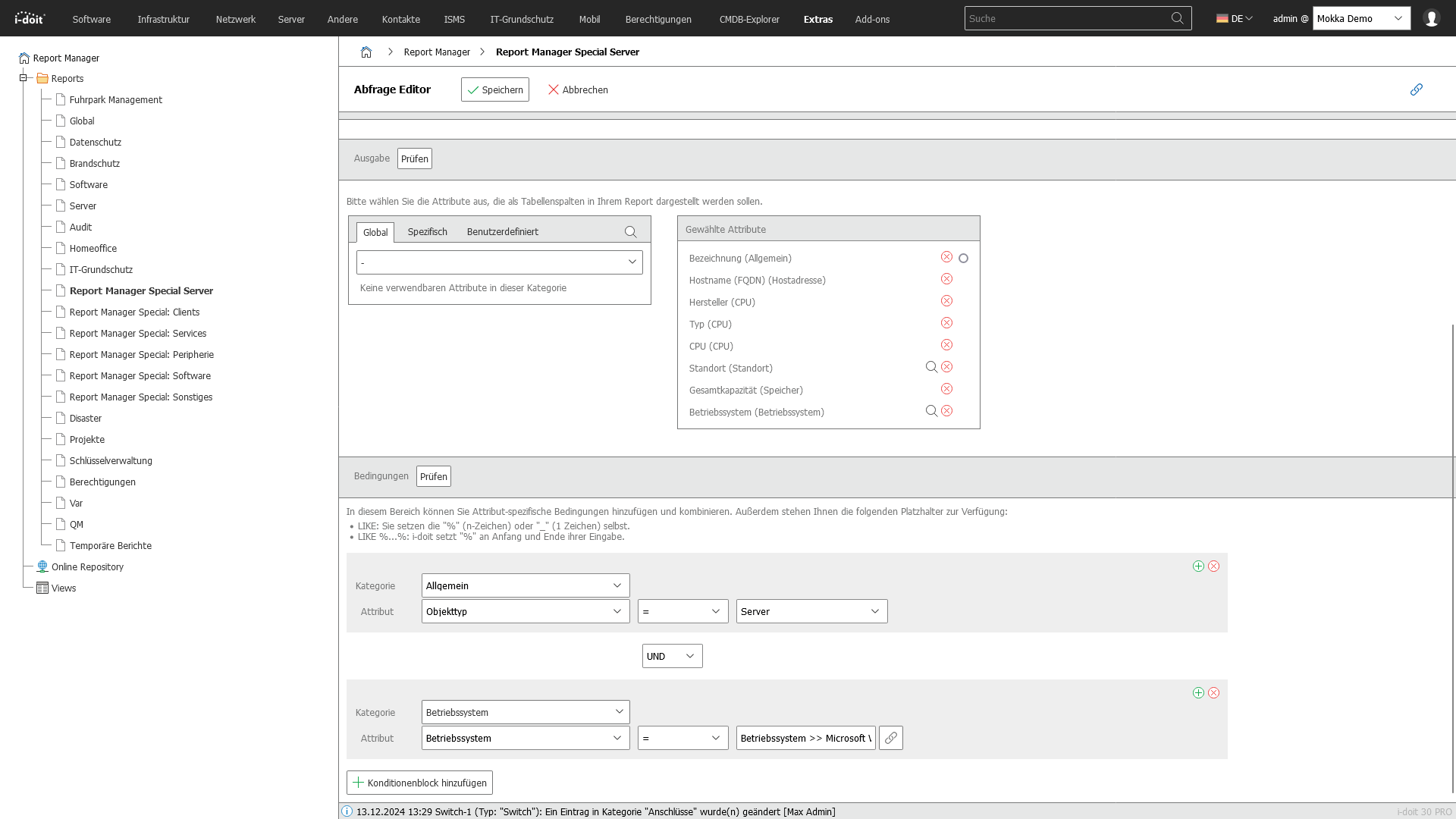
icon-floorplan-dk Customizable Reports

Management and documentation of cabling.

Screenshot

 
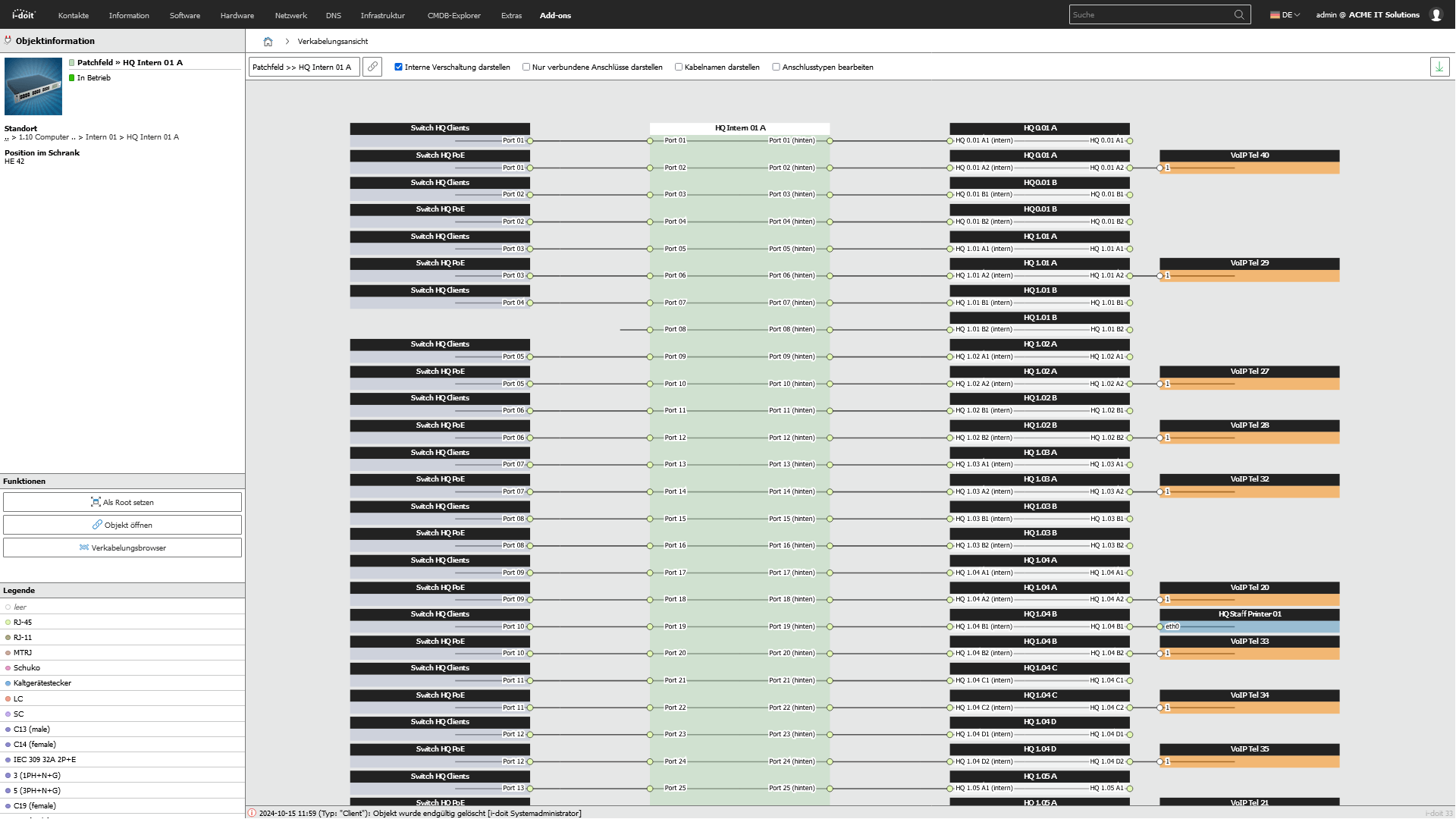
icon-cable-management-dk Cable Documentation

Management and documentation of cable connections.

Screenshot

 
icon-discover-it-assets-dk Asset Capture

Recording of all IT devices and components.

Screenshot

 
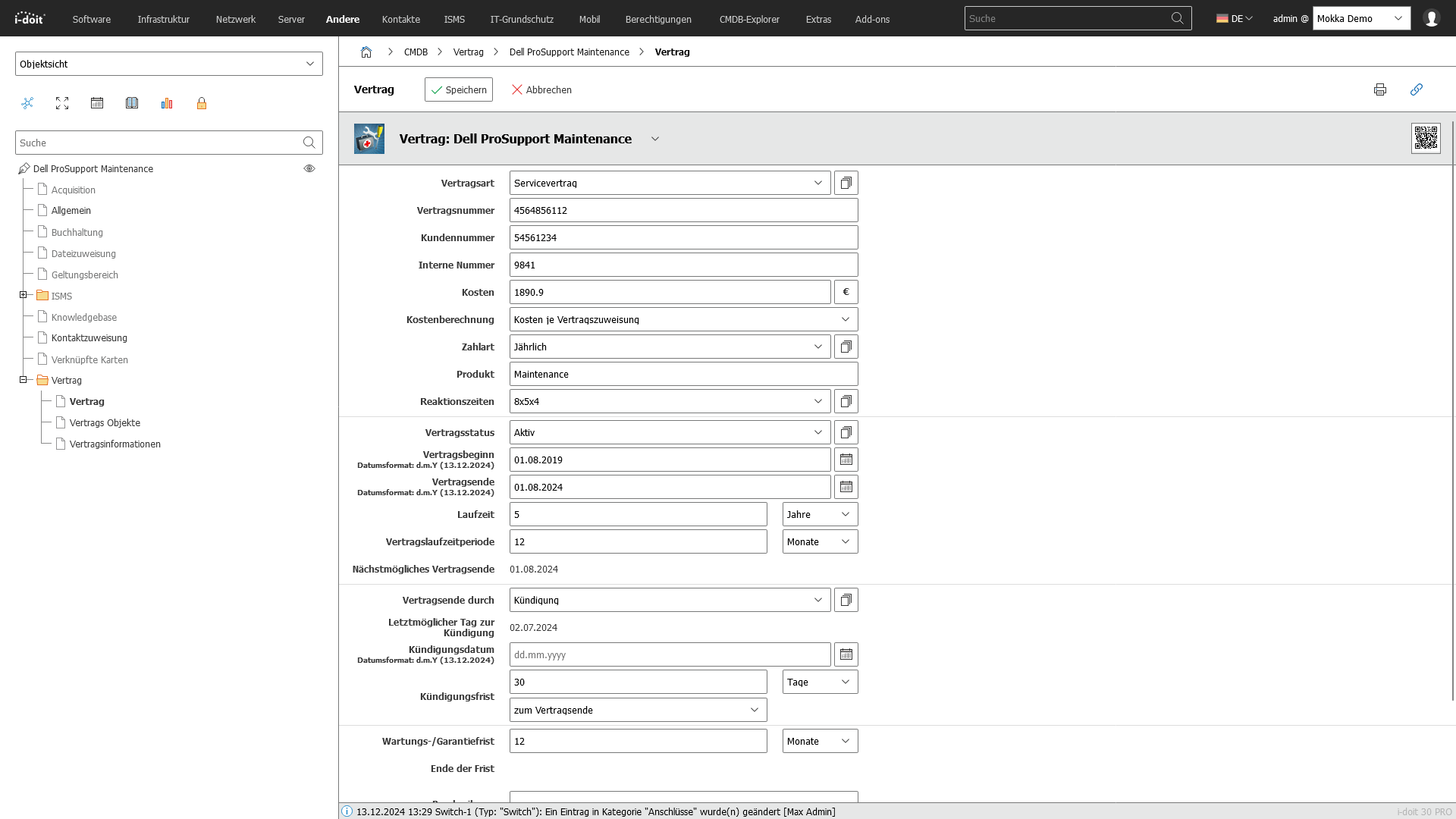
icon-digital-contract-management-dk Contract Management

Monitoring of maintenance and service contracts.

Screenshot

 
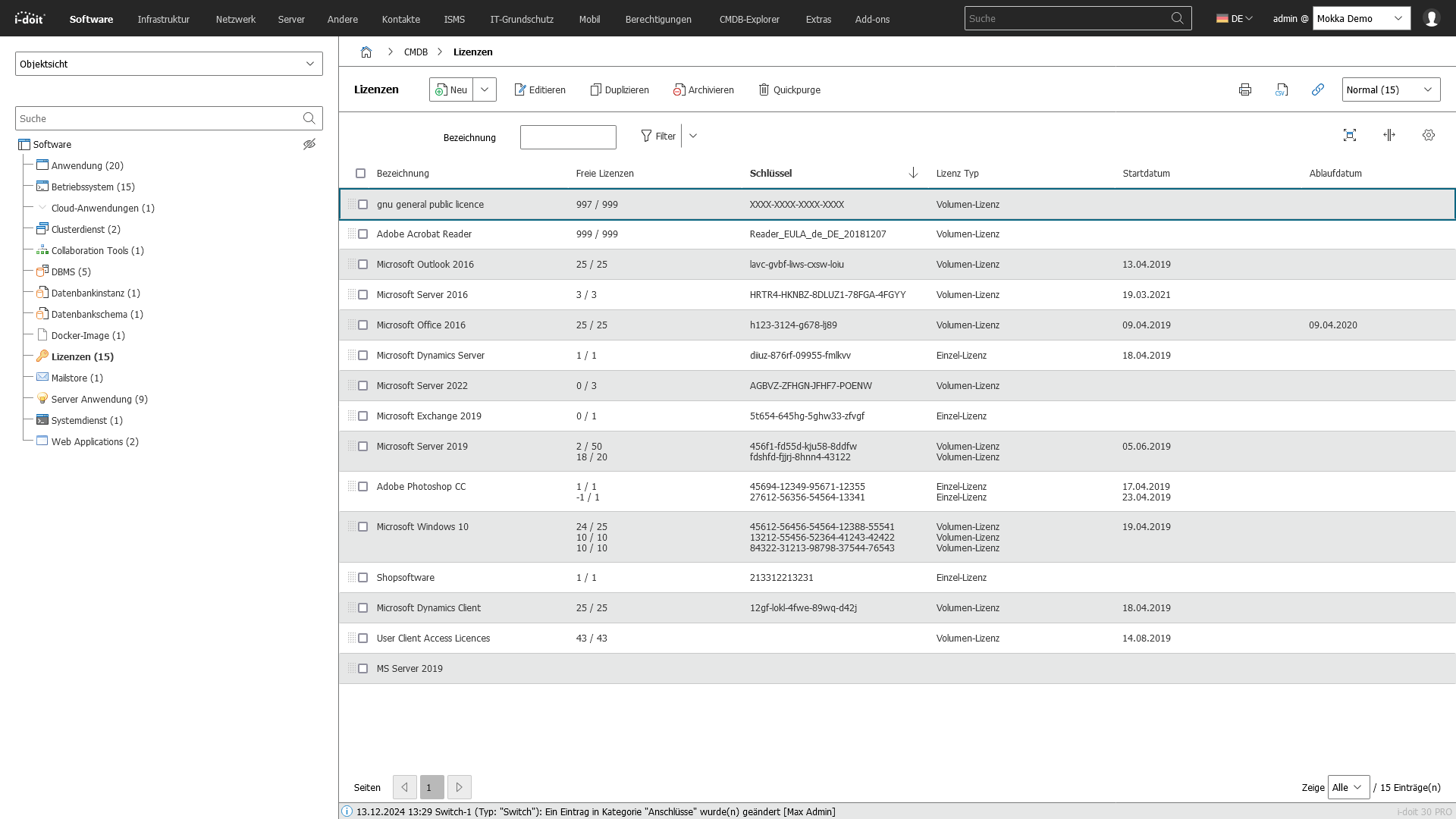
icon-license-management-dk License Management

Management and monitoring of software licenses.

Screenshot

 
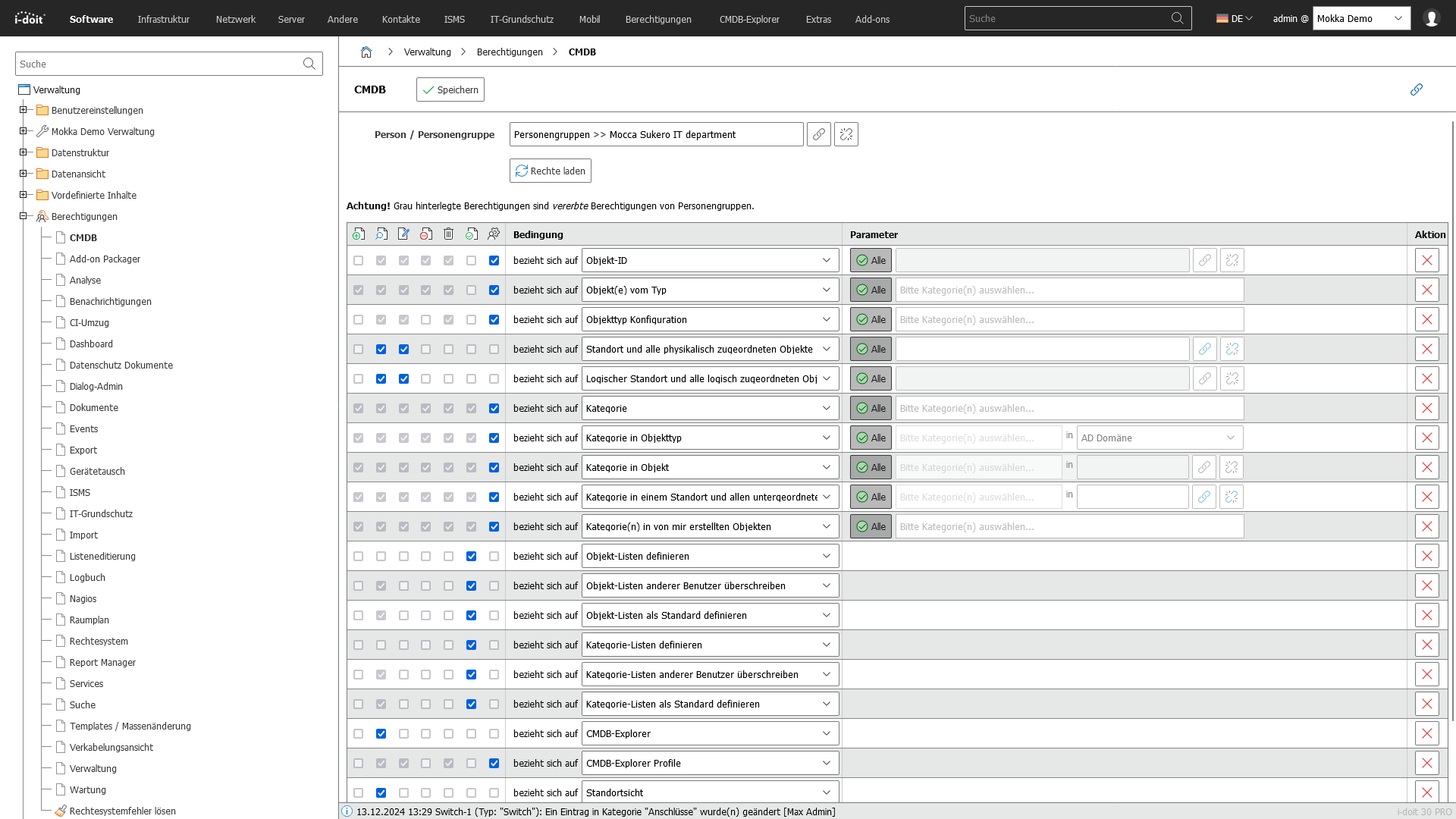
icon-it-documentation-in-team-dk Roles & Rights Management

Assignment of rights and roles to individuals and groups.

Screenshot

 
icon-it-monitoring-dk Monitoring Integration

Connection to monitoring tools for real-time monitoring.

Screenshot

 
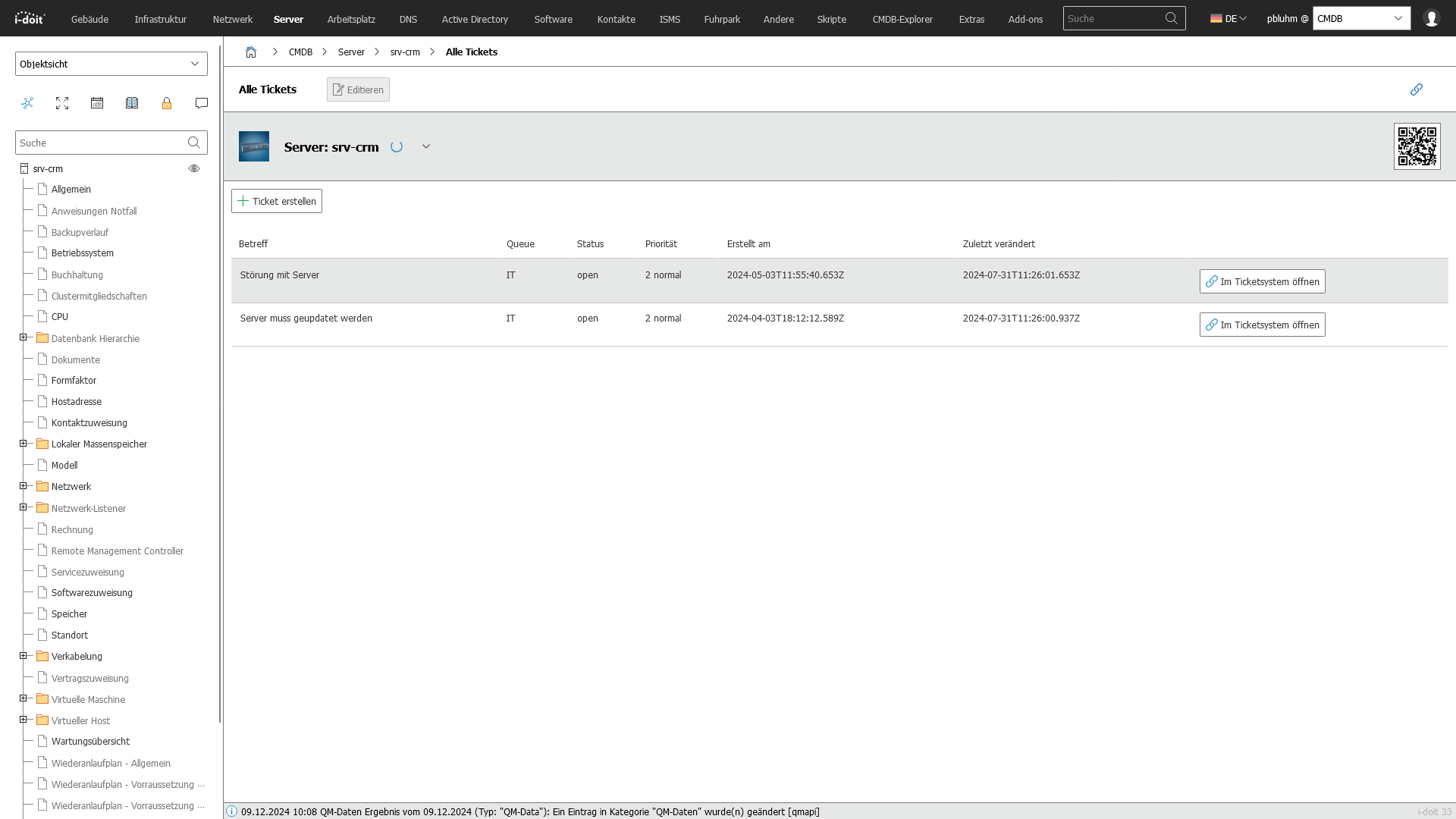
icon-it-service-desk-dk Service Desk Integration

Integration with IT service desk systems for support requests.

Screenshot

 
icon-api-dk API Integration

Connection to monitoring, inventory, warehouse, service desk, and ERP management.

Screenshot

 
icon-i-doit-premise-and-cloud-combined-dk On Premises & Cloud

i-doit can be hosted locally (with/without internet) or in our cloud.

 
icon-manage-it-ifrastructure-dk Customizing

Thanks to i-doit's flexible adaptability, your company requirements can be mapped.

Screenshot

 
icon-floorplan-dk Location Management

Visualization of IT infrastructures at the site level.

Screenshot

 
Show more

Reviews

Capterra Bewertung 4.7i-doit_transparent_final
Roland A.Hospital Supply & Healthcare
"We have used i-doit for many years and it served us very well. It is pretty easy to use, yet very advanced in its possibilities. Setting it up in the first place is absolutely no problem for an average skilled IT worker."

rating_transparent
Markus B. Hospital Supply & Healthcare
"i-doit – a very good software for network administrators"
rating_transparent
Joachim S. Information Technology & Services
"We now have a significantly better overview of the systems we use, including their maintenance and service contracts."

rating_4_transparent
Use cases

IT documentation

A complete and up-to-date IT documentation is the foundation for transparency, security, and efficient processes in IT. With i-doit you get a central platform that maps your entire IT infrastructure, updates it automatically, and documents it in a legally compliant and audit-ready way.

Use-Cases with i-doit:
  • Central platform: Manage all IT assets and services in a unified data base instead of scattered Excel spreadsheets.
  • Automated updates: Integration of discovery tools like JDisc for the automatic capture of hardware, software, and networks.
  • Audit-proof documentation: Support for audits, certifications, and compliance requirements (e.g. ISO 27001, BSI).
  • Visualization: Creation of building, room, and network plans for full transparency over your infrastructure.
  • Efficient collaboration: Role and rights management for IT teams and cross-departmental use.
  • Fast migration: Import of existing data via CSV import or API connection.
  • Document generation: Automatic creation of manuals, reports, and handover protocols directly from the CMDB.
screenshot-dokumentation

Integrations

Unlimited integrations connect i-doit with your IT landscape

icon-it-service-desk-cut IT Service Desk Systems

i-doit integrates seamlessly with IT service desk systems to optimize your support processes. Compatible systems include ((OTRS)) Community Edition, KIX Service Management, and Zammad.

 
icon-api-cut API Interface

Through the flexible API, i-doit can be integrated with numerous software solutions, including ERP systems.

 
icon-it-inventory-cut Inventory Systems

To automatically add data and assets to your i-doit system, we recommend using specialized inventory systems such as JDisc or OCS.

 
icon-ipam-cut Network Management Systems

With i-doit, you can document your network topology in detail and integrate network management tools.

 
icon-it-documentation-in-team-cut Directory Services

For centralized and secure user and rights management, i-doit can be integrated with directory services like LDAP or Active Directory.

 
icon-it-monitoring-cut Monitoring Systems

i-doit is designed for joint operation with monitoring systems such as Nagios or Checkmk.


Add-ons

40+ Add-ons – for specialized use cases & integrations

add-on-analysis-box
Analysis

Powerful data analysis add-on. Calculate service costs, check CMDB data quality, and run failure simulations. 

Read more

add-on-flows-box
Flows

Create powerful automations without any programming knowledge – run on a schedule or manually at the push of a button.

Read more

add-on-isms-box
ISMS

Build an Information Security Management System with risk analysis and management per ISO 27001.

Read more

add-on-documents-box
Documents

Automatically generate documents as PDFs with up-to-date data (e.g. hardware handover forms or disaster recovery plans).

Read more

add-on-checkmk2-box
Checkmk2

Integrate the Checkmk2 monitoring system into i-doit. Supports comparisons between target and actual states from CMDB and monitoring.

Read more

add-on-forms-box
Forms

Easily create forms for simplified data entry by users – e.g. let users document their own hardware or goods.

Read more

add-on-trigger-box
Trigger

Assign custom triggers to buttons and launch IT processes directly from i-doit – e.g. automatically deploying a virtual machine.

Read more

add-on-viva2-box
VIVA2

Create an information security management system (ISMS) using the BSI IT-Grundschutz methodology.


Read more

Reference cases

Max-Planck-Institut for Plasma Physics

Asset Inventory

One of the largest projects in nuclear fusion research – ASDEX Upgrade – uses i-doit to inventory and manage technical systems.

ref-max-planck
ScaleUp Technologies

Asset Management

A leading operator of cloud and data center services. Uses i-doit for asset management. Automation for system configuration and setup is handled via Ansible.

ref-scale-up

Book your free demo now

Your no-obligation appointment – personal, compact, and hands-on.

In an individual demo, we'll show you the core functions, typical use cases, and real value. You'll get a clear overview, see concrete practical examples, and can ask your questions directly to our experts.

FAQs about i-doit

What is i-doit?

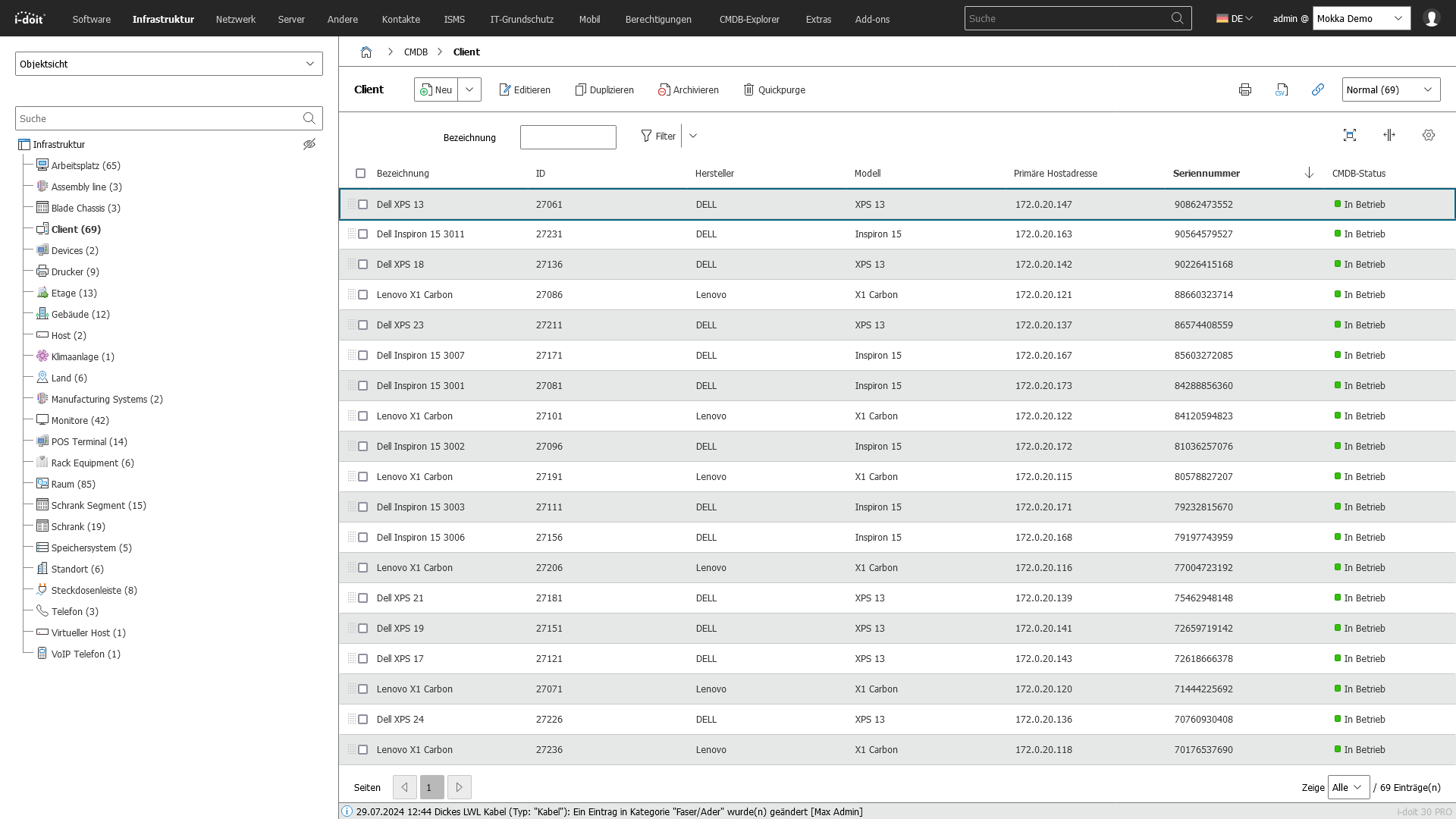
 i-doit is a web-based software solution for comprehensive and detailed IT documentation. It is available both on-premises and in the cloud. The software allows you to capture data on all aspects of your IT landscape. By mapping relationships between objects, i-doit can be used to build a full-featured CMDB. Thanks to its numerous interfaces, third-party systems such as discovery and monitoring tools can be connected to i-doit, making it the foundation for a complete ITSM solution. 

What company size is i-doit suited for?

 The data model of i-doit allows for an unlimited size of IT documentation, making the software suitable for companies of all sizes. 

Can I try i-doit in advance?

 Yes. Please use our 30-day trial version, available as an on-premises version and as a virtual machine. The trial includes all i-doit add-ons developed by synetics as well as one full month of support. 

FAQs about test version

How do I get my trial license/version? Click the button on the page to get your trial version and license key. You'll then receive an email with all the details for downloading the software and license key, or for the automatic creation of your cloud instance. 
What features does the 30-day trial include?

 The trial is a fully functional IT documentation system in which you can create up to 5,000 objects. You have access to all add-ons developed by synetics GmbH, as well as additional third-party i-doit add-ons. 

How can I test an on-premises version?

After clicking a button on the page, you can choose the type of installation to download and test:

  • Virtual Machine: A complete i-doit installation on Debian GNU/Linux 12.
  • Windows Installer: Sets up a complete i-doit environment on Microsoft server systems with a single click.
  • Automatic Installation: An interactive Bash script guides you through all configurations on a Linux system and installs the required components.
  • Manual Installation: Web server, database, PHP, and i-doit are manually installed and configured. Backups and cron jobs must also be set up independently.
How can I test a cloud version?

 After clicking a button on the page, you can choose the type of cloud trial instance. If you select the cloud option, a virtual environment will be automatically created for you.