Skip to content

Discovery Bundle with J-Disc

Your CMDB is only as good as its data.

Automated discovery meets reliable documentation — with the i-doit & JDisc Discovery Bundle, you get precise, up-to-date, and trustworthy data in your CMDB every day.

rating-stars-transparent-white 4.7/5 on Capterra | 2.000+ satisfied customers

i-doit-indart-header

Test free for 30 days

icon-it-documentation-in-team-dk
2.000+ Customers
icon-api-dk
No payment details required
icon-link-dk
Support included
icon-digital-contract-management-dk
Full feature set
icon-it-security-dk
GDPR compliant

Without reliable data, your CMDB loses its value

icon-sectornord-sicherheitsbedrohungen Security threats go undetected

 Without current data, vulnerabilities are missed and security risks increase. 

 
icon-trust-in-cmdb Outdated information leads to poor decisions

Stale data causes incorrect decisions and misjudgements. 

 
icon-sectornord-nicht-genehmigte-software Unauthorised software and legacy systems go unnoticed

A lack of visibility into installed software and ageing systems increases risk.


icon-sectornord-notrust Trust in the CMDB erodes

An unmaintained CMDB loses its value and becomes a burden rather than an asset.


The perfect combination: CMDB & Discovery in one bundle

screenshot-CMDB-2024-laptop

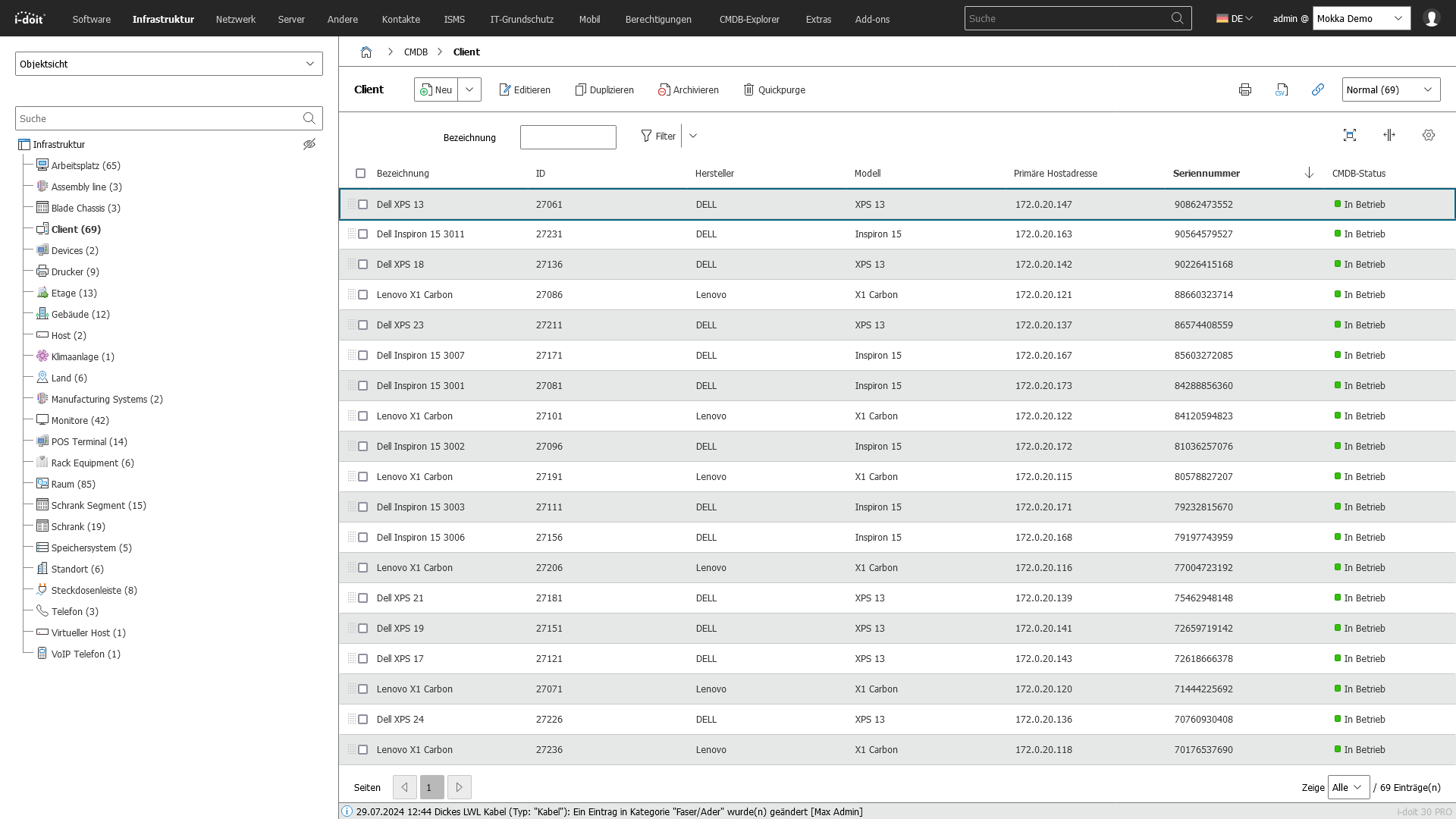
i-doit CMDB

Documents all your IT assets, relationships, and changes in one central, audit-proof location. Perfectly integrated — data flows automatically and reliably into your CMDB.

Perfectly integrated – data flows automatically and reliably into your CMDB.

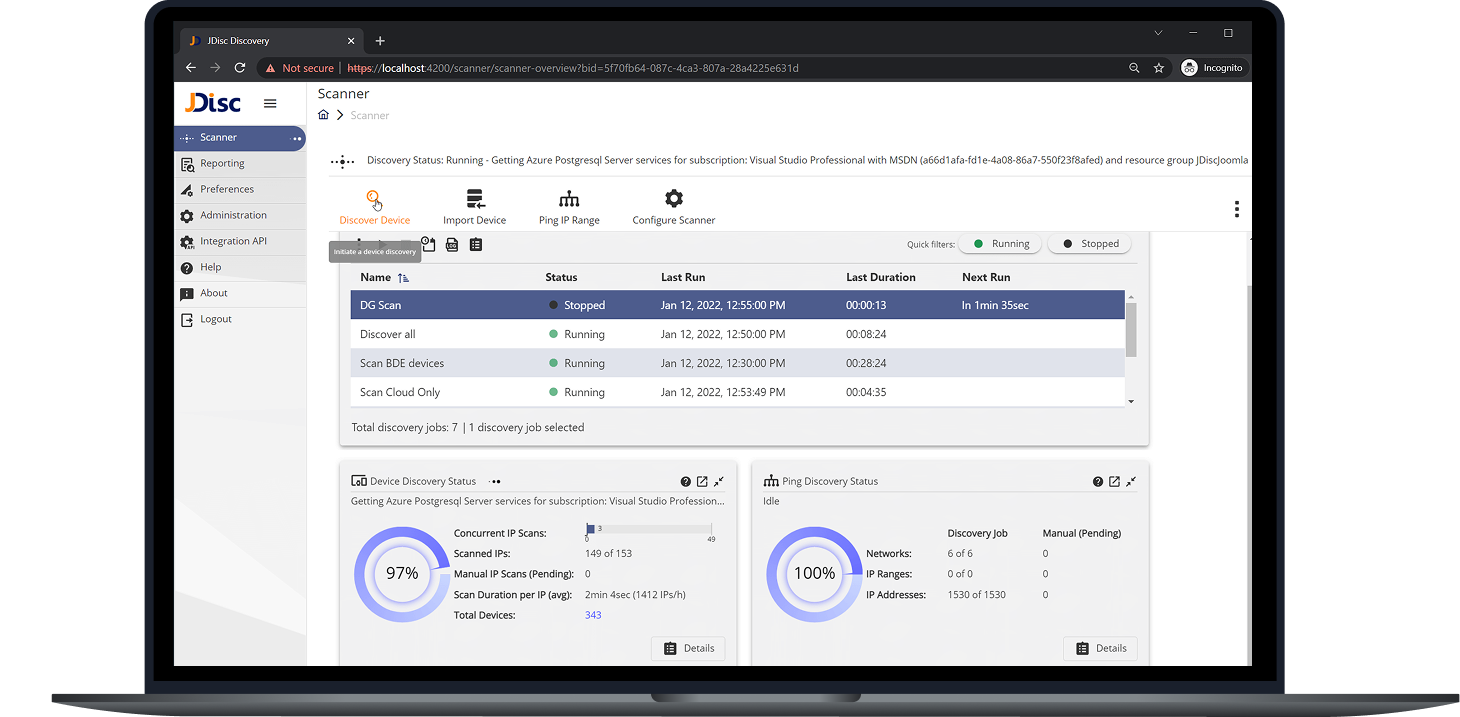
JDISC screenshot laptop

JDISC DISCOVERY

Automatically discovers your entire IT infrastructure — no agents required.

Why so many customers use the i-doit + JDisc Bundle

Trusted by hundreds of customers: achieve comprehensive, always up-to-date IT documentation with the powerful combination of i-doit and JDisc. Together, they form a robust ecosystem that seamlessly integrates CMDB and discovery into a single unified framework — with no additional effort.

Features

The i-doit + JDisc Discovery Bundle combines features from Discovery, CMDB, ITSM & ITAM

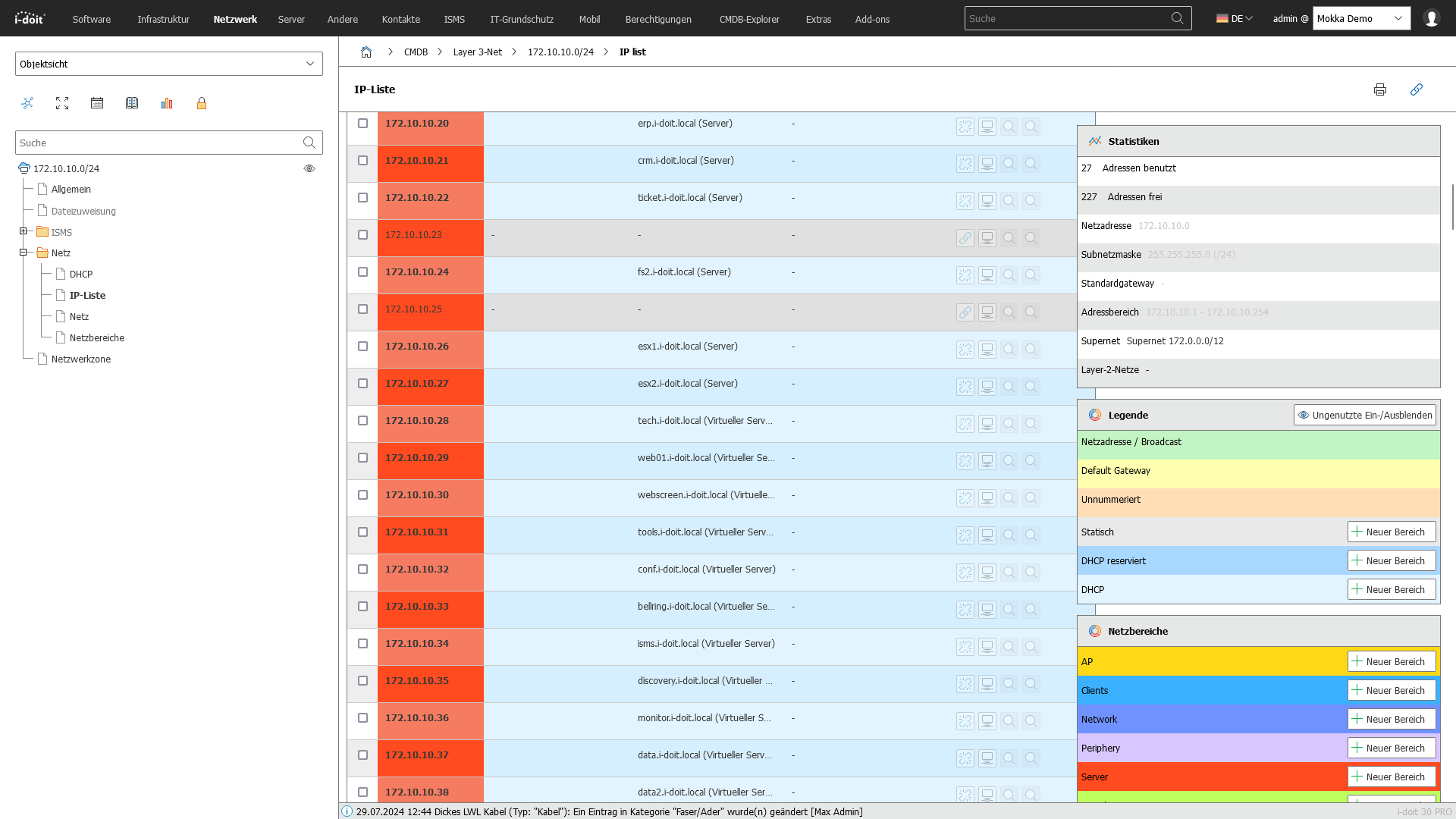
icon-configuration-management-database-dk Automatic Network Discovery

Detects devices, interfaces, connections, and topologies — completely agentless.

Screenshot

 
icon-new-it-services-dk Configuration & Change Tracking

Backs up router and switch configurations and tracks changes over time.

Screenshot

 
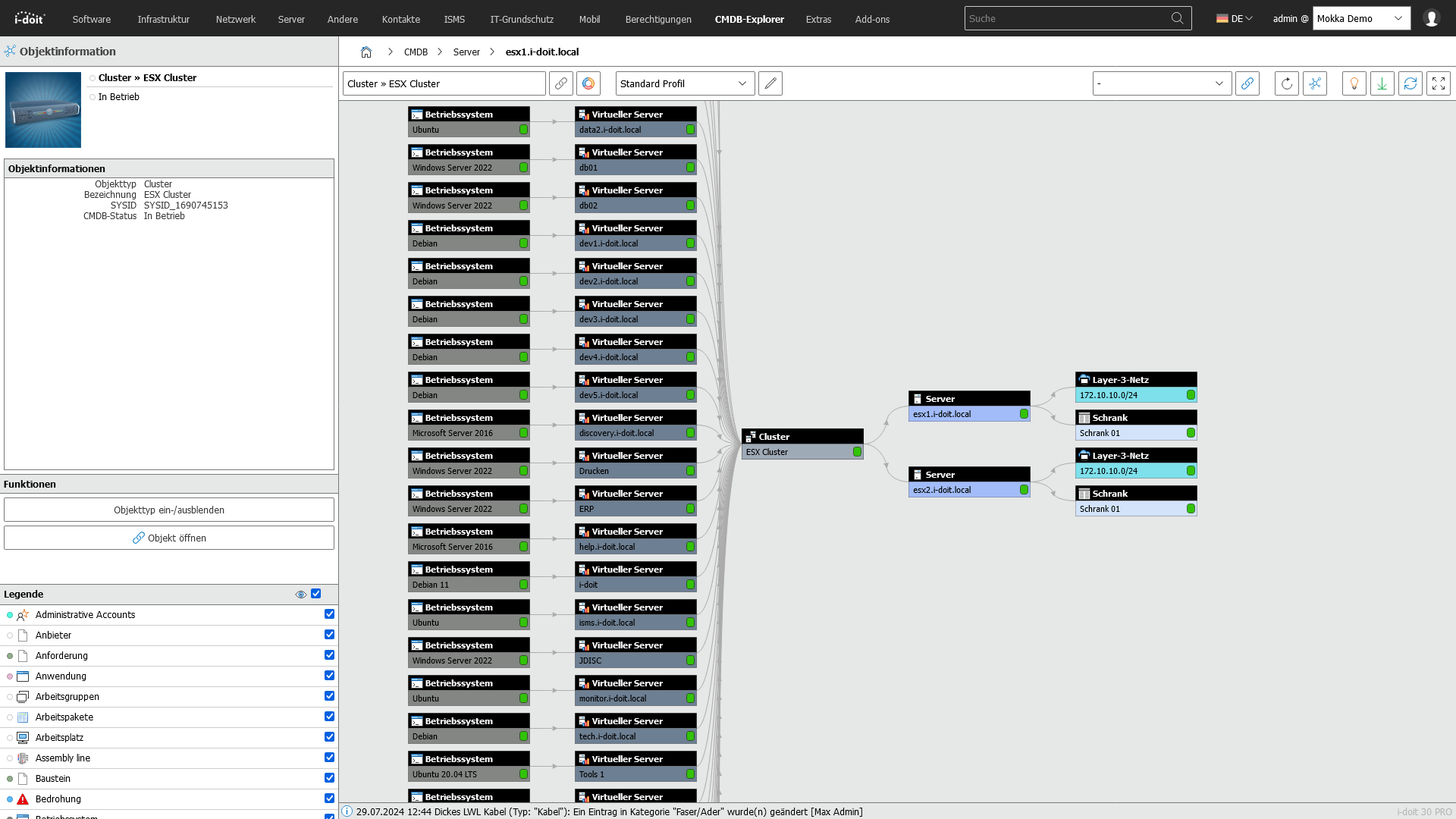
icon-it-inventory-dk Wi-Fi & Virtualisation Analysis

Captures visible wireless networks and access points, and detects virtual machines and hosts.

Screenshot

 
icon-automated-it-documentation-dk Detailed Reports & Export Functions

 Generates flexible reports on assets, networks, and dependencies — exportable to CSV, Excel, and more.

Screenshot


i-doit + JDisc: Perfectly integrated for reliable IT data

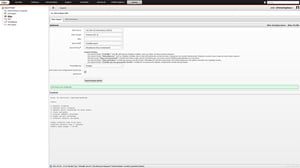
i-doit and JDisc Discovery together form a powerful solution for precise IT documentation. Discovery data from JDisc flows seamlessly into the i-doit CMDB — delivering current, trustworthy information without any manual upkeep.

jdisc-und-i-doit-importvorgang-starten

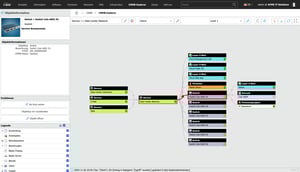
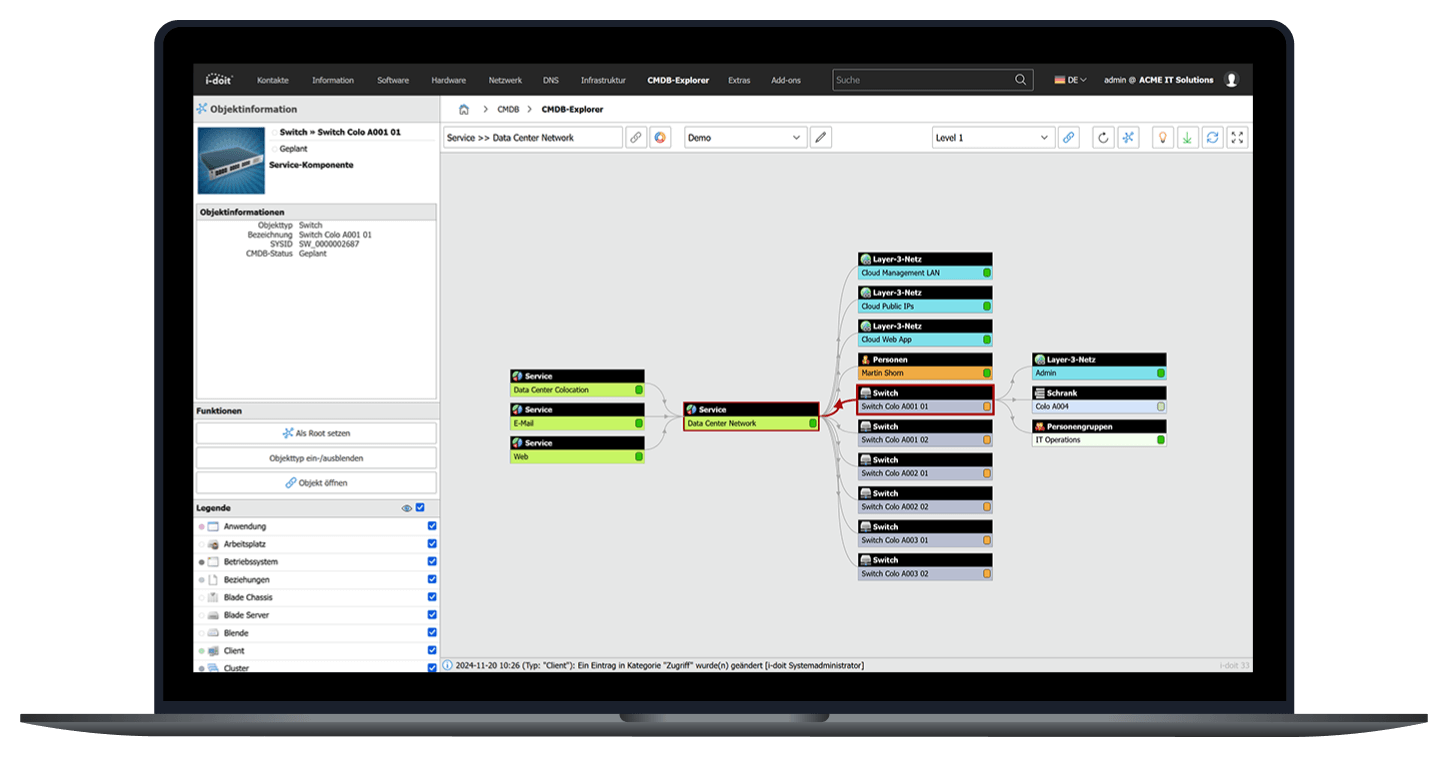
i-doit CMDB: The Central Source for Your IT Documentation

 With i-doit, you capture and structure all IT and non-IT assets across your organisation in one place. Relationships, responsibilities, and technical details are clearly documented — forming the foundation for change, compliance, and incident management. 

screenshot-CMDB-2-2024

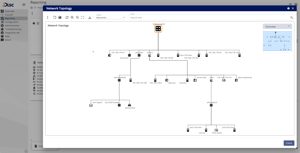
JDisc Discovery: Automatic Discovery of Your IT Landscape

JDisc Discovery scans your network agentlessly and detects devices, connections, and topologies — whether physical, virtual, or in the cloud. The result is a complete and always up-to-date overview of your entire infrastructure.



i-doit-JDIISC-NetworkTopology
contact-cta-bg-light

Book your personal live demo

Our i-doit team will be happy to take the time to advise you personally on your application. 



What exactly is...

... an object in i-doit?

 An object corresponds to an asset or Configuration Item (CI) — for example, a server, a router, or a client PC. Operating systems, office applications, contracts, and licences are also treated as objects in i-doit. 

... the difference between objects and credits?

Discovering devices on your network varies in complexity. For this reason, JDisc has introduced categories that reflect the effort involved in the underlying programming. Credits are used to make these categories comparable with one another. Once devices have been discovered, they simply need to be imported into i-doit — where each device corresponds to one object. 

... a JDisc Credit?

 JDisc captures devices across four different categories. These categories are based on the programming effort required to discover the assigned devices. JDisc Credits are used to make these categories comparable. 

Frequently Asked Questions

How many devices can I scan with the trial licence?

 The trial licence includes 7,800 JDisc Credits, which corresponds to approximately 1,000 discovered devices on your network — giving you ample opportunity to test the solution thoroughly. 

Can I use i-doit discovery on Linux or Unix?

i-doit discovery runs exclusively on Microsoft Windows operating systems. A Windows Server system is recommended, though Windows 10 or 11 is sufficient for testing purposes. 

Do I need additional software to import data into the CMDB?

No — the required interface is already built into i-doit. 

How many i-doit objects can I document with the trial version?

 The i-doit pro licence included in the trial allows you to document up to 5,000 objects.