ITAM
Software, use cases & solutions
4.7/5 on Capterra | 2,000+ satisfied customers
What is IT asset management?
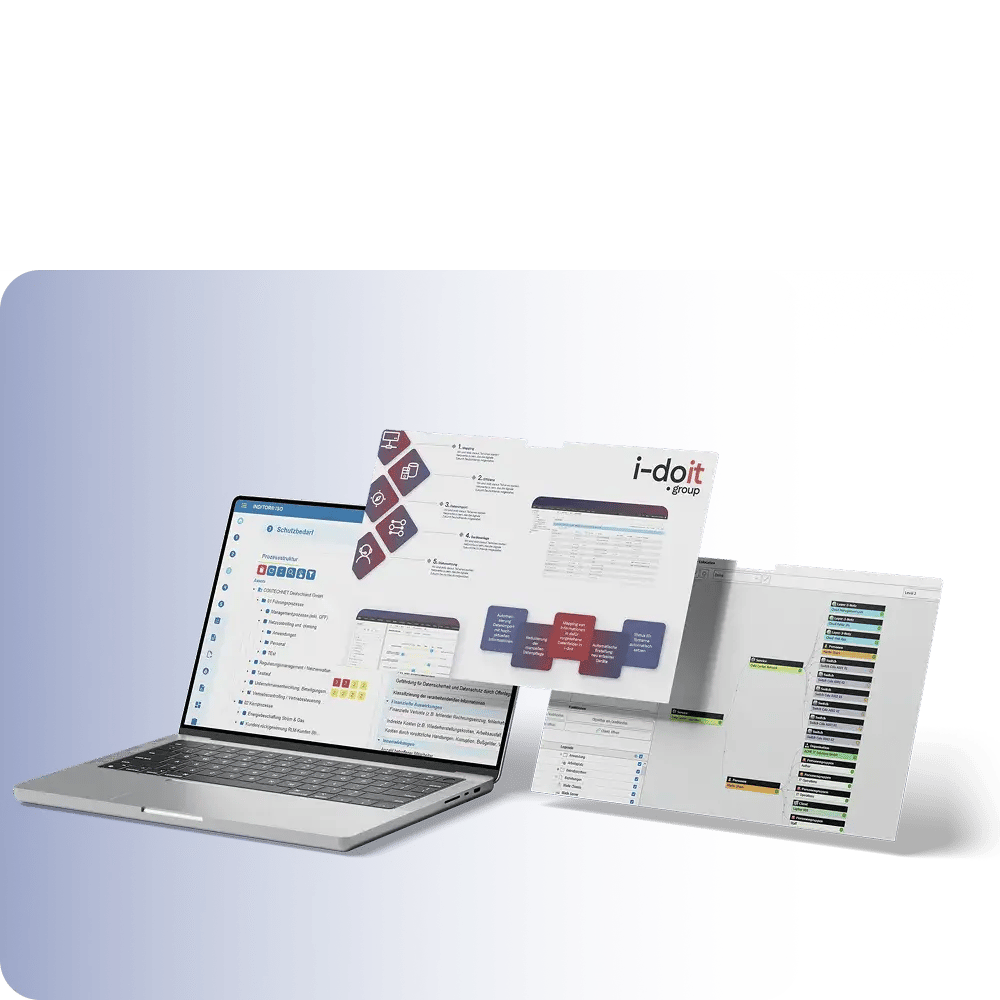
IT Asset Management (ITAM) encompasses the complete management of all digital and physical IT assets - from procurement to usage, costs, contracts, security and retirement.unlike a mere inventory list, ITAM goes far beyond "What do we have?" and answers "Where is it? Who owns it? How much does it cost? What risks does it carry? How does it perform in operation?"
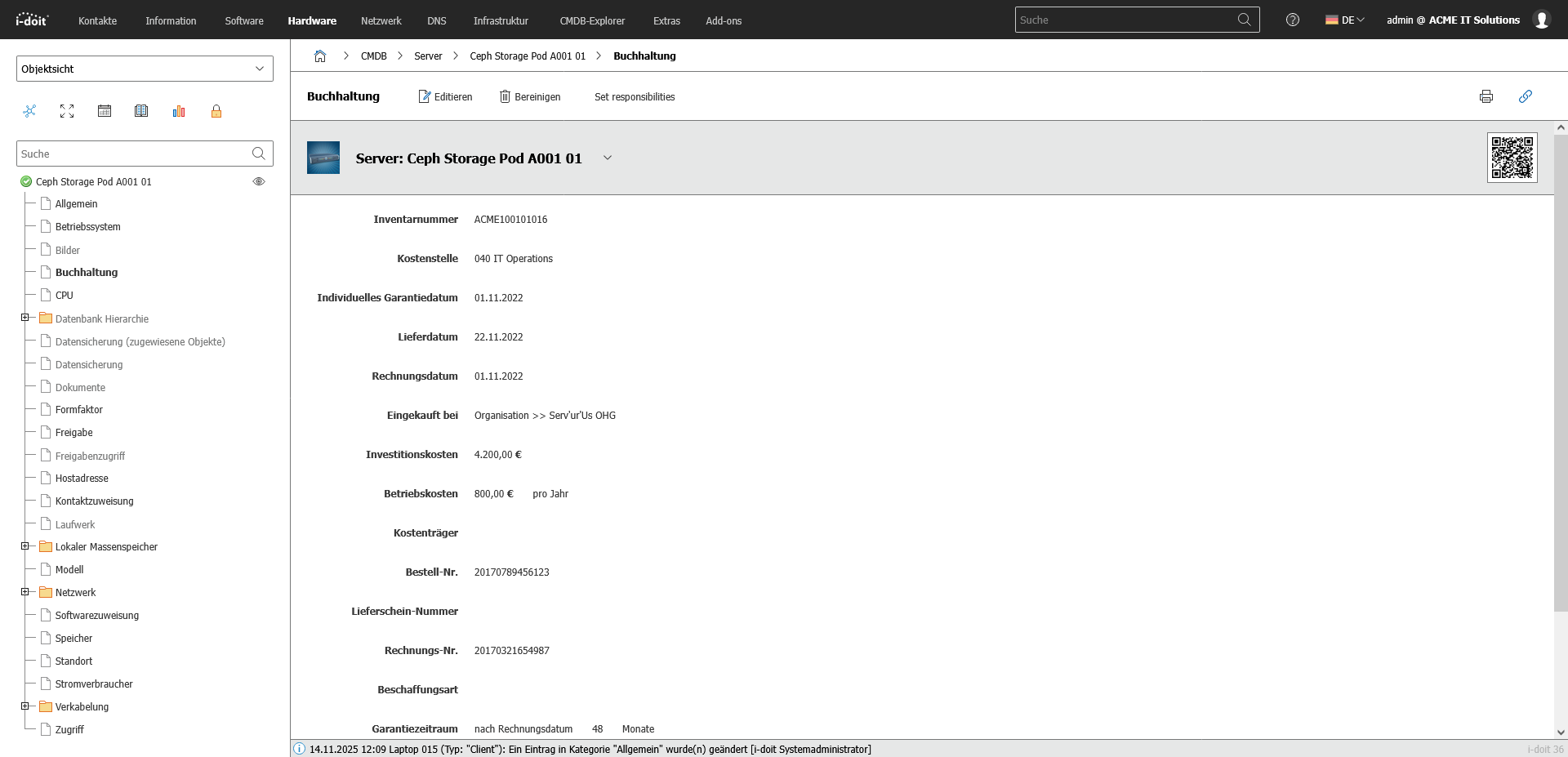
With i-doit Asset Management, you can document devices, software, networks, users, contracts, license rights, locations, security policies and lifecycles - including historical changes, responsibilities and dependencies. IT teams gain transparency, cost security and audit capability instead of just recording hardware.

GRC use cases
Use cases relating to ISMS, risk and compliance management

You control audits centrally, plan audits, document results and automatically generate audit reports.

You can manage documents in an audit-proof manner, version and edit them directly in the tool and use templates and import functions.

i-doit supports GAP analyses according to standards such as ISO 27001, ISO 9001 or NIS2, including maturity level assessment, responsibilities and document assignment.

You evaluate and manage suppliers centrally, document contracts and maintain contact details and replacement suppliers.

You derive measures, distribute tasks, track deadlines and receive automatic notifications by e-mail.

You document and evaluate security incidents in accordance with ISO and NIS2, assign affected assets and centrally derive measures.
Why IT asset management with i-doit does more than any Excel list
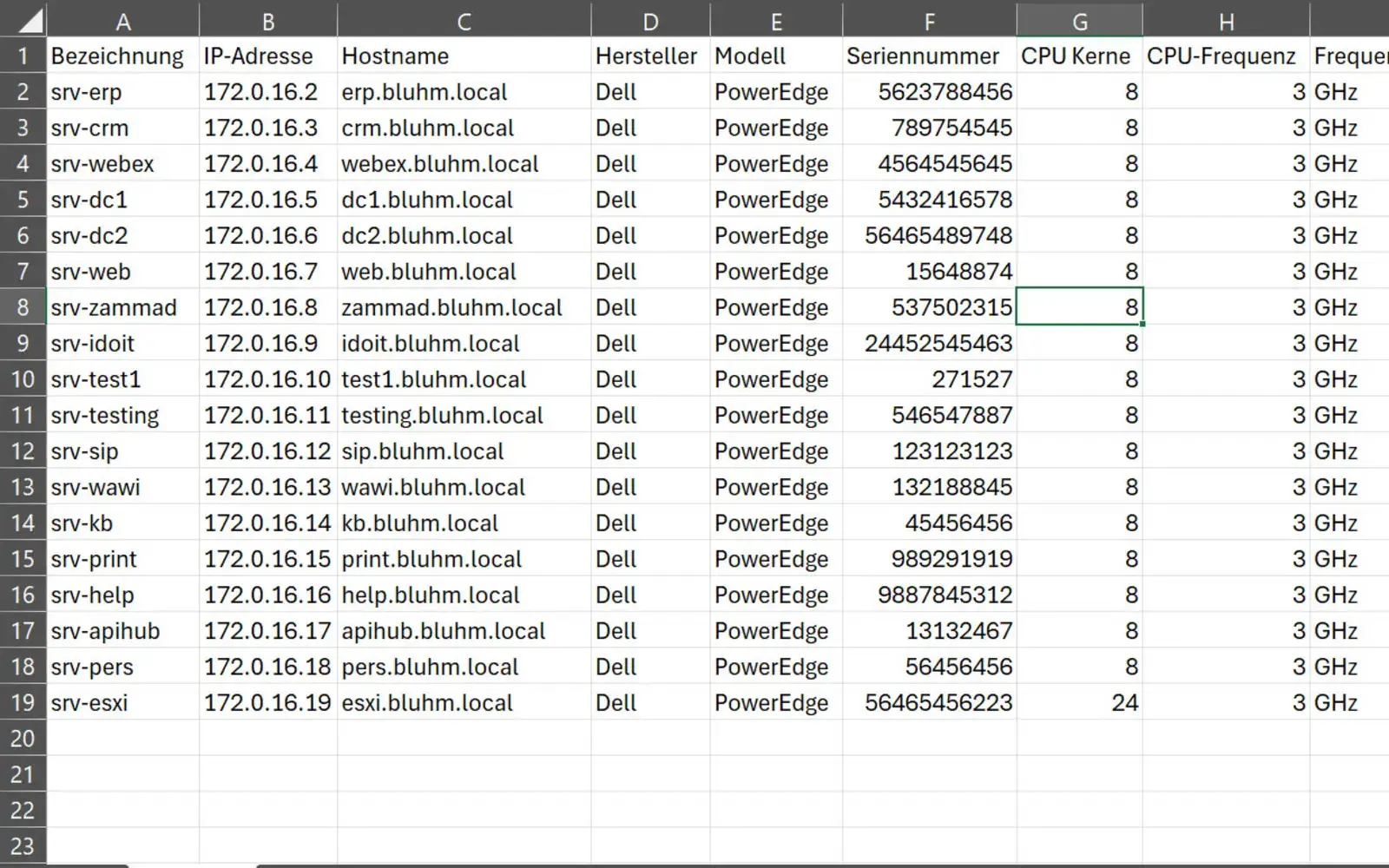
Excel is well suited for quickly recording information. However, as soon as devices, software, users, networks and contracts are connected, a spreadsheet quickly becomes confusing.
An IT asset management tool such as i-doit creates structure here. It brings together scattered information from different sources into a central, coherent database. Existing Excel files can be taken over and shared by the IT teams.
Instead of isolated entries, i-doit shows the relationships between devices, applications, locations and services. These links make dependencies visible, facilitate changes and support processes such as helpdesk, change management and audits.
Advantages:
- Clear connections between devices, software, locations and services
- Every change is automatically documented with a time stamp and person responsible
- Direct support for helpdesk, change management and audits

IT asset management and ticket systems
Efficient processes and maximum transparency in IT support
By connecting a ticket system, i-doit becomes the central information base for IT support. When a ticket is created, all relevant information about the affected device, user or service is immediately available. This includes history, known faults, installed software and associated contracts.
Tickets are linked directly to the corresponding assets. This means that support and technology have access to the same database. Information does not have to be maintained twice and is not lost.
The bidirectional synchronization ensures that status changes and updates are automatically adopted. Manual maintenance is no longer necessary.
Advantages:
- Faster error analysis thanks to direct access to all relevant information
- Uniform data status for support, technology and management
- Automatic synchronization of status and master data without manual effort s up to date.

IT asset management and network discovery
Automated network inventory for consistent data quality and minimized maintenance effort
A discovery tool automatically records network components and keeps the data in i-doit up to date. New devices, changes and additional systems are recognized and transferred in a structured manner.
Unknown systems and shadow IT become visible. The database remains consistent and complete. This significantly reduces the maintenance effort and noticeably increases the quality of the documentation.
Advantages:
- New devices and changes are automatically recorded and adopted
- Hidden systems and shadow IT are documented transparently
- Significantly less effort required for maintenance, reconciliations and updates

CMDB Explorer
Understanding dependencies of systems, applications and services at a glance
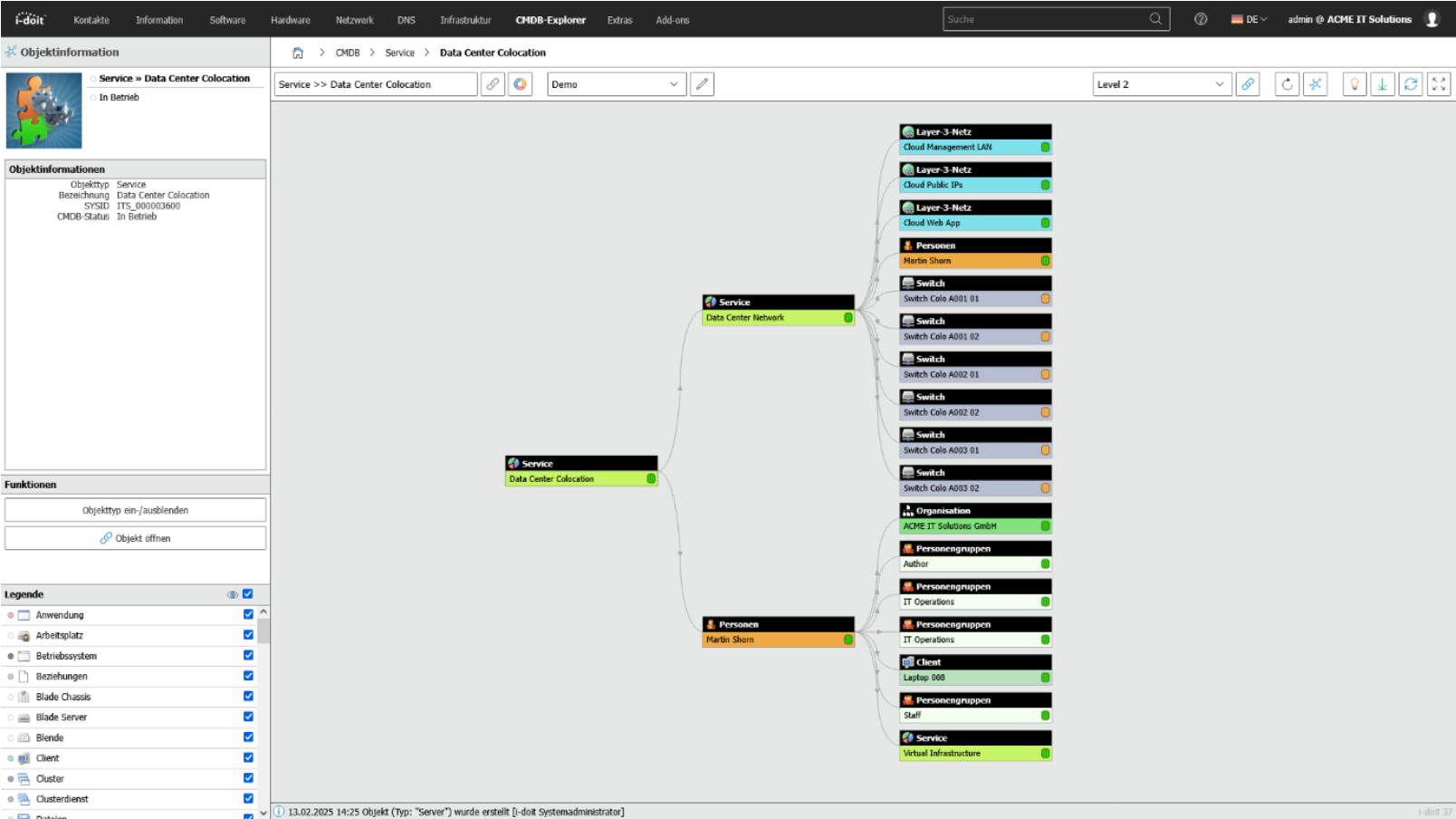
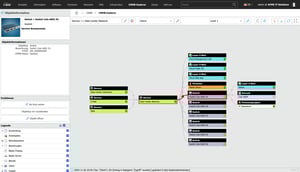
The CMDB Explorer displays IT structures clearly and makes relationships quickly understandable. Devices, software, users, contracts and services are displayed graphically and their relationships to each other are made visible.
This makes it possible to see at a glance which systems are interdependent, what effects changes can have and where risks arise.
Instead of working your way through tables and lists, you get a visual overview of your IT landscape. This supports planning, troubleshooting and decision-making in day-to-day business.
Advantages:
- Clear representation of complex IT structures as a graphic
- Dependencies and effects of changes are immediately recognizable
- Faster analysis of faults and risks

Industries
View all solutions for your industry


Read more


How to finally replace Excel spreadsheets in just a few days
and upload them to i-doit
Configure the web interface
- Finished import into the CMDB
1. Compile Excel files and upload them to i-doit
First, all existing Excel files are compiled. These include overviews of devices, software, locations, contracts or contact persons. Incomplete or differently structured tables can also be used.
i-doit can flexibly assign different device types and data fields. Different structures or designations are no problem.
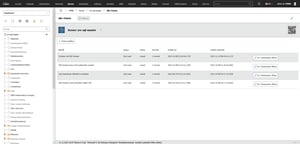
The files are then imported directly via the i-doit interface and are centrally available there.

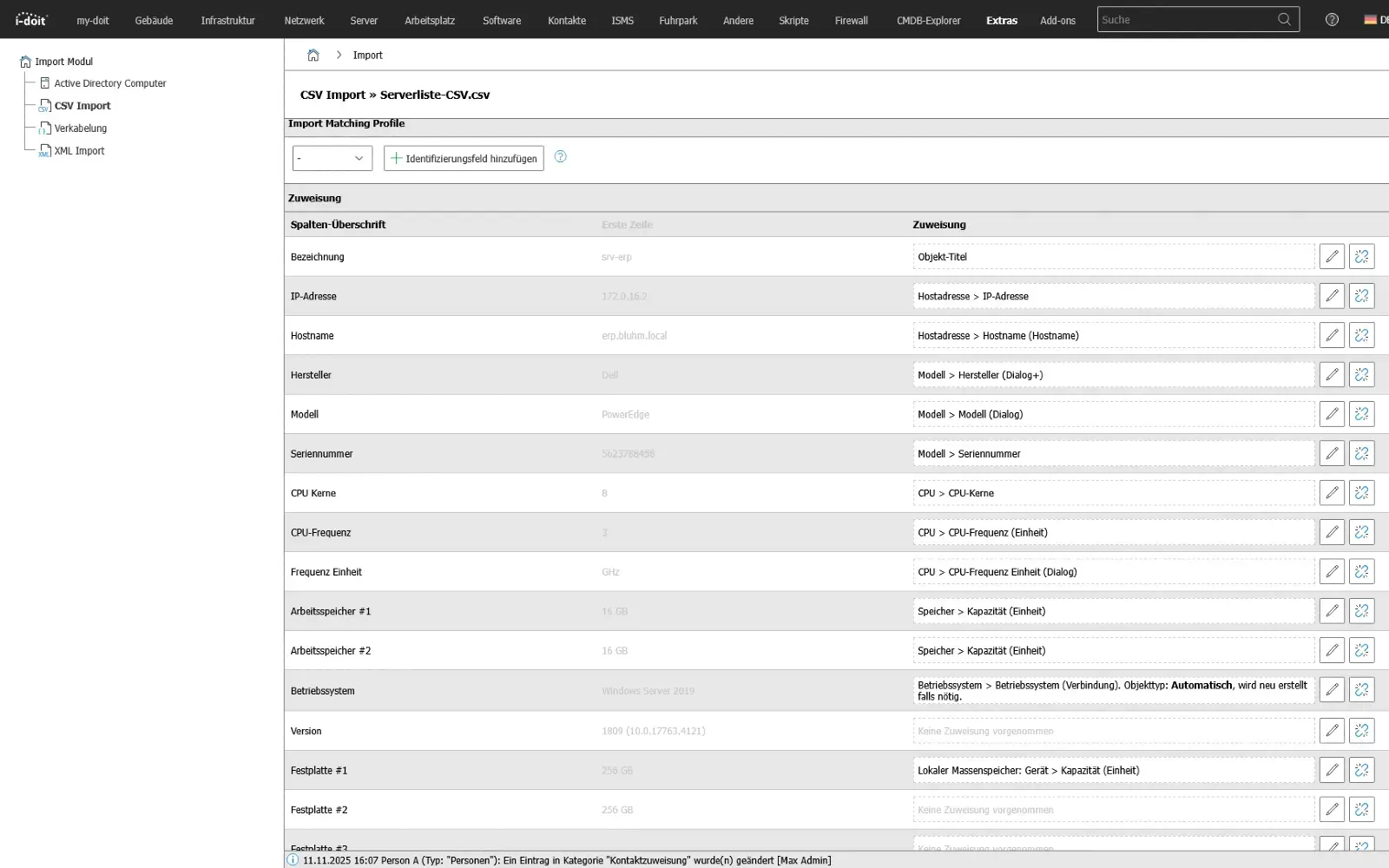
2. Configure import via the web interface
In i-doit, you then define which columns from the Excel file are assigned to which objects and fields in the CMDB. For example, the serial number can be assigned to a device, the room to a location or the version information to software.
This assignment is defined once and can be saved as an import profile. This means that subsequent updates or other Excel sources can be imported quickly and without any additional effort.

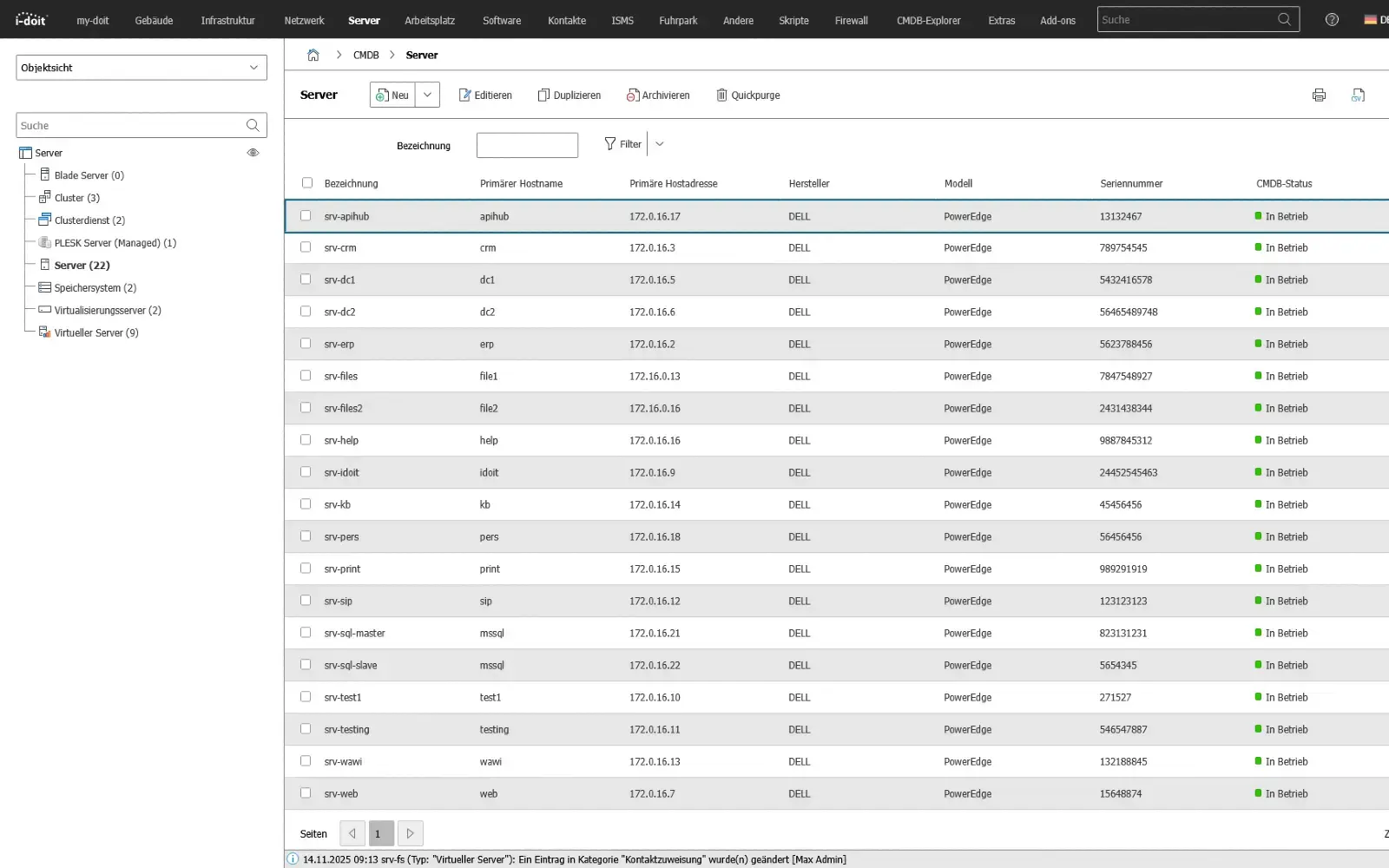
3. Start import - ready to be transferred to the CMDB
After starting the import, i-doit automatically transfers all data to the CMDB. The appropriate objects are created and linked directly with each other. Devices are assigned to the respective locations, software is linked to the corresponding systems and contracts appear with the associated assets.
In this way, the previously separate Excel files are transferred into a standardized, structured CMDB. The information is centrally available and clearly linked to each other.

Supplementary applications
(KRITIS, ISO27001 and NIS2)
and system manuals
third-party systems (API)
QR codes
end devices
1. Maintain compliance (KRITIS, ISO27001 and NIS2)
Ensure compliance with laws, standards and directives with a CMDB.
With i-doit, risks according to ISO 27001 can be systematically recorded, evaluated and linked to the affected assets. This creates a transparent basis for the verification of security measures and the implementation of NIS2 requirements. Technical and organizational measures (TOMs) are centrally documented, monitored and maintained in an audit-proof manner.
Advantages:
- Auditable company divisions
- Audit-proof recording in accordance with NIS2 & ISO-27001 & BSI-KritisV
- Strengthening of information security,
- Implementation of PDCA processes
- Faster response in the event of an incident or crisis

2. IT concepts, emergency and system manuals
Create, link and maintain operational and emergency documentation in a structured and audit-proof manner.
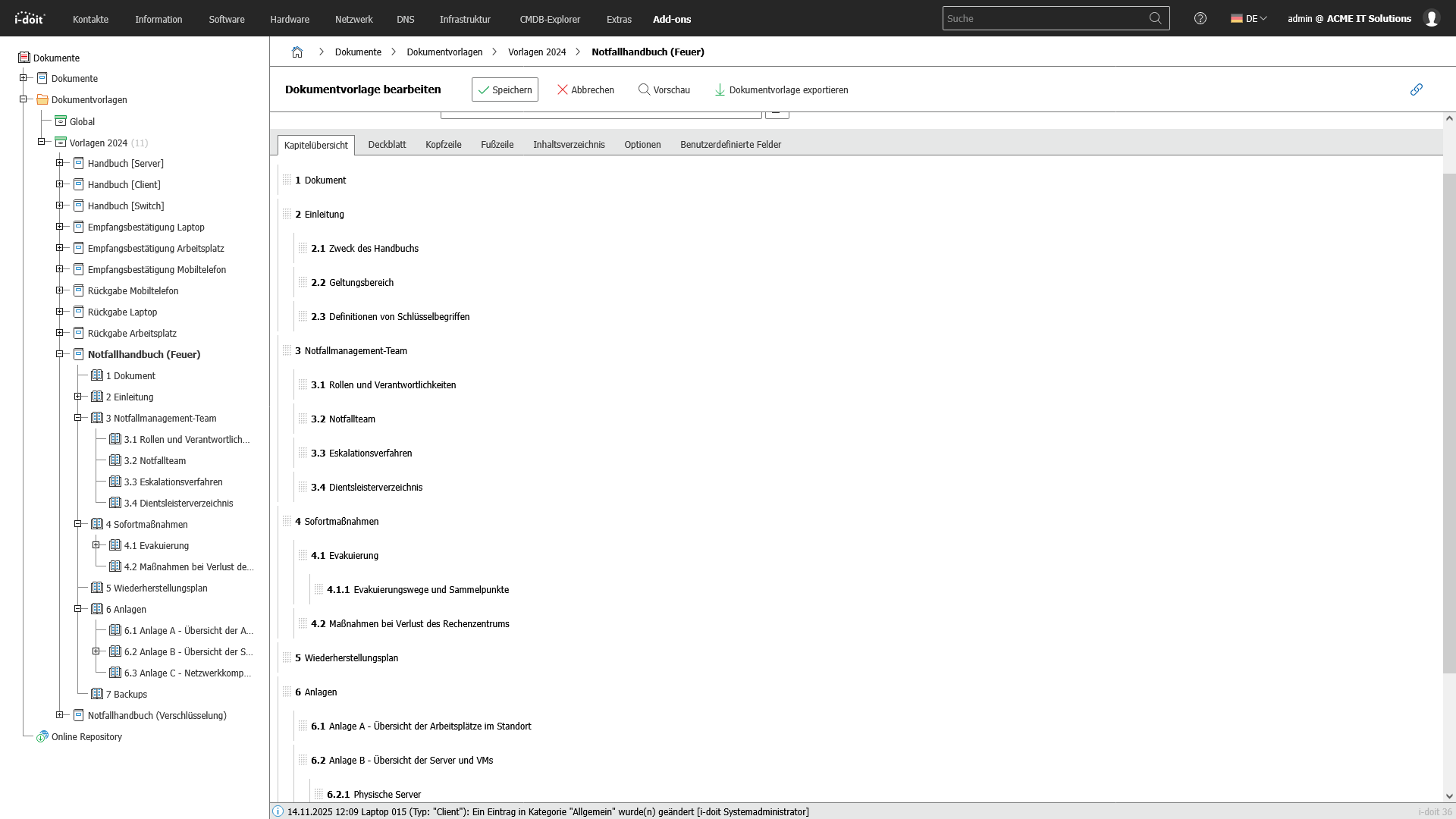
With the i-doit CMDB, companies can create and maintain all important technical documentation in a complete, up-to-date and audit-proof manner. i-doit enables the structured creation of emergency manuals, system manuals, operating concepts and guidelines. These can be linked directly to the associated assets, processes and locations. As a result, all documentation is automatically fed with real statuses from the IT landscape and remains permanently consistent.
All relevant information such as responsibilities, operating parameters, dependencies, restart processes and recovery times (RTO/RPO) are maintained and versioned centrally. The connection to infrastructure, applications and services means that documentation is not only maintained, but actively lived and constantly kept up to date. This is one of the most important factors for audits, certifications and operational stability.
Advantages:
- Centralized, versioned and audit-proof documentation
- Clear responsibilities and traceable operating processes
- Audit and audit-proof evidence in accordance with ISO 27001, NIS2 and BSI requirements
- Faster restart times in an emergency thanks to clear, always up-to-date instructions
- Transparent dependencies between systems, processes and services

3. Connection of third-party systems (API)
Connect systems automatically and exchange data seamlessly between applications.
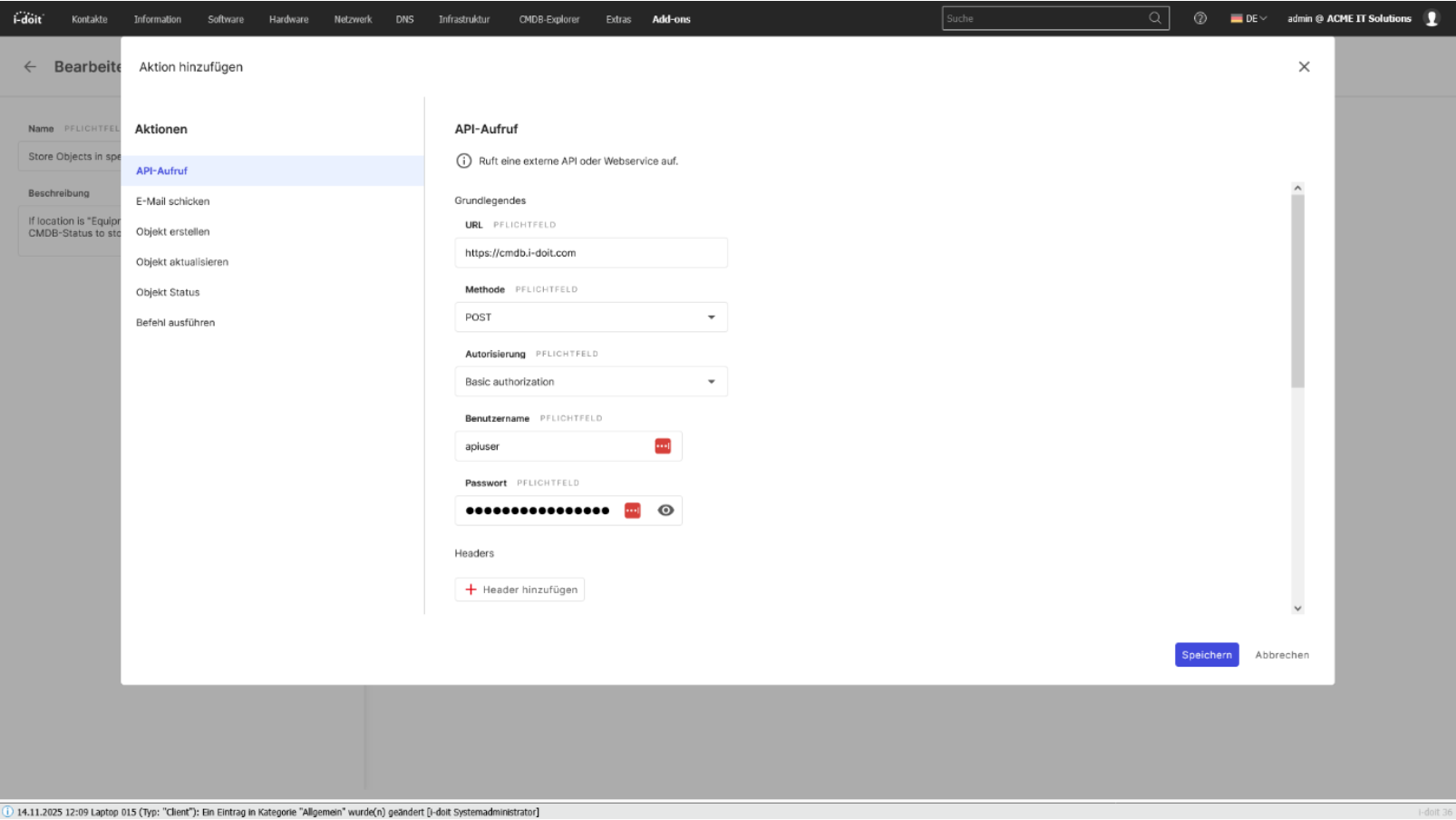
With the i-doit API, you can seamlessly connect your CMDB to existing applications, services and automations. Whether ticketing, monitoring, discovery, asset management or your own business tools: Data can be exchanged bidirectionally, updated and processed in real time. This creates a central information point that connects different systems with each other and considerably simplifies processes.
Configurations, status values, object data and relationships can be automatically transferred to or from external systems. Changes made in a connected system can be immediately mapped in the CMDB - without manual effort and without duplicate data storage.
The API enables companies to flexibly expand their processes, automate workflows and make information available exactly where it is needed.
Advantages:
- Automatic data exchange between CMDB and third-party systems
- Bidirectional synchronization of assets, status values, relationships and metadata
- No duplicate maintenance thanks to a central, standardized data source
- Flexible integration into existing software landscapes and specially developed tools
- Automation of processes (e.g. creation of new tickets, discovery updates, monitoring alerts)
- Higher data quality, as information is always kept up-to-date and consistent
- Optimal basis for processes, reporting, audits and ITSM workflows

4. Inventory with QR codes
Immediately record and identify assets on site and update them directly in the CMDB.
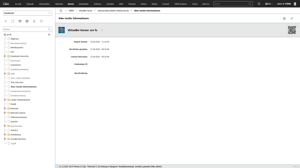
With the i-doit CMDB, the entire inventory process can be digitized and considerably simplified through the use of QR codes. Each asset, from servers and network components to mobile devices, furniture or tools, is given a unique QR code that links directly to the assets in i-doit. This makes information immediately available on site and changes can be recorded directly on the asset.
Mobile devices can be used to update hardware, software versions, locations, responsibilities or maintenance information quickly and without errors. The QR code function supports internal processes as well as audits, inventory checks and lifecycle-based documentation.
Advantages:
- Fast, local inventory using a smartphone or tablet
- Reduced error rate thanks to automated allocation
- Centrally maintained data as the basis for audits and ITSM processes
- Transparent documentation of location and status changes
- Ideal for inventories, relocations, technology changes and lifecycle-based processes

5. Management of mobile devices
Centrally control, document and securely manage smartphones, tablets and laptops.
With i-doit, mobile devices such as smartphones, tablets, laptops and accessories can be managed centrally, completely and in an audit-proof manner. All relevant information - from serial numbers and contracts to installed apps and security guidelines - is clearly recorded and linked to users, locations and services. This allows companies to maintain an overview of inventories, responsibilities and lifecycles at all times.
By linking to MDM systems, inventory tools or Active Directory, devices can be automatically synchronized and kept up to date. Guidelines, security requirements and compliance specifications are documented transparently and mapped with the respective assets. Failures, losses and device changes can be efficiently tracked and managed.
Advantages:
- Transparent management of all mobile devices in the company
- Reduced risks thanks to documented security and compliance requirements
- Automatic updating via MDM or AD interfaces
- Faster processes for onboarding, device replacement or loss cases
- Central database as a basis for audits, ITSM and budget planning

Book your personal live demo
Our i-doit team will be happy to take the time to advise you personally on your application.
Integrations
i-doit can be seamlessly connected to IT service desk systems to optimize your support processes. Examples of compatible systems are ((OTRS)) Community Edition, KIX Service Management and Zammad.
Thanks to its flexible API, i-doit can be integrated with numerous software solutions, including ERP systems.
To automatically add data and assets to your i-doit system, we recommend the use of specialized inventory systems such as JDisc or OCS.
With i-doit, you can document your network topology clearly and in detail and include integrations.
For centralized and secure user and rights management, i-doit can be integrated into directory services such as LDAP or Active Directory.
i-doit is made for the joint operation of monitoring systems. Examples here are: Nagios or Checkmk.
Suitable add-ons
Our add-ons for modular function expansion
Create powerful automations without programming knowledge, simply start them on a schedule or manually at the touch of a button.
Get 4 powerful add-ons for the price of 2! Flows, Documents, Analysis and Forms.
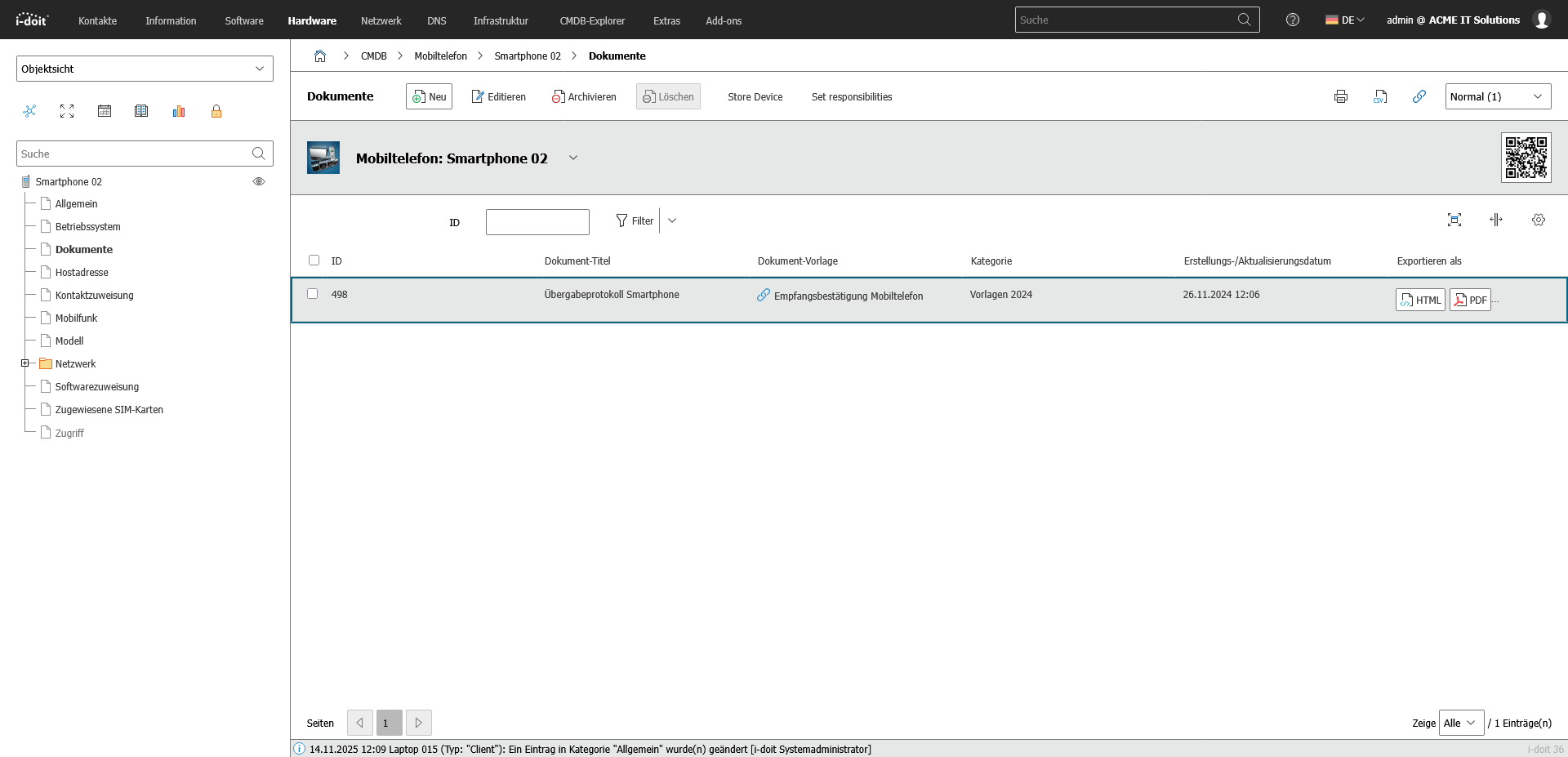
Automatically create documents as PDFs with daily updated data (e.g. hardware handover certificate or disaster recovery plan).
Automate the operation of your data center with the latest data from the CMDB. Events trigger and control further processes.
The maintenance add-on supports the planning, execution and documentation of maintenance and inspections. Maintenance intervals, dates and responsibilities are managed centrally and linked directly to the respective devices, installations or systems.
With the API add-on, data can be automatically read, written and updated in i-doit. Perfect for integrations with ticket systems, inventory tools or your own automations.
Add-on for powerful data analysis. Calculate service costs, check the data quality of the CMDB and carry out failure simulations.
Easily create forms that you can make available to users for simplified data entry. Example: Allow users to document hardware or goods themselves.
Set up an information security management system with risk analysis and management in accordance with ISO 27001.
Integrate the Checkmk2 monitoring system into i-doit. This supports comparisons between TARGET and ACTUAL from CMDB and monitoring.
Store buttons with your own triggers and start IT processes directly from i-doit - e.g. the automatic deployment of a virtual machine.
With this add-on, you can create an information security management system (ISMS) in accordance with the BSI's IT baseline protection methodology.