TISAX
Software, use cases & solutions
4.7/5 on Capterra | 2,000+ satisfied customers
What is TISAX?
Introduction
TISAX (Trusted Information Security Assessment Exchange) is the automotive industry's established testing and assessment framework for information security.
It ensures that companies, suppliers and service providers protect sensitive information exchange according to uniform standards before they work with OEMs and development companies.
The focus is on the protection of confidential information, prototype protection, data processing in the development and production environment and proof of security measures vis-à-vis partners.
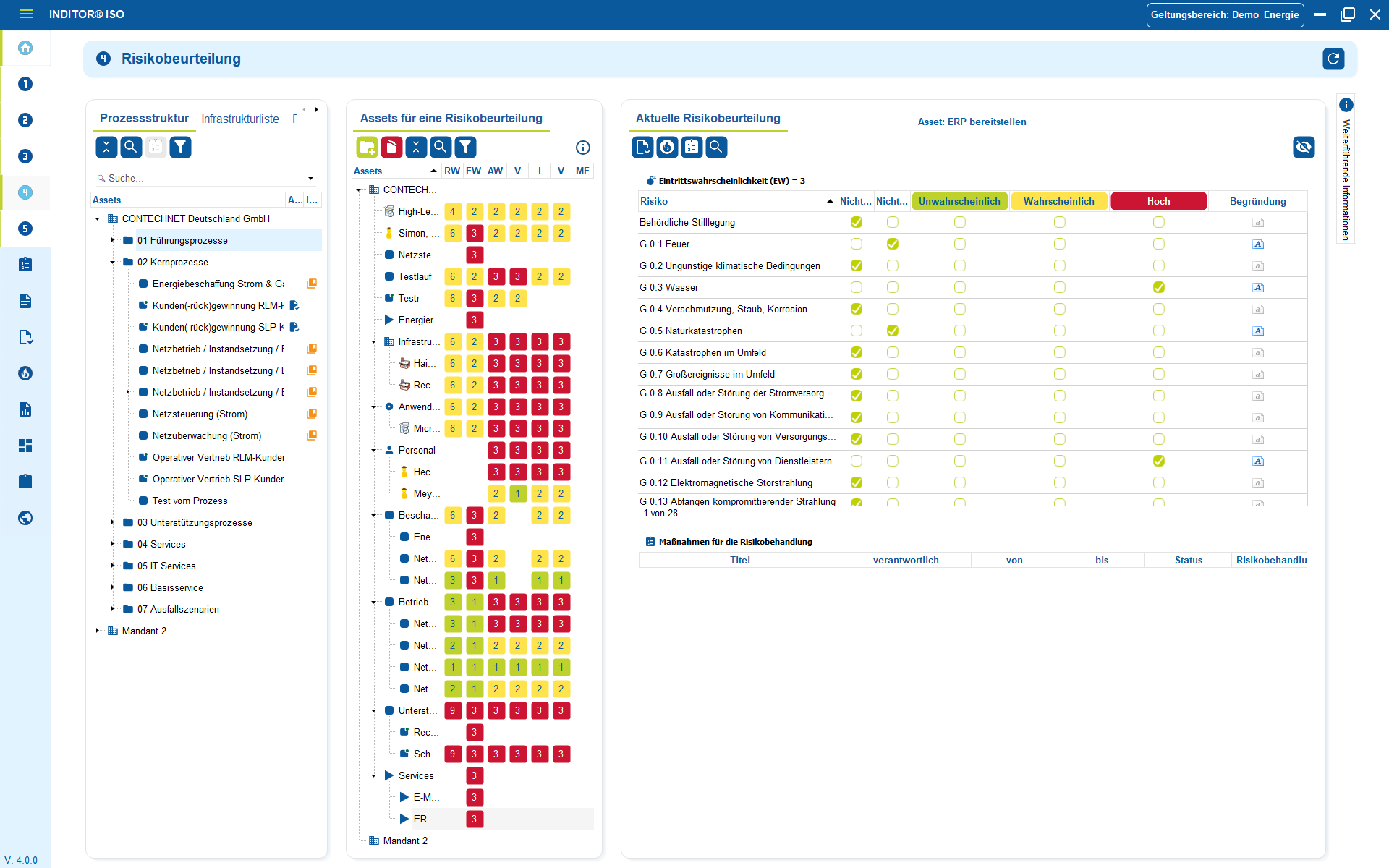
TISAX requires companies to manage and document risk assessments, technical and organizational measures, guidelines, roles and processes in a comprehensible manner.
These include handling confidential data, physical security, access controls, supplier management, asset transparency, incident management, emergency concepts and continuous effectiveness testing.

Use cases
Use cases relating to ISMS, risk and compliance management

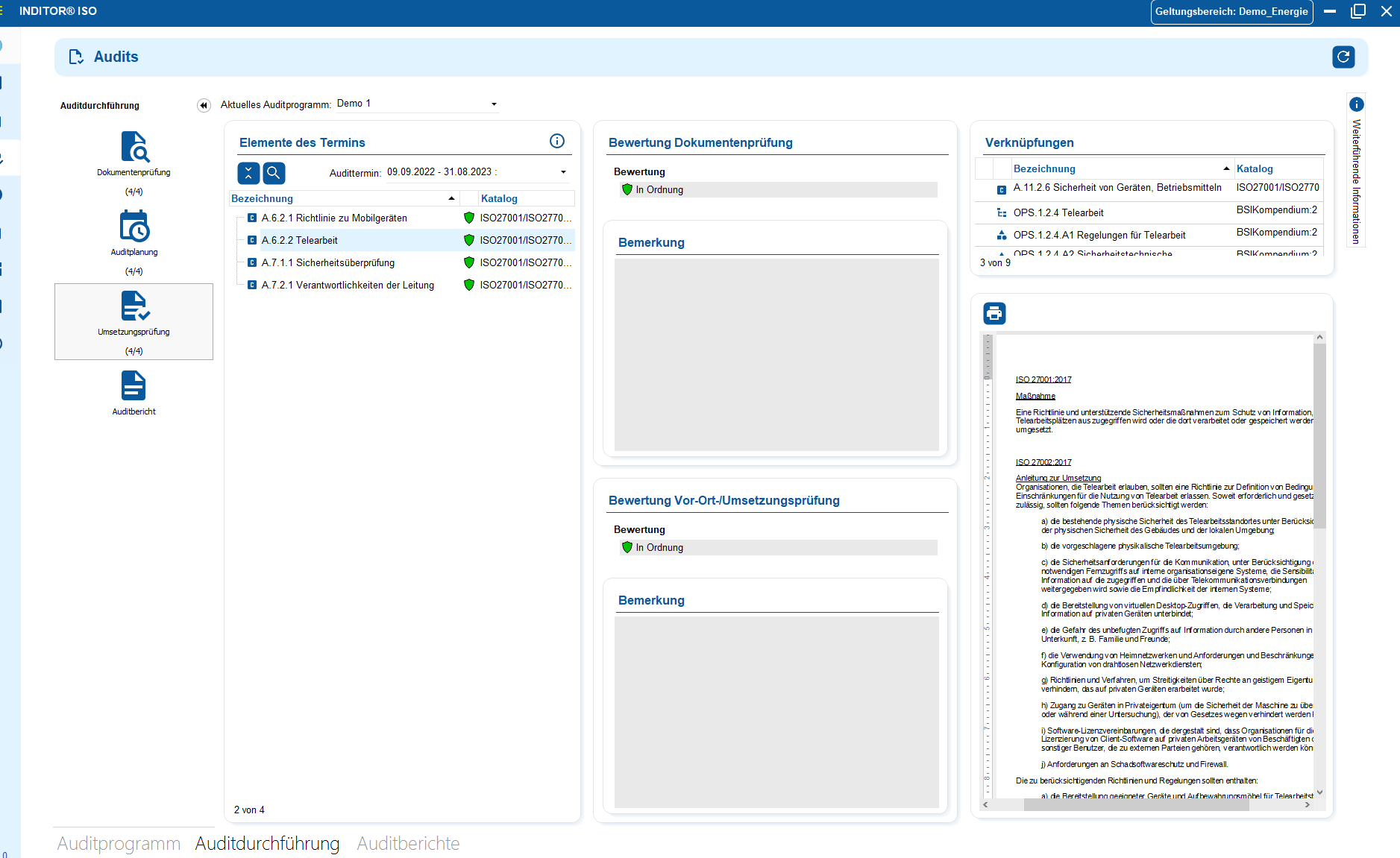
You control audits centrally, plan audits, document results and automatically generate audit reports.

You can manage documents in an audit-proof manner, version and edit them directly in the tool and use templates and import functions.

i-doit supports GAP analyses according to standards such as ISO 27001, ISO 9001 or NIS2, including maturity level assessment, responsibilities and document assignment.

You evaluate and manage suppliers centrally, document contracts and maintain contact details and replacement suppliers.

You derive measures, distribute tasks, track deadlines and receive automatic notifications by e-mail.

You document and evaluate security incidents in accordance with ISO and NIS2, assign affected assets and centrally derive measures.
Why structure is essential in information security
In practice, TISAX does not fail due to technical requirements, but due to a lack of organization.
Prototype data is stored in folders, development software runs on private accounts, NDAs and partner contracts are somewhere in the mail history, and nobody knows who decides in the event of a security incident. As soon as an OEM or auditor asks, hectic queries arise: "Who has access to the CAD data? Where is the NDA? What systems does the external team use? Where is the test vehicle data?"
Without a central location where information, access, partners, measures and incidents are linked and tracked, no company is capable of auditing or delivering.
Practice does not mean "firewalls and policies", but control over confidential information, defined roles and traceable decisions. This is the difference between a collection of documents and a security architecture that works in practice.
TISAX-compliant in 3 steps
and protection needs
and link them
and document them in an audit-proof manner
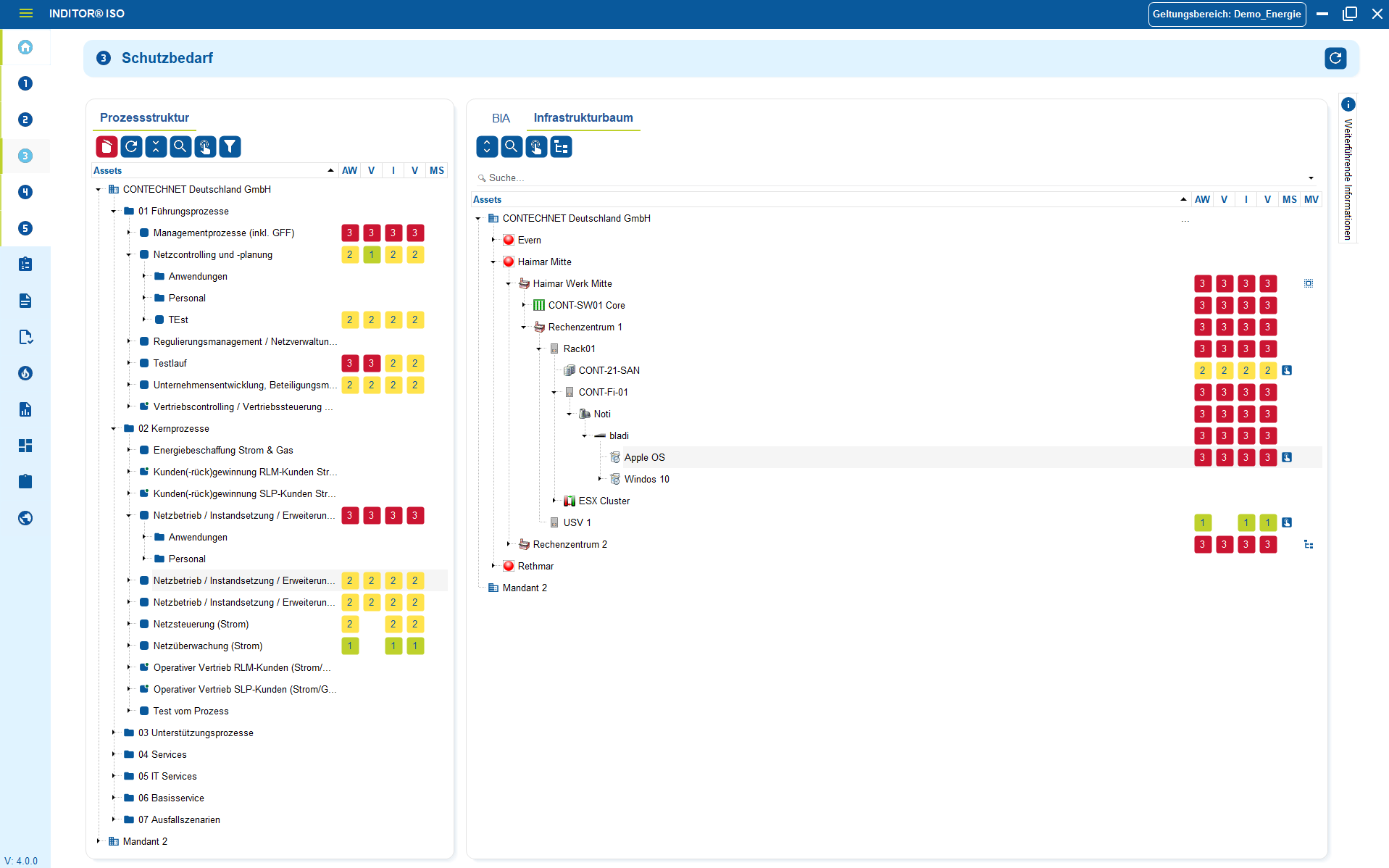
1. Understand critical information, assets and protection needs
TISAX does not start with tools or firewalls, but with the question of what information in your company is really worth protecting and how it is used.
The first step is to record confidential development data, prototype information, CAD models, test and trial data, design plans or vehicle-related information in a structured manner. Instead of "somewhere in a project folder" or scattered across SaaS accounts, a clear information inventory is created: data types, usage contexts, responsible parties, storage locations, external participants and process dependencies.
Based on this, the need for protection is realistically assessed - not on the basis of theoretical checklists, but along real risks: Who could gain access? What impact would a leak have on the product, brand, supplier or OEM relationship? Which systems, teams and service providers are involved and to what depth?
Only with this transparency can access, measures and guidelines be established effectively. Everything else ends in isolated solutions that fall apart in the TISAX audit.

2. Plan, implement and comprehensibly link measures
As soon as it is clear which information is critical, the appropriate technical and organizational measures (TOMs) must be systematically introduced. This is not about a collection of arbitrary security features, but about targeted measures in line with the real risks: Access controls for development data, separate environments for prototypes, role concepts, encryption, physical access rules, dealing with external personnel or clear guidelines for external service providers.
Measures are not "decided once and forgotten", but are linked to responsibilities, deadlines and effectiveness targets. Each measure is assigned to a specific threat, scenario or process - and not an abstract document in SharePoint.
This creates a security architecture that is not based on best practice slides, but on reproducible decisions and verifiable results in development, production or project operations.

3. Recognize, evaluate and document incidents in an audit-proof manner
TISAX does not assess whether a company is error-free, but how it deals with errors.
Security incidents, incorrect access, lost hardware, data leaks or process deviations are not clarified by e-mail or on demand, but recorded in a structured manner: What happened? Who was affected? Which systems, files or prototypes were involved?
Each incident is given a status, the person responsible, an assessment of the impact and specific measures to rectify it - including lessons learned so that the same error does not occur again.
Documentation is not optional, but crucial proof that measures not only exist in the company, but are effective. An auditor does not check security "ideally", but professionalism in an emergency.

Industries
View all solutions for your industry


Read more


Example use cases for TISAX
Central IT documentation
license management
1. Introduction of a CMDB - central IT documentation
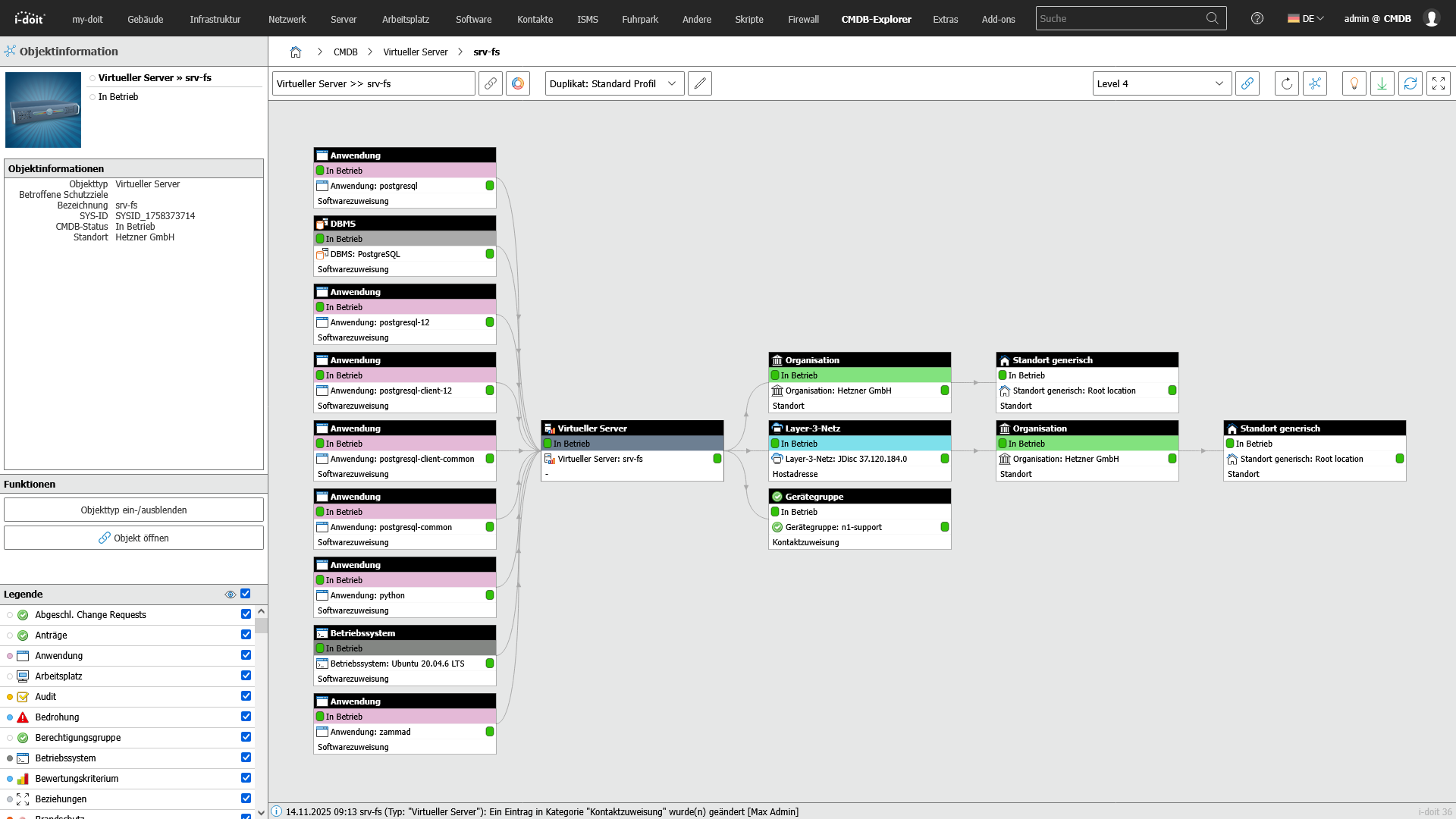
IT information does not originate in a single place and certainly not in an Excel list. It is stored in Active Directory, in cloud portals, in ticket systems, in network scans, in purchasing systems, in email histories and in support chats.
Without centralized control, this data is scattered, incomplete, without history and useless in an emergency.
A CMDB creates a central information space:
Objects and assets are clearly recorded, classified in a structured manner, assigned to their responsibilities and mapped with dependencies. Changes are documented in a traceable manner. As a result, IT teams, operators and external service providers not only know what is available, but also where, how, since when, with what risk and by whom it is operated.
Advantages:
- Real risk reduction instead of "inventory on paper":
Updates, patches, configuration changes, certificates, runtimes and cloud instances are not "lost" - they are visible, with history. - Transparent structure instead of chaos in tickets and Excel:
Servers, software, contracts, licenses, network devices, users, locations, services - all clearly assigned instead of in "Misc_folders" and chat histories. - Protection against uncontrolled data transfer:
Configuration data, passwords, IPs, responsibilities and license info don't end up in private notes, Dropbox or OneDrive. - Security in the audit:
Auditors see clear configuration paths, responsibilities, patch histories, SLA links - and not improvised tables with no evidential value.

2. Access control
Access control - role and authorization concept
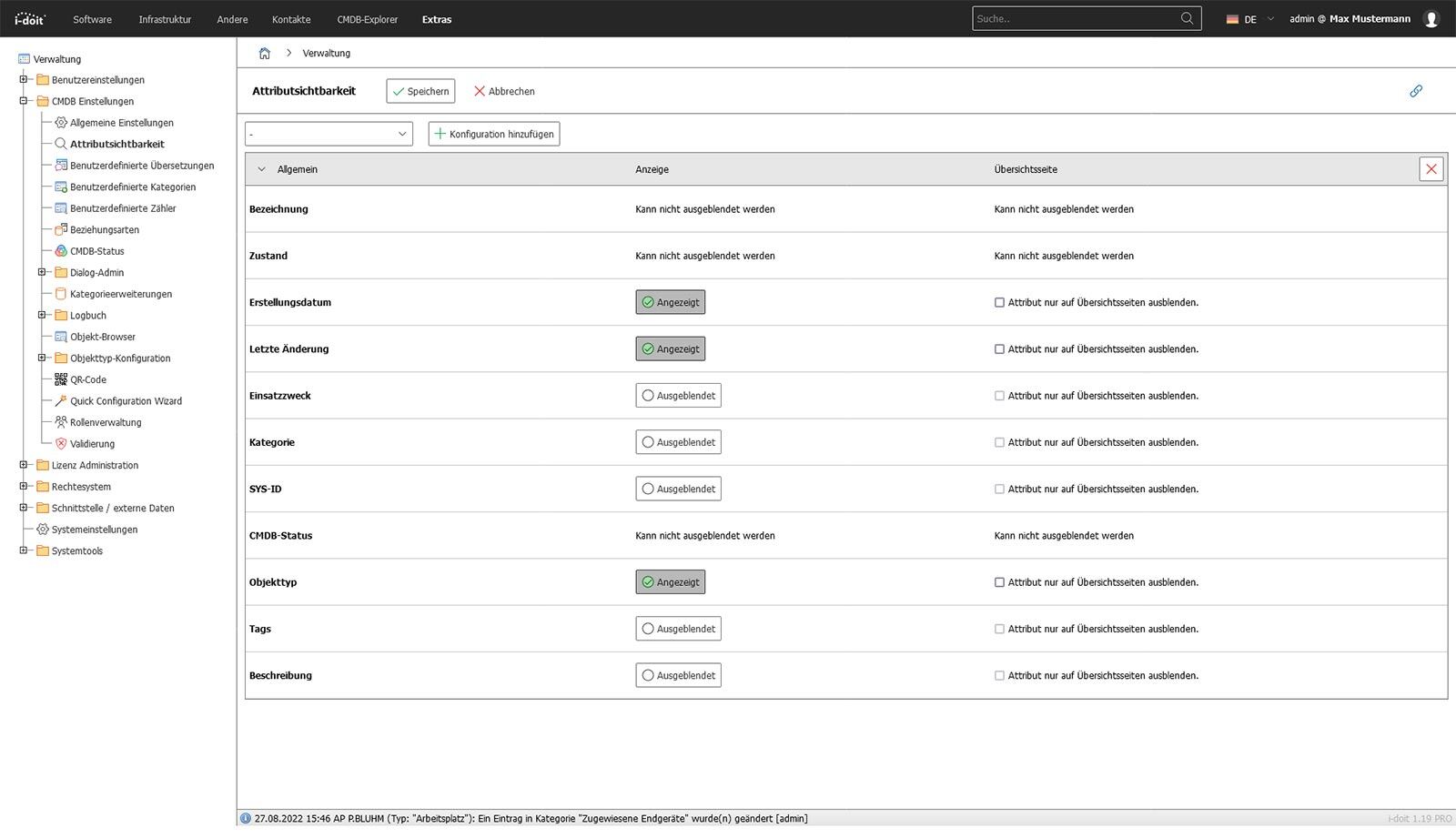
TISAX is not interested in whether MS Teams, Jira, SharePoint, Nextcloud or a self-built tool is used. The only thing that matters is who is allowed to see, change or release what information at what time.
Access is not distributed "for all developers", but is assigned on a role-based, project-related, phase-dependent and risk-oriented basis.
External service providers, interns, support, offshore teams or auditors are only given the access that is absolutely necessary for their task.
No more - and definitely no less.
This creates a controllable authorization model in which sensitive information is protected where it is created instead of being passed around uncontrolled in day-to-day business.
Advantages:
- Minimal attack surface: No uncontrolled "all-access" rights that are never revoked. Roles determine exactly who is allowed to do what.
- Reduced misuse: teams only see what is relevant to their role. Fewer incorrect approvals, fewer incorrect forwardings.
- Audit-proof: every authorization is documented - who got it, why and when. No guesswork in the audit.
- Automatic lifecycles: When roles, projects or responsibilities end, accesses are automatically removed instead of "at some point when it becomes apparent".

3. Software and license management
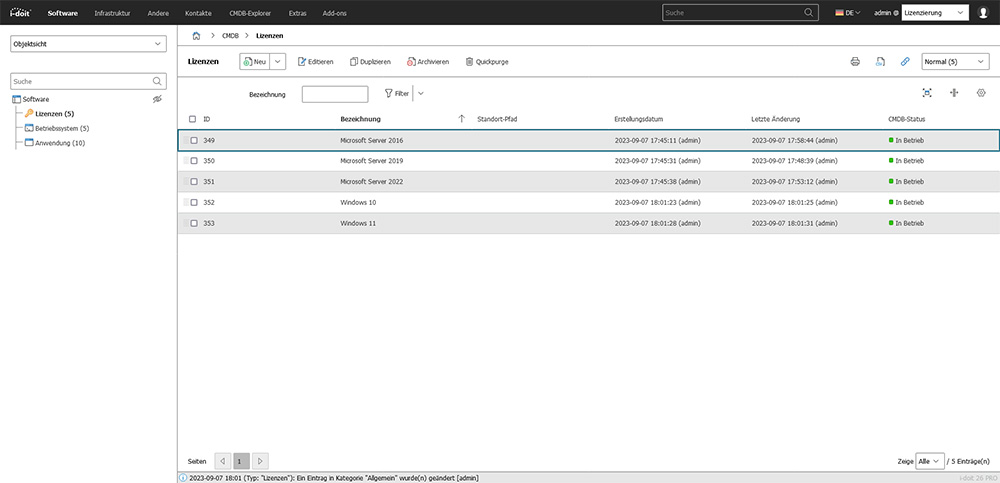
Software is not a "file download" - it exists in versions, license models, user assignments and compliance obligations. Installations are constantly changing: Versions change, servers migrate, SaaS plans expire, users come and go. If these changes are not documented in a controlled manner, real risks arise:
An expired license leads to audit problems, unused subscriptions burn budget, an unauthorized admin account opens the kill chain, shadow IT arises because someone quickly "installs something".
Structured software and license management seamlessly shows which software is running where, with which license, for which purpose, with which users and how the lifecycle is controlled.
Advantages:
- No shadow IT: Software doesn't suddenly appear somewhere - every installation is documented, accounted for and approved.
- Cost-effectiveness instead of a license graveyard: Unused subscriptions and over-licenses are identified and eliminated. Budget is not burned.
- Audit-proof instead of excuses: licenses, users, versions and authorizations are verifiable, not "from memory".
- Security instead of coincidence: Unauthorized installations, admin rights or old versions are systematically eliminated before they become a risk.
- Life cycle under control: Procurement, use, renewal, termination and uninstallation are controlled in a traceable manner - not "when someone notices".

Book your personal live demo
Our i-doit team will be happy to take the time to advise you personally on your application.