i-doit
CMDB, ITSM, ITIL, IT-Docu






Use the i-doit AI add-ons to increase your level of automation with the help of AI!


i-doit / Paid
Create tickets in Znuny with reference to i-doit objects
Create tickets in i-doit for objects in the ticket system
Send emails from Znuny using data from i-doit
Monitor the occurrence of tickets to specific objects in i-doit
Navigate from i-doit object to ticket and vice versa with a single click
The maxence i-doit Connector consists of an add-on for the ticketing system Znuny and an add-on for the IT documentation system i-doit. Together, they enable seamless integration between the ticketing system and i-doit. With the maxence i-doit Connector, you simplify your IT support and make it more efficient by establishing a link between tickets and the devices affected by support issues. You gain valuable insight into the quality of your IT components so you can proactively address potential issues before they occur.
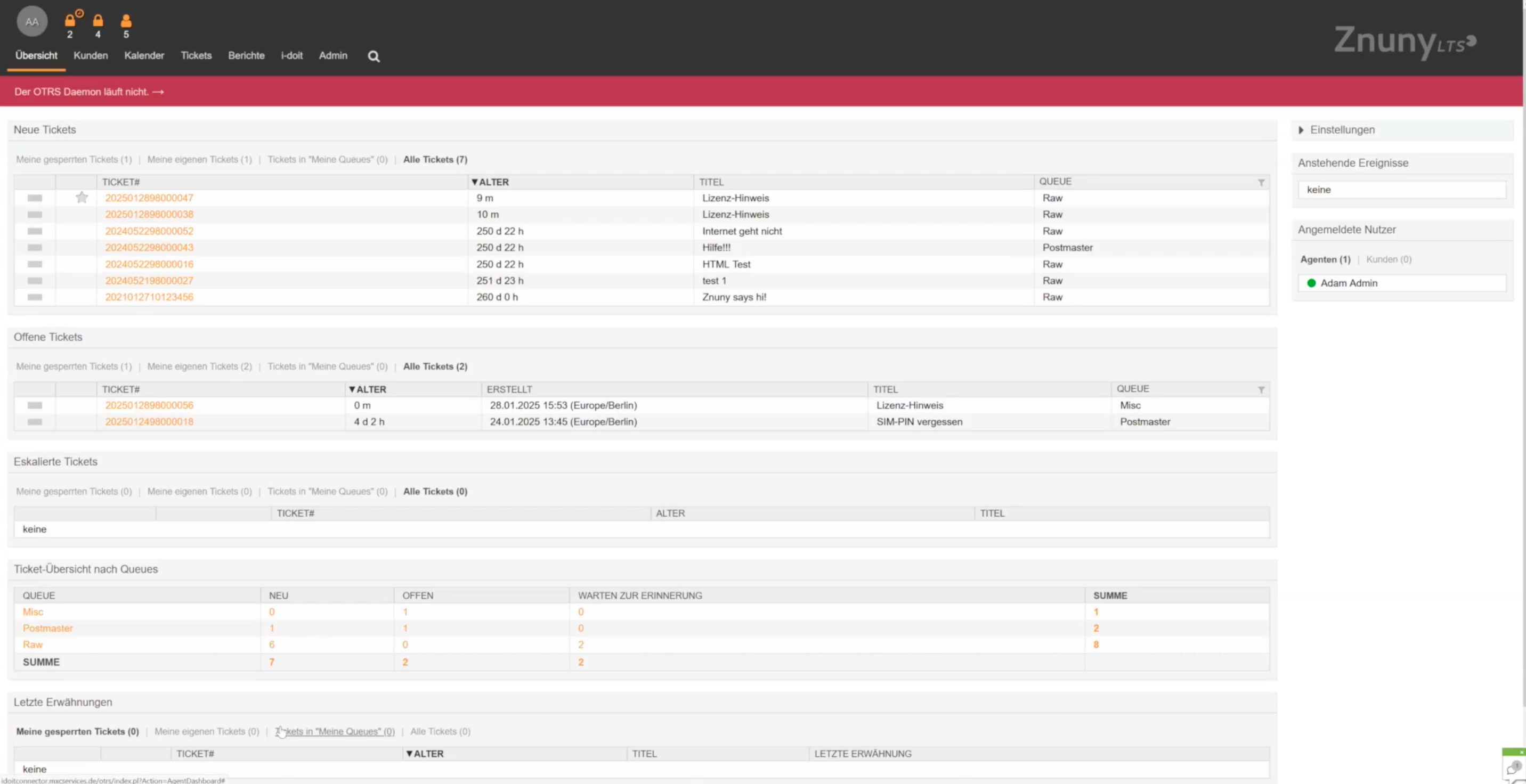
Agent workflows are simplified by enabling direct navigation between the ticket system and i-doit in context. This allows agents to access background information about devices in i-doit with a simple click to help them resolve issues. During ticket creation in Znuny, i-doit objects associated with the customer are displayed in a widget on the right side of the screen, either as a flat list or a tree view. The support customer is associated with i-doit data using the support customer's email address. When you hover over an i-doit object, a small pop-up window displays additional information about the object. If you click on the object, it will be added to the ticket.
In the ticket view, a list of i-doit objects is displayed with a link that allows you to go directly to the i-doit object for more information. Since support cases do not always refer to devices that are directly assigned to the particular customer, you also have access to other objects in i-doit via a search, so that the connection can always be made. Furthermore, lists of devices can be set up that are always offered to the agent for selection, such as "All printers".
With the maxence i-doit Connector it is also easy to create tickets directly from i-doit, to create email templates in Znuny with i-doit data and to automate ticket processes. Via predefined tags you integrate data from i-doit into your email templates, which can be used on the one hand by agents and on the other hand by automated processes to automatically answer questions about data stored in i-doit and thus relieve the agents. The maxence i-doit Connector is compatible with Znuny. It is offered by maxence businessconsulting GmbH in Dormagen. For maxence support and hosting customers the maxence i-doit Connector is included in the package price. Other interested parties can license the Connector from maxence.
You document active and passive network elements including cabling, port assignment, IP addresses and configurations centrally and comprehensibly.
You record and analyze software and licenses, monitor runtimes, users and authorizations and avoid license violations and unnecessary costs.
You analyze your IT infrastructure, identify documentation gaps and create location, user or cost centre-related reports and audit PDFs.
You document and manage contracts centrally, link them to objects and responsible parties and are automatically informed about deadlines and terms.
They document maintenance and lifecycles, make changes traceable, automate processes and keep track of responsibilities and warranty periods.
You document locations, rooms and infrastructure, link these to contact persons and also visualize server rooms clearly.
From the hardware handover certificate to the disaster recovery plan. Create appealing documents - also as PDF - with daily updated data from your CMDB - automatically!
Automatically create documents with AI.
Automatically create documents with AI.
Automate the operation of your data center with the current data from the CMDB. Events trigger and control the further processes.
Create powerful automations without any programming knowledge!
Change management according to ITIL is realized with this add-on. The fully integrated process is applied directly to affected CIs.
Discover how the i-doit Add-on Znuny Connector by maxence can support and streamline your processes. Get in touch with us for more information, pricing details, or to request a quote.

Phone: +49 (0) 211 - 699 31 0