Skip to content

i-doit - The complete solution for IT documentation

On-premises and in the cloud

With i-doit, you can manage hardware, software, contracts and services centrally, transparently and audit-proof. As a CMDB, i-doit networks assets and dependencies, supports ITAM and ITSM and keeps your IT data up to date through discovery connections - without Excel.

rating-stars-transparent-white 4.7/5 on Capterra | 2,000+ satisfied customers

i-doit-header

Test now i-doit for 30 days free of charge

icon-it-documentation-in-team-dk
2,000+ customers
icon-api-dk
No payment details required
icon-link-dk
Support included
icon-digital-contract-management-dk
Full range of functions
icon-it-security-dk
EU-DSGVO compliant

Functionalities of i-doit

For IT professionals who need a high degree of flexibility & appreciate a wide range of functions

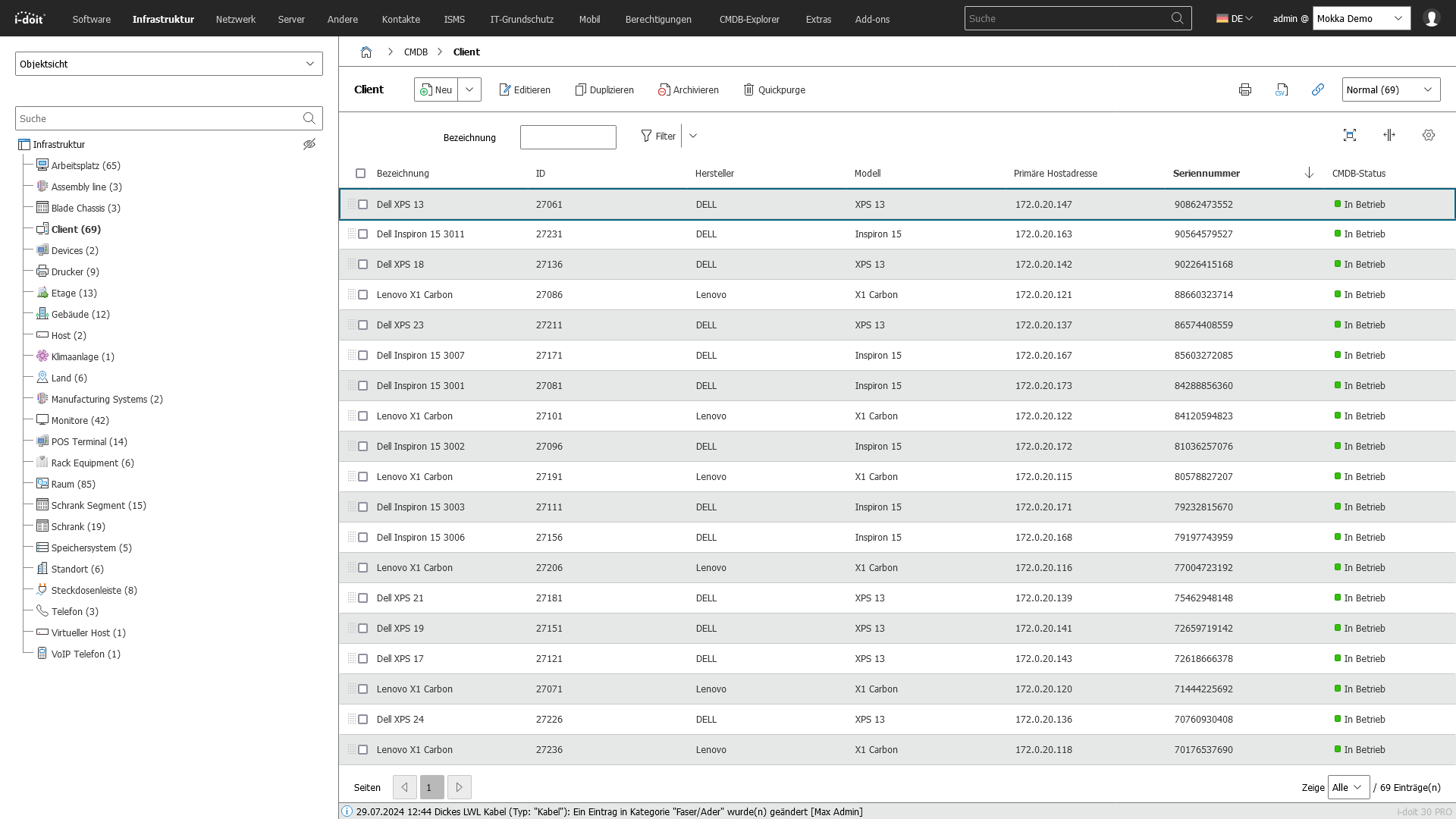
icon-it-inventory-dk IT inventory

Automatic detection of new and existing devices.

Screenshot

 
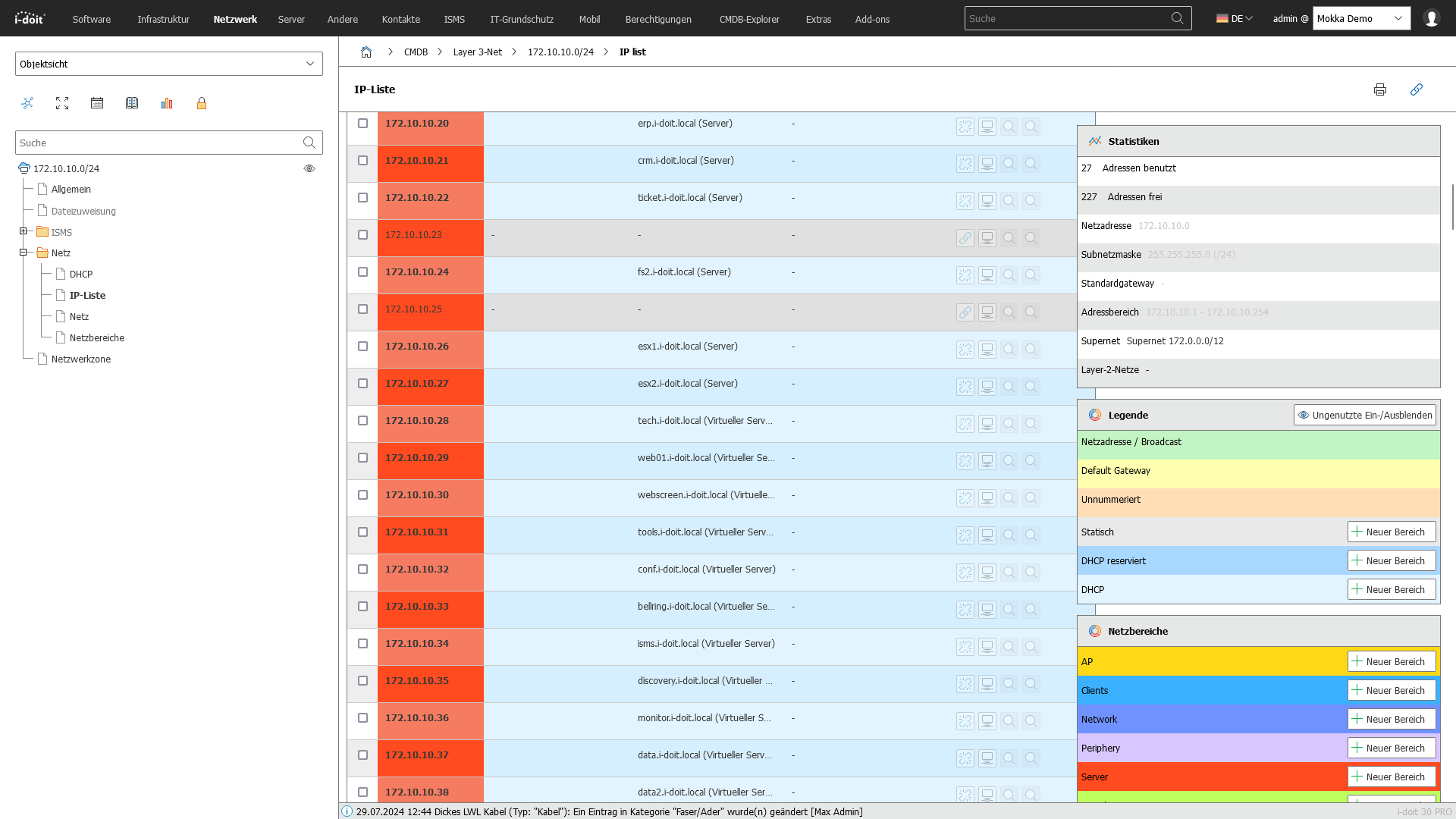
icon-IPAM-dk IP address management

Organization and management of IP addresses.

Screenshot

 
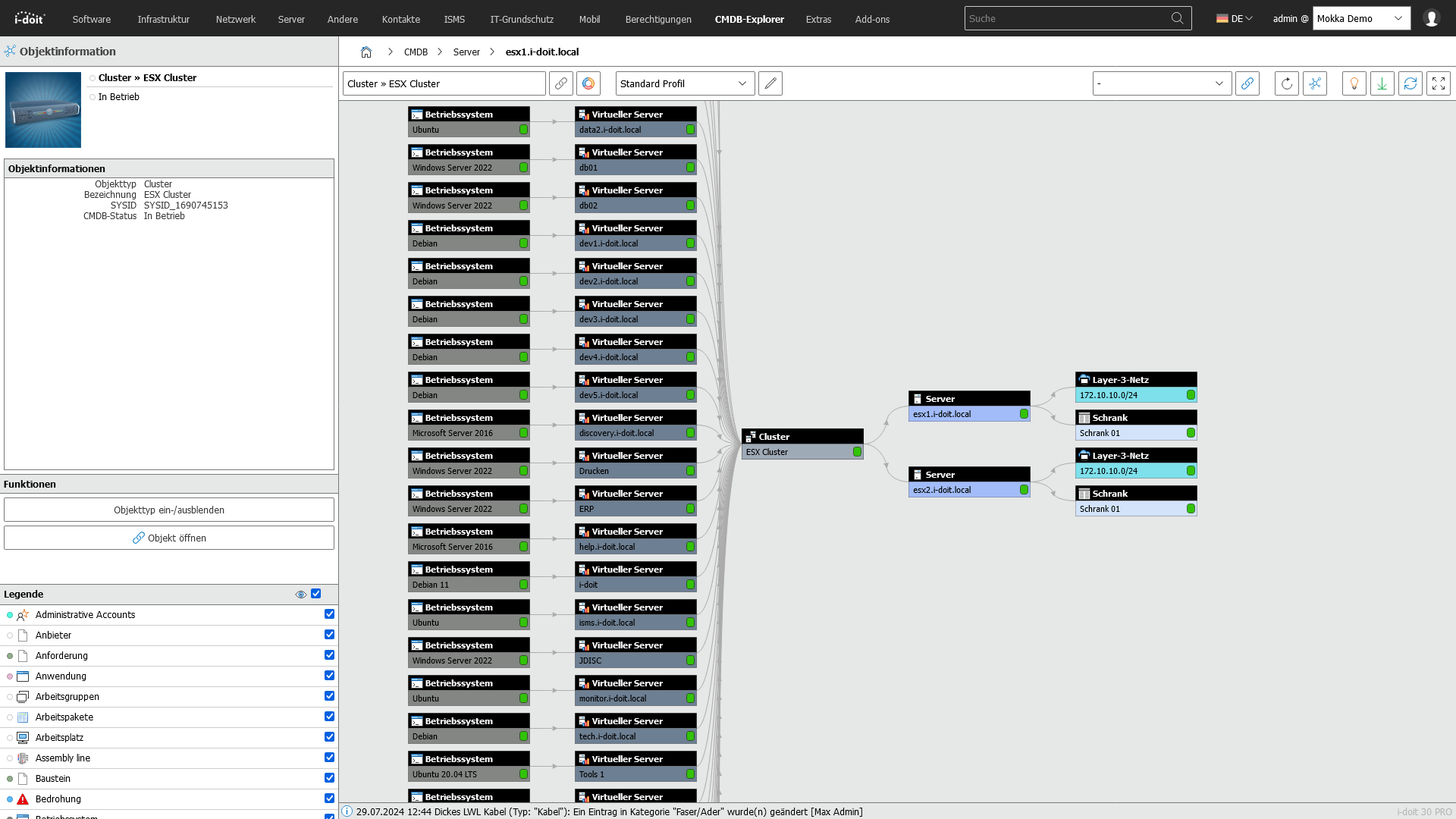
icon-link-dk Relationship management

Documentation of asset relationships and dependencies.

Screenshot

 
icon-computer-network-dk Network documentation

Creation and management of network documentation.

Screenshot

 
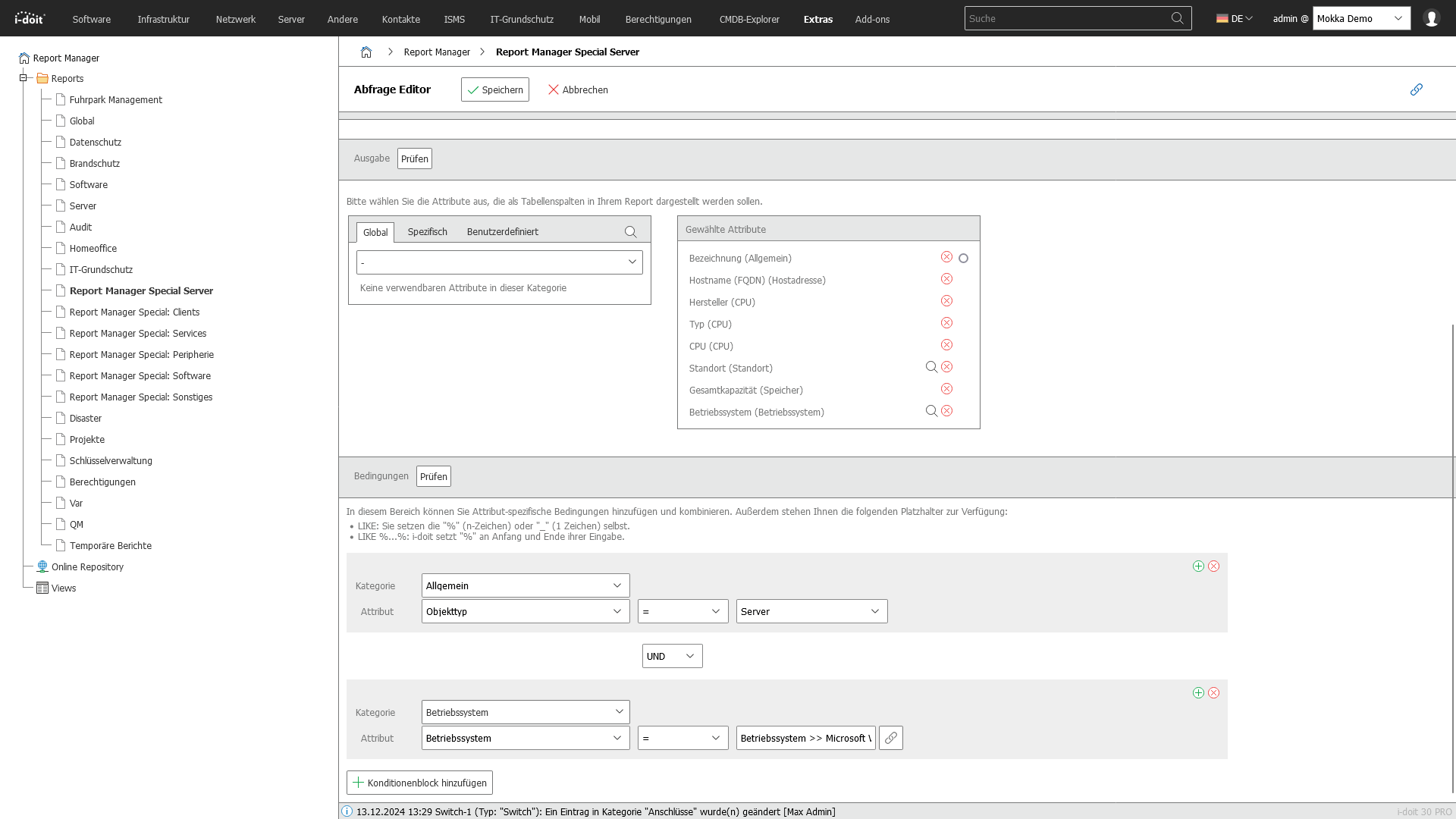
icon-floorplan-dk Customizable reports

Management and documentation of cable connections.

Screenshot

 
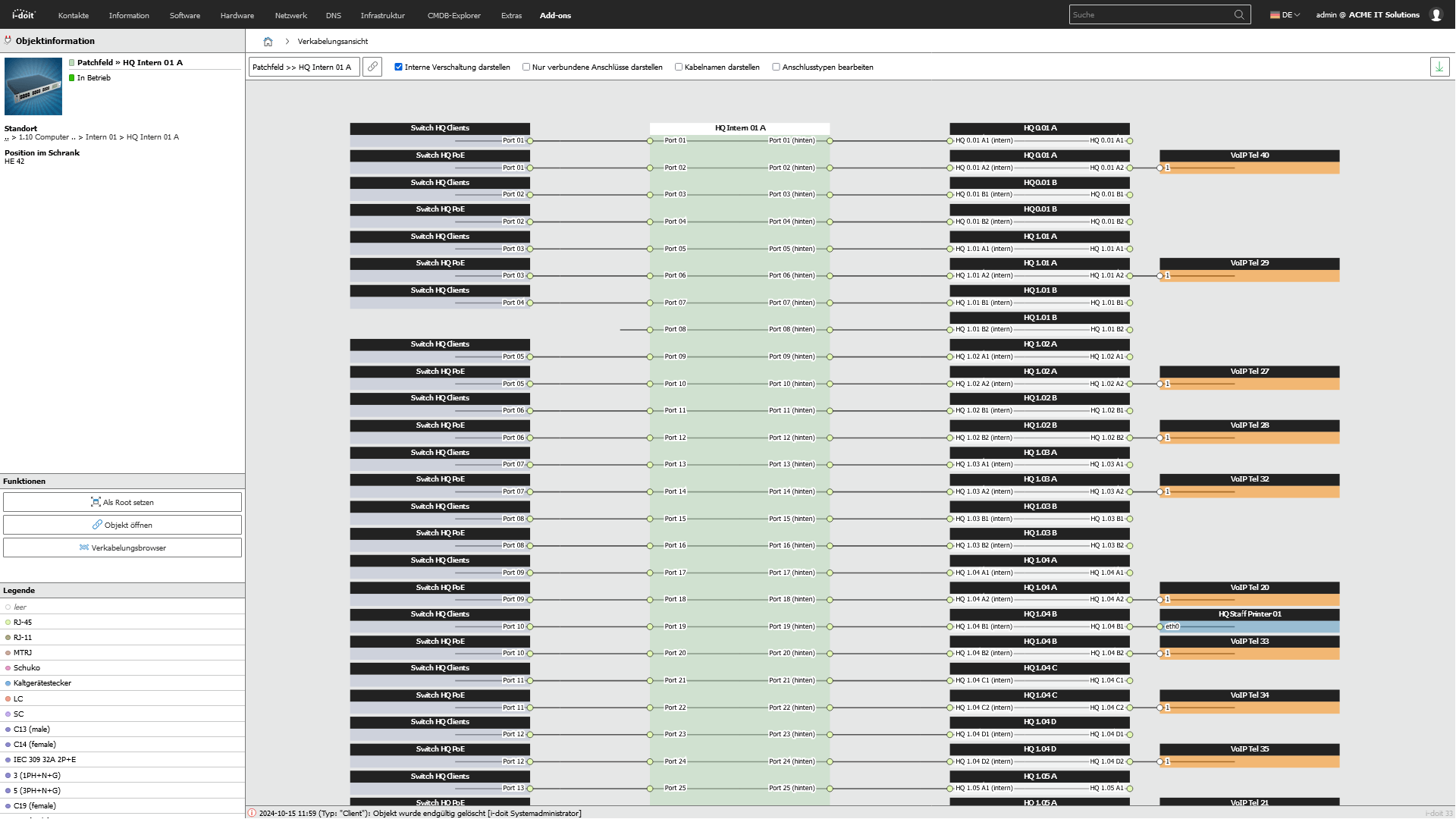
icon-cable-management-dk Documentation of cabling

Management and documentation of cable connections.

Screenshot

 
icon-discover-it-assets-dk Asset acquisition

Registration of all IT devices and components.

Screenshot

 
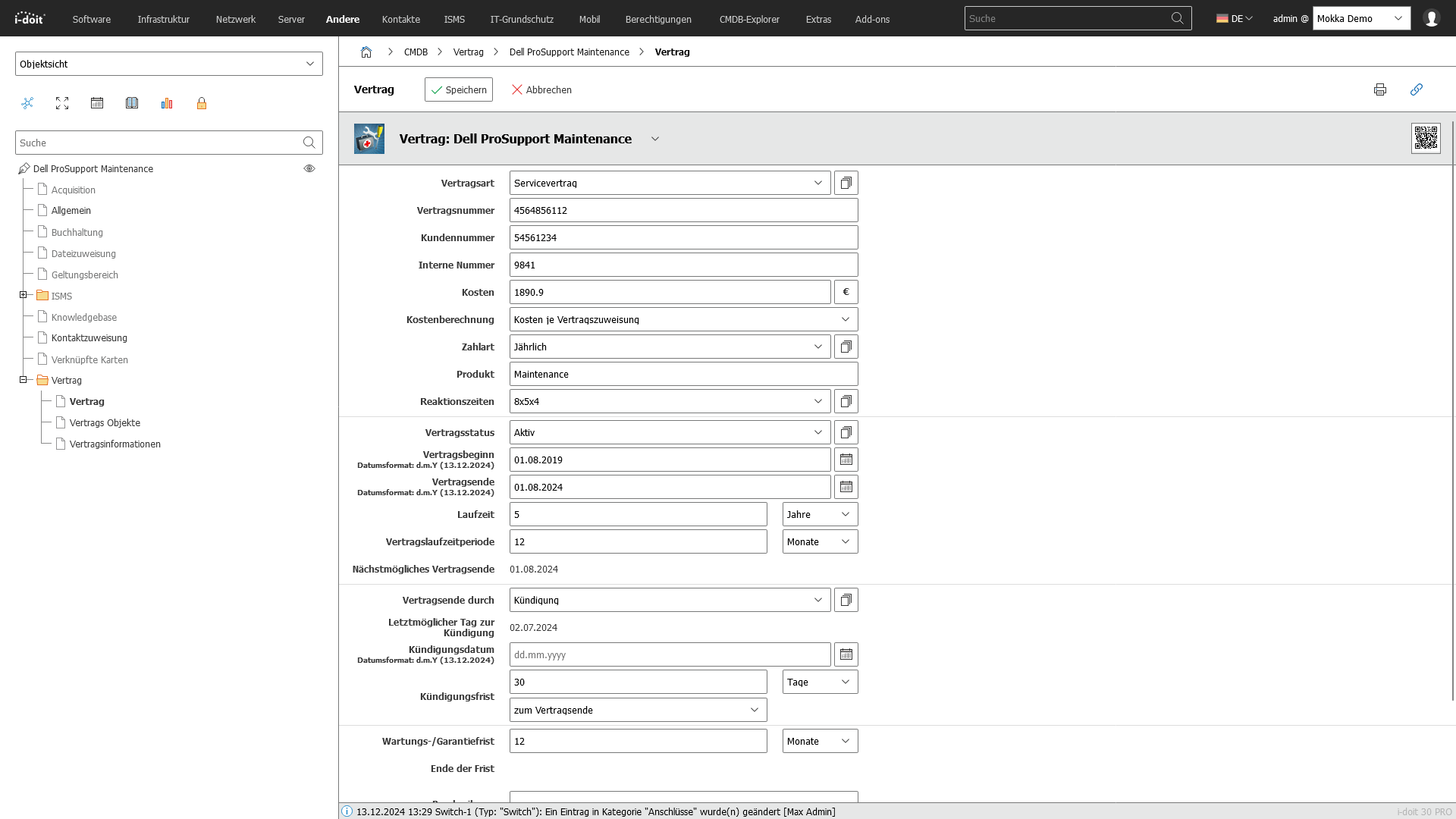
icon-digital-contract-management-dk Contract management

Monitoring of maintenance contracts and service contracts.

Screenshot

 
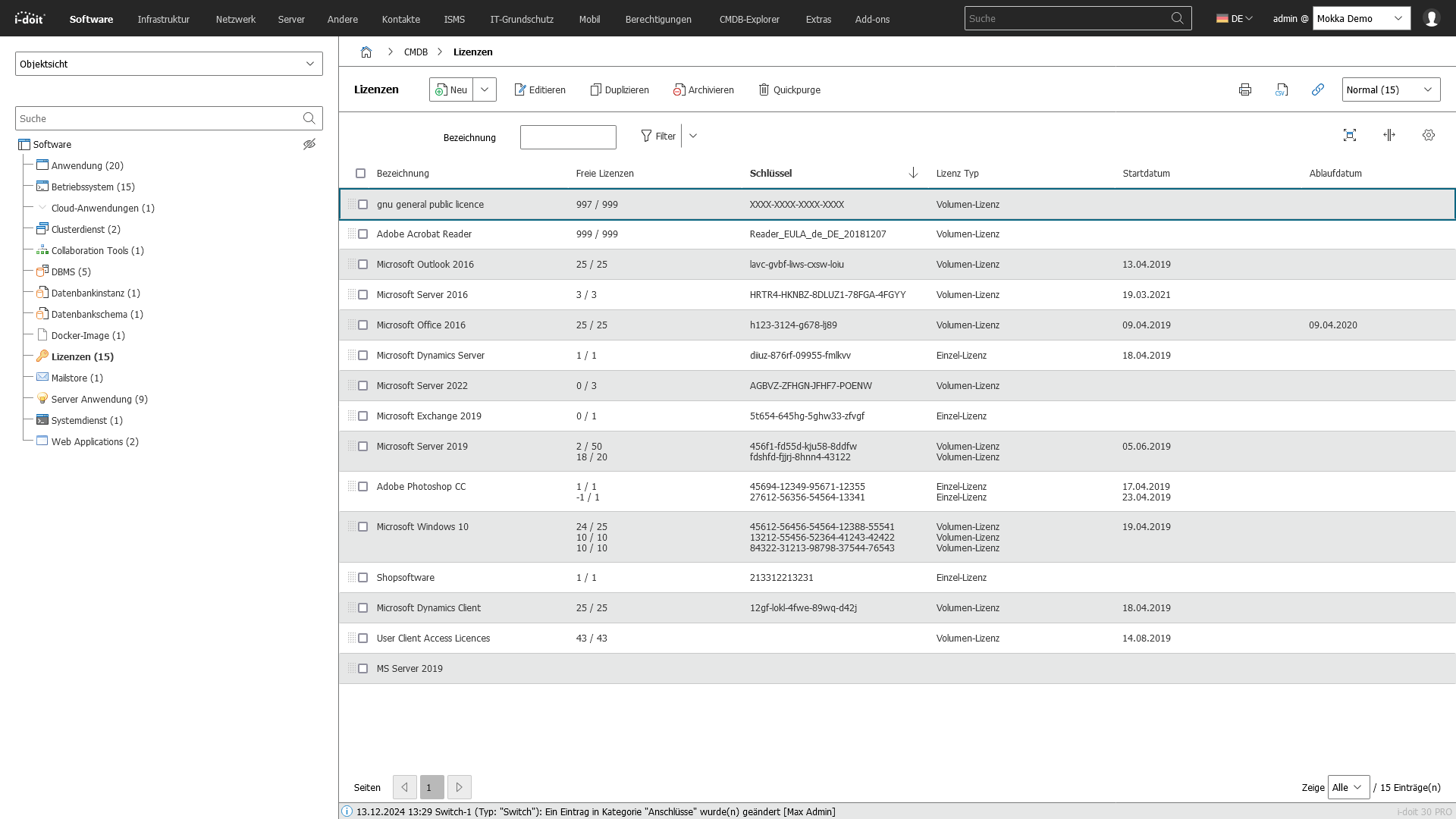
icon-license-management-dk License management

Management and monitoring of software licenses.

Screenshot

 
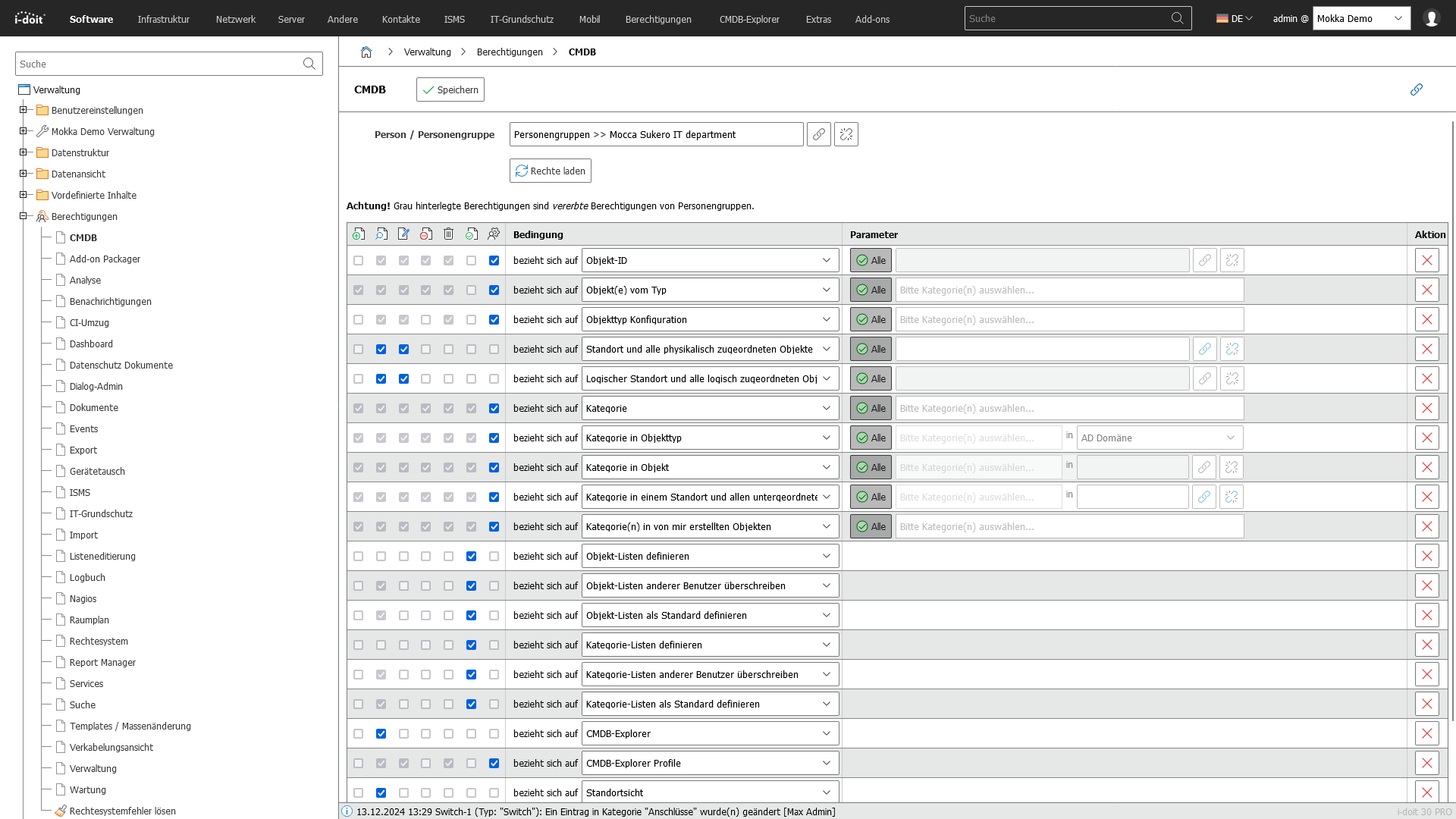
icon-it-documentation-in-team-dk Role & rights management

Assignment of rights and roles to persons and groups.

Screenshot

 
icon-it-monitoring-dk Monitoring integration

Connection to monitoring tools for real-time monitoring.

Screenshot

 
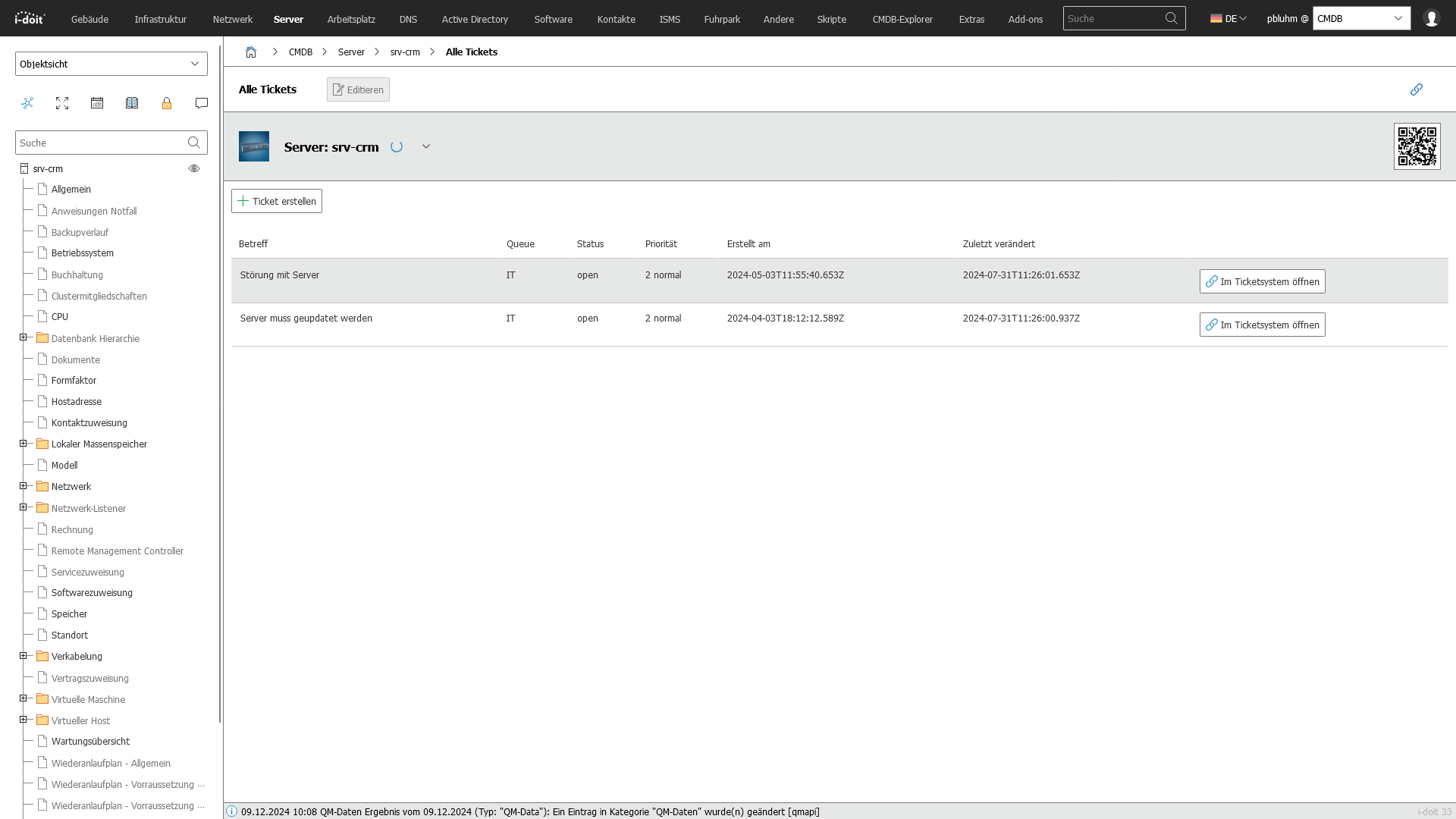
icon-it-service-desk-dk Service Desk Integration

Integration with IT service desk systems for support requests.

Screenshot

 
icon-api-dk API connection

Connection to monitoring, inventory, warehouse, service desk and ERP management.

Screenshot

 
icon-i-doit-premise-and-cloud-combined-dk On Premises & Cloud

i-doit can be hosted locally (with/without the Internet) or in our cloud.

 
icon-manage-it-ifrastructure-dk Customizing

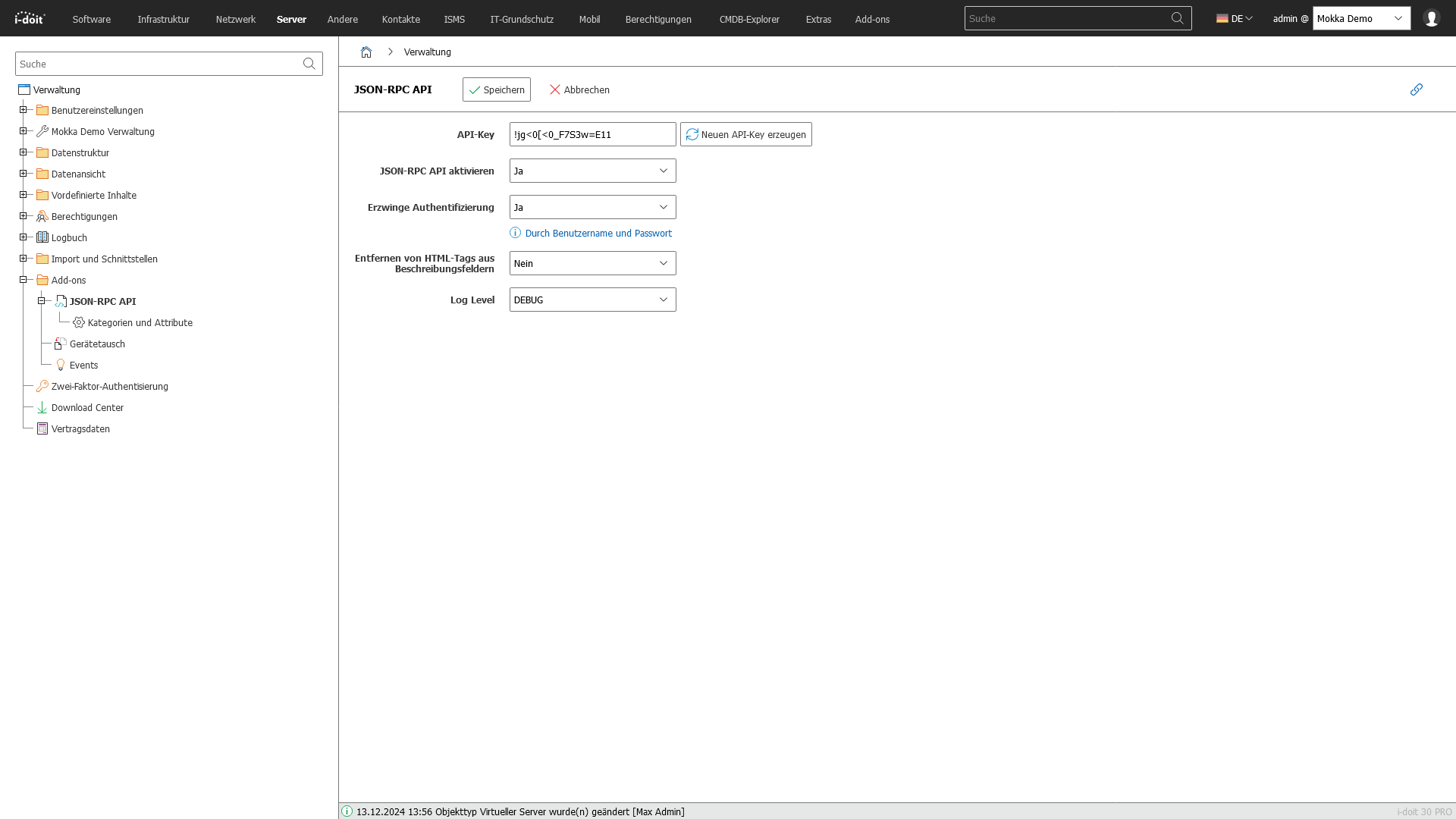
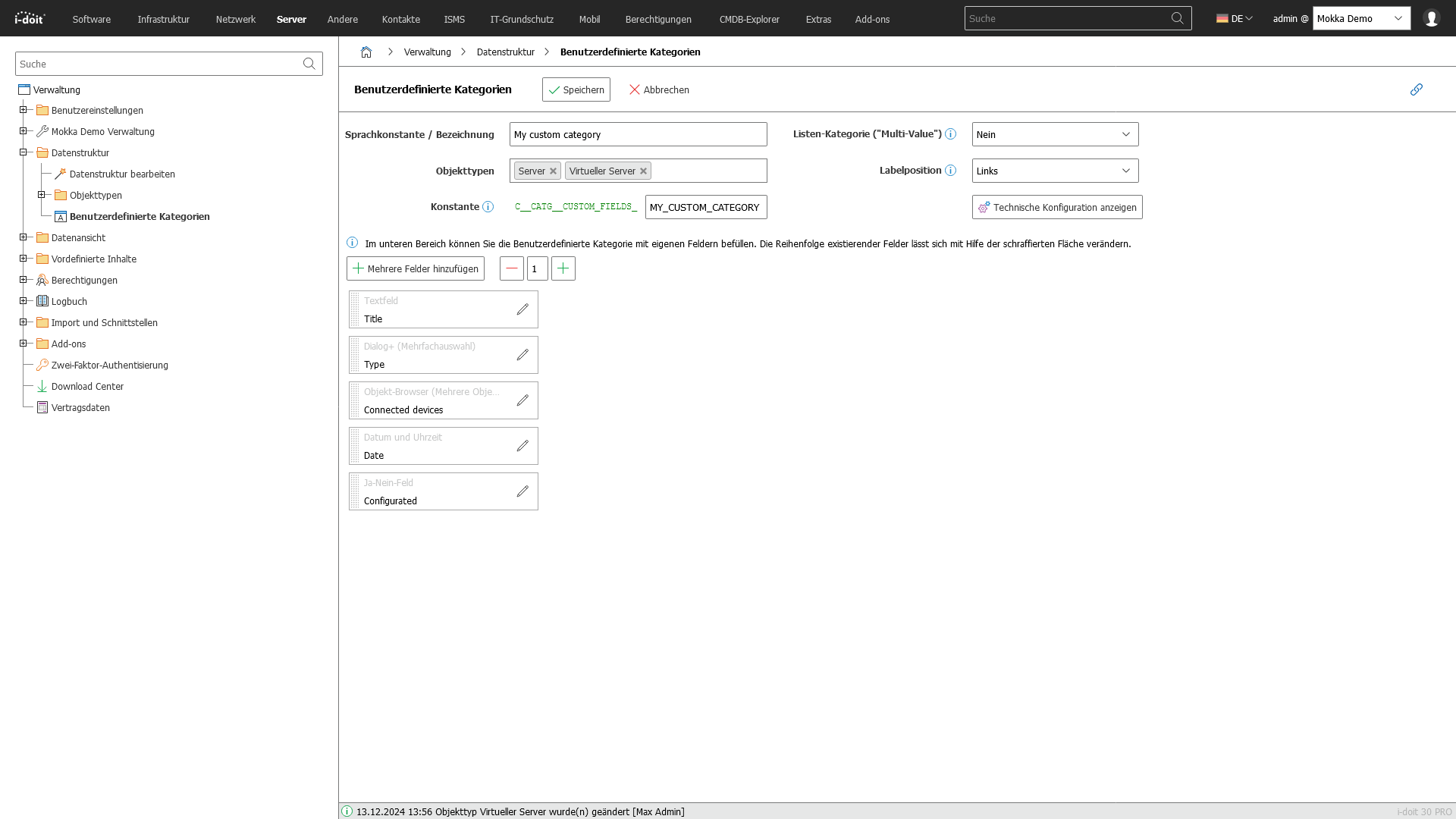
Thanks to the flexible customizability of i-doit, your company requirements can be mapped.
Screenshot

 
icon-floorplan-dk Location management

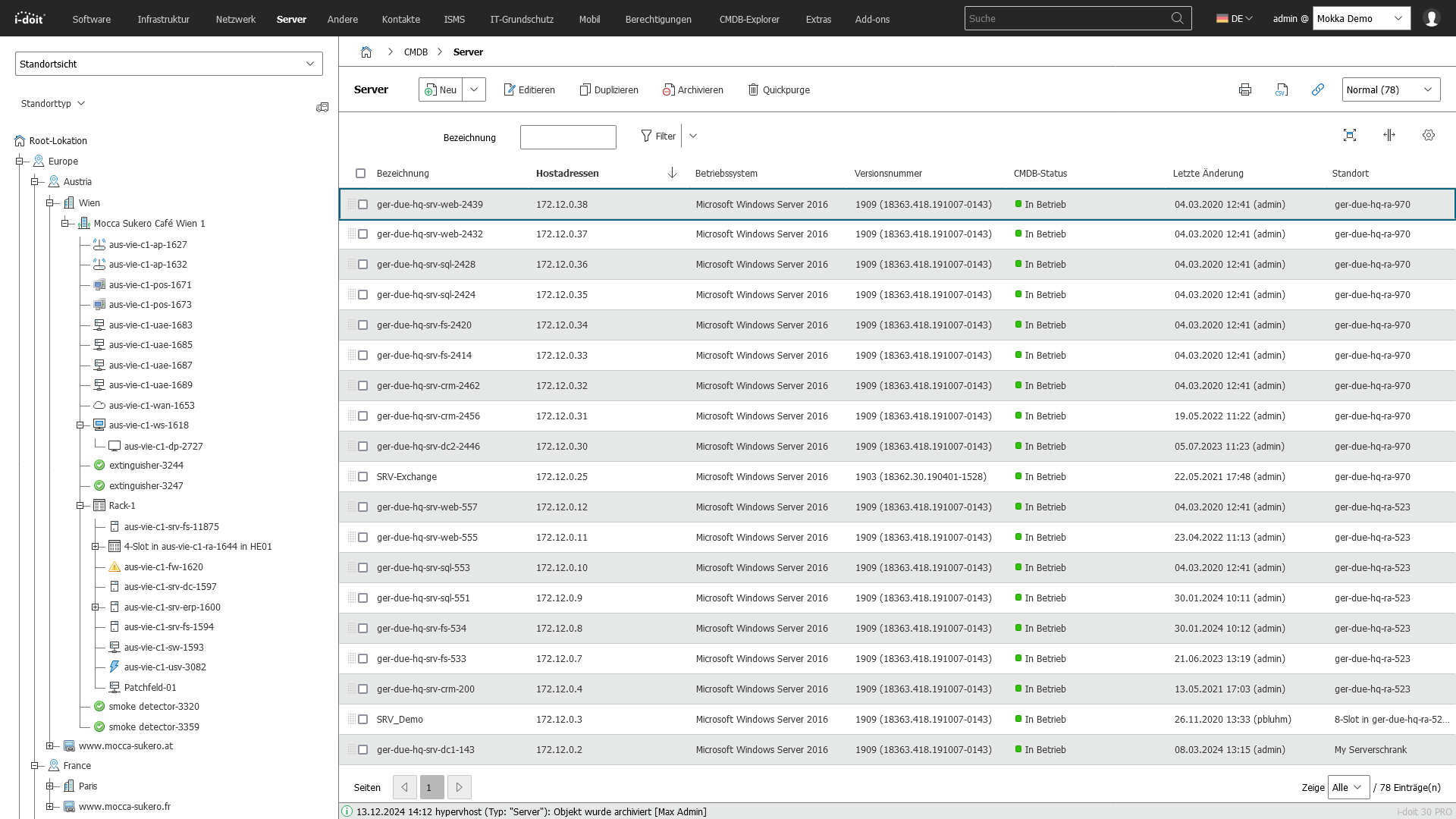
Visualization of IT infrastructures at location level.

Screenshot

 
Show more

Centralized IT documentation with i-doit

Transparency and structure for your entire IT landscape with networked assets

use-case-cmdb-explorer-emergency-management
icon-it-documentation-in-team-lt Central IT documentation
Structured and up-to-date documentation of the entire IT landscape in one place  
icon-api-lt Inventory & overview
Recording of hardware, software, cloud resources and contracts for complete transparency  
icon-link-lt Asset history
Long-term traceable documentation of changes, statuses and responsibilities  
icon-digital-contract-management-lt Costs, licenses & contracts
Documentation of license statuses, maintenance, terms and associated costs  
icon-it-security-lt Structures & assignments
Clear documentation of locations, devices, applications and associated users  

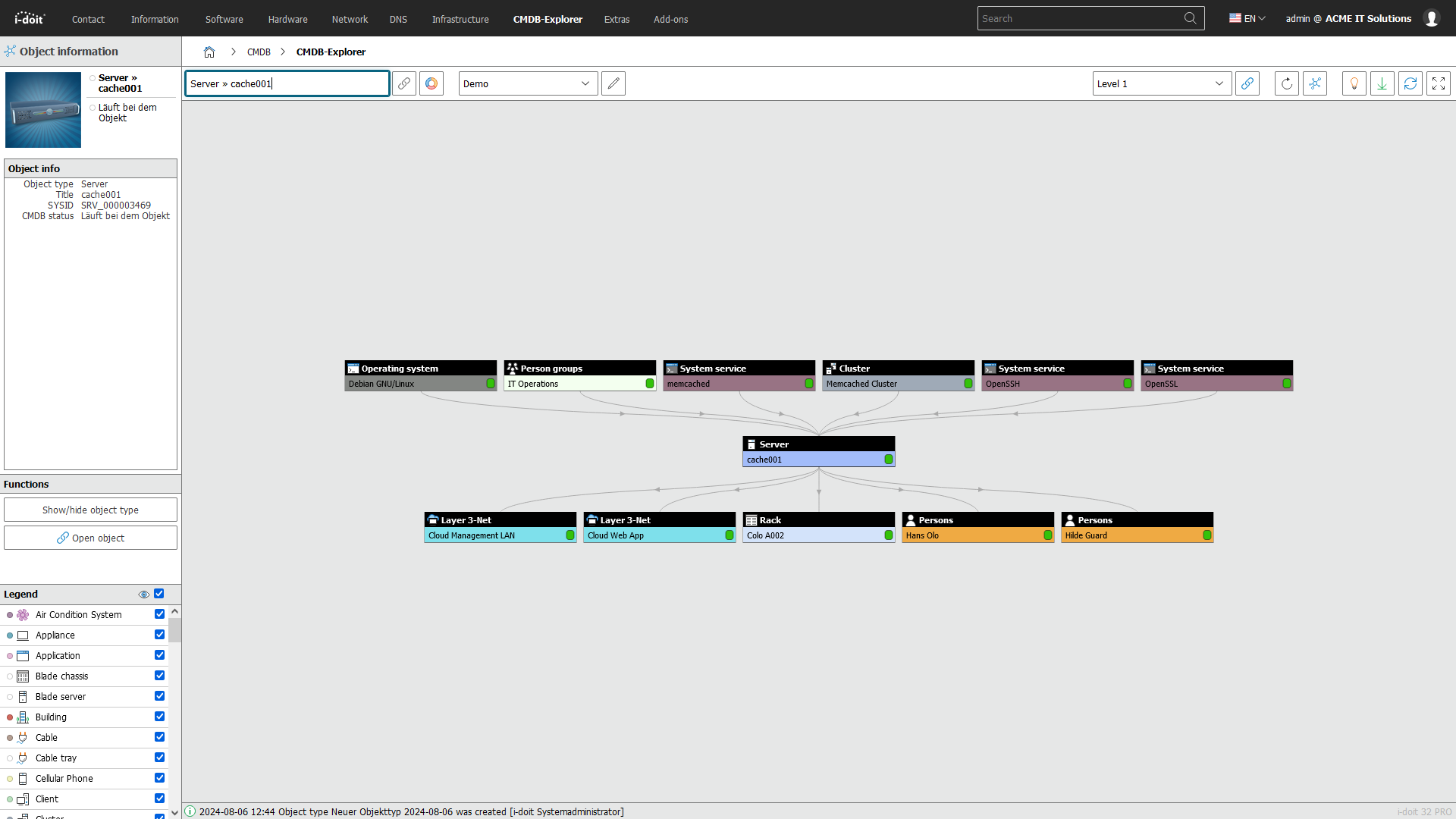
Central CMDB with i-doit

The reliable database for services, processes & decisions - with networked configuration items

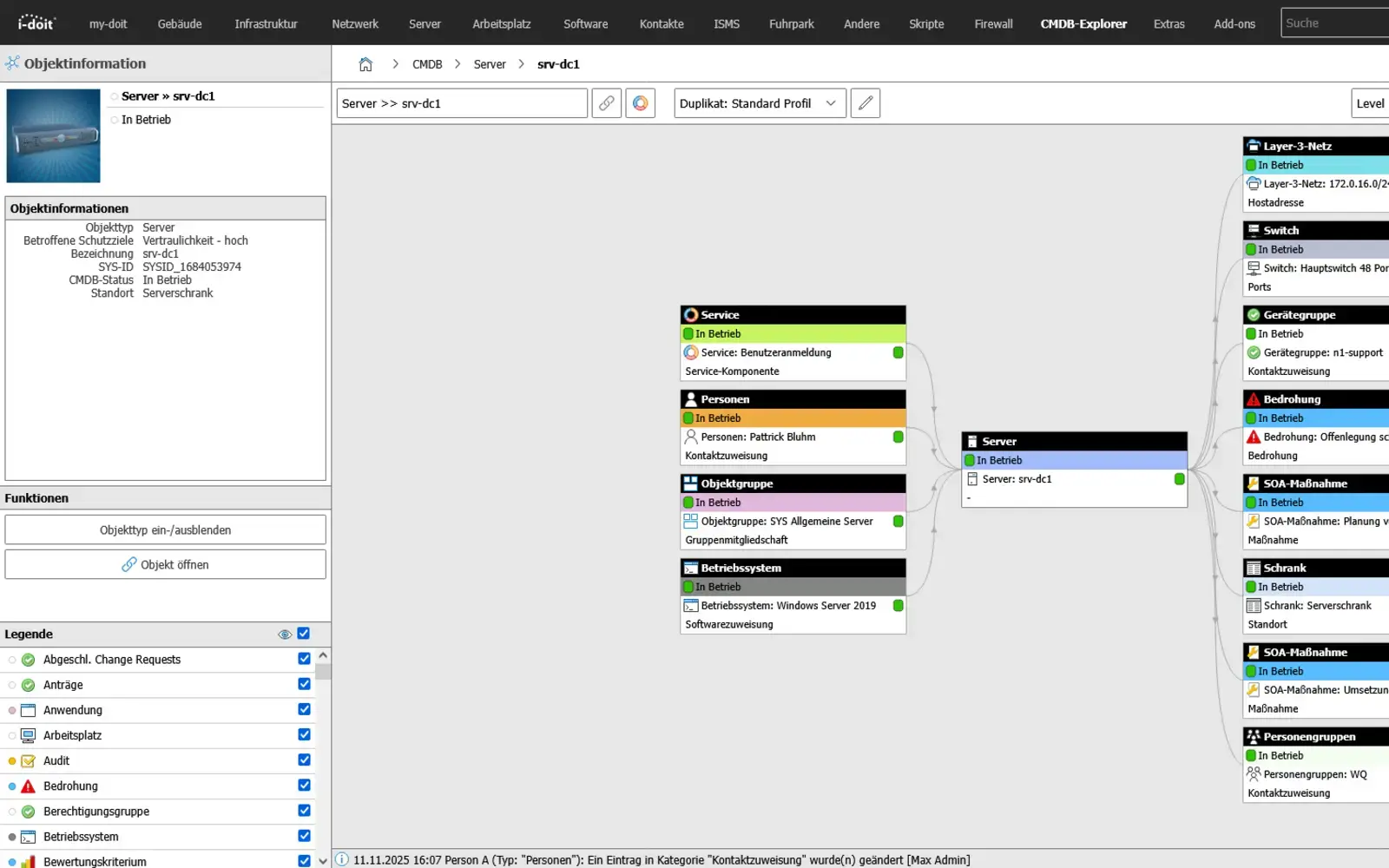
Screenshot03 - CMDB Explorer
icon-it-documentation-in-team-dk Central CMDB
Management of your configuration items (CIs) such as systems, applications, services and dependencies  
icon-api-dk Networked dependencies
Transparent presentation of dependencies between assets, services, locations and organizations  
icon-link-dk Service & process assignment
Assignment of IT services, business processes and responsibilities for ITSM, change and incident management  
icon-cable-management-dk Topicality & Discovery
Automatic maintenance of the CMDB using discovery tools, interfaces and imports for up-to-date and reliable data at all times  
icon-digital-contract-management-dk Effects & analysis
Fast impact analyses in the event of changes, faults or failures thanks to traceable CI relationships and histories  

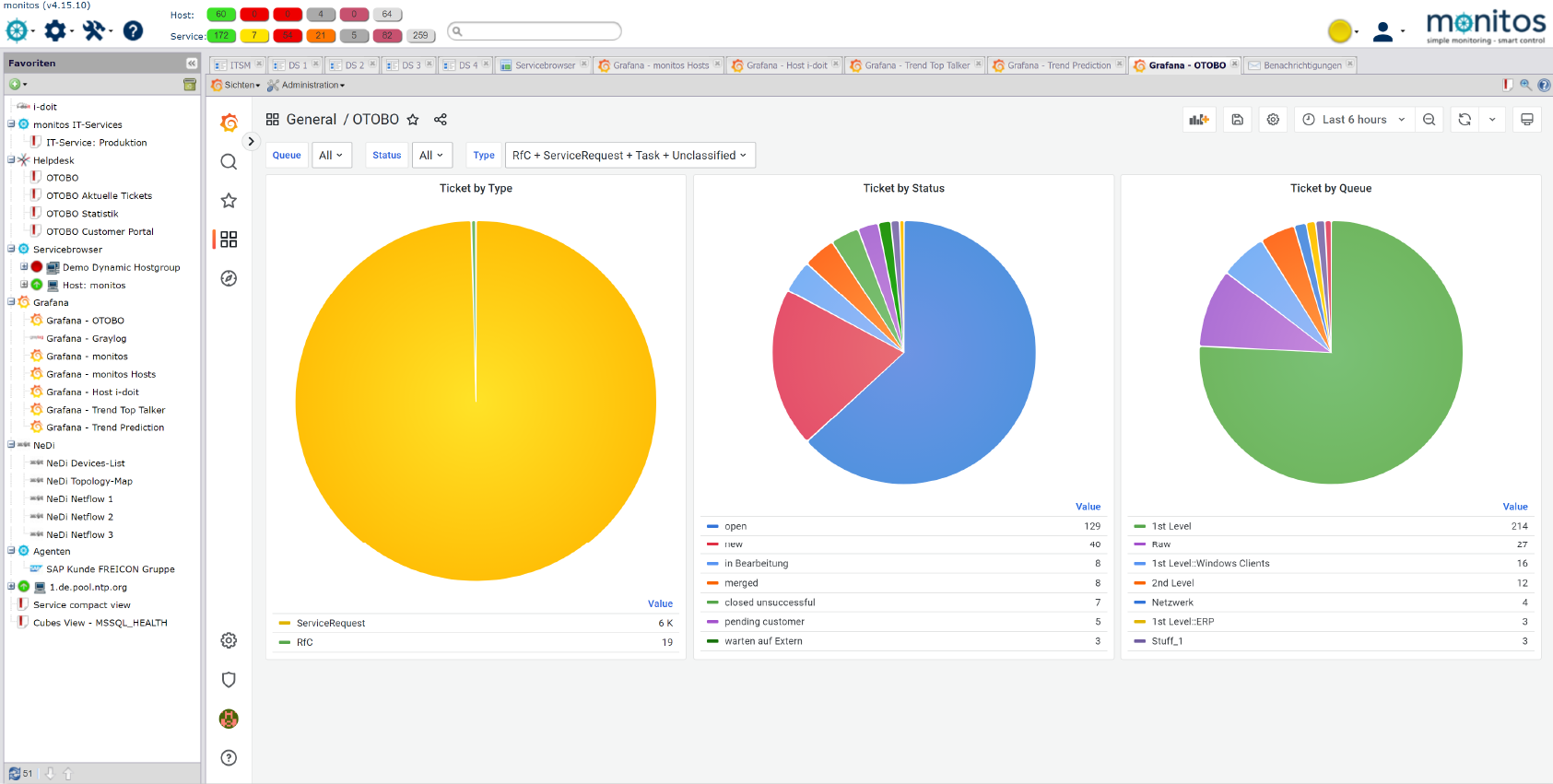
IT service management (ITSM) with i-doit

Structured IT services, clear processes and fast reactions during operation

screenshot-ITMS-2024
icon-it-documentation-in-team-lt IT services & tickets
Centralized management of incidents, service requests and tasks for the
structured processing of IT requests
 
icon-api-lt Processes & workflows
Standardized and automated ITSM workflows for recurring processes such as incidents, changes and approvals  
icon-link-lt CMDB integration
Direct linking of tickets and services with configuration items from the CMDB for complete context and transparency  
icon-digital-contract-management-lt SLA & prioritization
Definition, monitoring and compliance with service level agreements including priorities and escalations  
icon-it-security-lt Transparency & traceability
Seamless documentation of all processes, responsibilities and processing statuses for audits, evaluations and reporting  

i-doit use cases

Use cases around IT documentation, CMDB & ITSM

Location management
i-doitLocation management

You document locations, rooms and infrastructure, link these to contact persons and also visualize server rooms clearly.

View use case

Contract management
i-doitContract management

You document and manage contracts centrally, link them to objects and responsible parties and are automatically informed about deadlines and terms.

View use case

Software and license management
i-doitSoftware and
license management

You record and analyze software and licenses, monitor runtimes, users and authorizations and avoid license violations and unnecessary costs.

View use case

use-cases-single-network-and-cabling-management
i-doitNetwork and
-cabling management

You document active and passive network elements including cabling, port assignment, IP addresses and configurations centrally and comprehensibly.

View use case

use-case-single-audit-management
i-doitAuditing and
reporting

You analyze your IT infrastructure, identify documentation gaps and create location, user or cost centre-related reports and audit PDFs.

View use case

gap analysis
Gap analysis

i-doit supports GAP analyses according to standards such as ISO 27001, ISO 9001 or NIS2, including maturity level assessment, responsibilities and document assignment.

View use case

use-case single risk management
Risk management

i-doit enables protection requirement analyses with automatic inheritance into the infrastructure, risk assessment and tracking of measures.

View use case

use-case-single-authorization-access-mgnt
GRCSecurity incident
management

You document and evaluate security incidents in accordance with ISO and NIS2, assign affected assets and centrally derive measures.

View use case

use-case-single data protection incident management
GRCData protection incident
management

You document data protection incidents in compliance with the GDPR, assess risks and derive measures centrally.

View use case

Add-ons

Over 40 add-ons - for specialized use cases & integrations

add-on-smart-bundle-box
i-doit Add-on Smart Bundle

This bundle combines the i-doit add-ons Documents, Flows, Analysis and Forms to professionalize your IT documentation and automate processes efficiently.

View more

Add-on flows
i-doit Add-on Flows

Create powerful automations without programming knowledge, simply start them on a schedule or manually at the touch of a button.

See more

Add-on Documents
i-doit Add-on Documents

Automatically create documents as PDFs with daily updated data (e.g. hardware handover certificate or disaster recovery plan).

View more

add-on-analysis-box
i-doit Add-on Analysis

Add-on for powerful data analysis. Calculate service costs, check the data quality of the CMDB and carry out failure simulations.

See more

add-on-api-box
i-doit Add-on Api

With the API add-on, data can be automatically read, written and updated in i-doit. Perfect for integrations with ticket systems, inventory tools or your own automations.

See more

add-on-forms-box
i-doit Add-on Forms

Easily create forms that you can make available to users for simplified data entry. Example: Allow users to document hardware or goods themselves.

View more

add-on floor plan box
i-doit Add-on Floorplan

Display rooms graphically. Store building plans and arrange objects such as workstations. WLAN heatmaps are also possible.

View more

add-on-open-celium-box
i-doit Add-on Open Celium

Automated data exchange with other applications

See more

add-on-monitos-pdf-sign-store-box
i-doit Add-on monitos PDF Sign & Store

Digital signatures directly in i-doit!

View more

add-on-jdisc-box
i-doit Add-on JDisc

Capture all the details of your network

View more

add-on-api-box
i-doit Add-on Api

With the API add-on, data can be automatically read, written and updated in i-doit. Perfect for integrations with ticket systems, inventory tools or your own automations.

See more

add-on-forms-box
i-doit Add-on Forms

Easily create forms that you can make available to users for simplified data entry. Example: Allow users to document hardware or goods themselves.

View more

i-doit integrations

Boundless integrations connect i-doit with your IT landscape

contact-cta-bg-light

Book your personal live demo

Our i-doit team will be happy to take the time to advise you personally on your application.

References

Max Planck Institute for Plasma Physics

Inventory of systems

One of the largest projects in the field of nuclear fusion research - ASDEX Upgrade - uses i-doit pro to inventory and manage technical equipment.

Read more

ref-max-planck
ScaleUp Technologies

Asset Management

Leading operator of cloud and data center services. Use of i-doit in asset management. Automation in the configuration and setup of systems is realized with Ansible.


ref-scale-up

FAQs about i-doit

Your advantages at a glance

What is i-doit?

i-doit is a web-based software solution for comprehensive and detailed IT documentation.

It can be purchased both on premises and in the cloud. The software allows you to record data on all aspects of your IT landscape. By mapping relationships between objects, i-doit can be used to create a fully-fledged CMDB. Thanks to the numerous interfaces, third-party systems such as discovery and monitoring can be connected to i-doit. In this way, i-doit serves as the basis for a complete ITSM solution.

What size of company is i-doit suitable for?

The i-doit data model allows IT documentation of any size. This makes the software suitable for companies of all sizes.

Can I test i-doit in advance?

Yes, please use our 30-day trial version. This is available as an on-premises version and as a virtual machine. In addition to all i-doit add-ons developed by synetics, the trial version also includes support for a full month. Test here for free!

How do I get my test license/test version?

To receive your trial version with the corresponding license key, click here. You can select your desired trial version on the following pages. You will then receive an e-mail with all the details for downloading the software and the license key or for automatically creating your cloud instance. Test here for free!

What functions does my 30-day trial version contain?

The trial version is a fully functional IT documentation system that allows you to create up to 5,000 objects. You have access to all add-ons developed by synetics GmbH. In addition, further i-doit add-ons from third-party manufacturers are available for testing.

How can I test an on-premises version?

After clicking on one of the buttons on this page, you can select which type of installation you would like to download and test on the following pages. The following downloads are available.

Virtual machine:
The virtual machine contains a complete i-doit installation on a Debian GNU/Linux 12.

Windows Installer:
The Windows Installer provides a complete i-doit environment on Microsoft server systems. The installation is done with one click.

Automatic installation:
An interactive bash script guides you through all configurations on a Linux system and installs the required components

Manual installation:
Web server, database, PHP and i-doit are installed and configured manually. Backups and cronjobs must also be set up independently.

How can I test a cloud version?

After clicking on one of the buttons on this page, you can select which type of test instance you would like to test on the following pages. If you opt for the cloud, we will automatically create a virtual environment for you