i-doit
CMDB, ITSM, ITIL, IT-Docu







Use the i-doit AI add-ons to increase your level of automation with the help of AI!


i-doit up / Free
Query CMDB data instantly via chat – no more navigating through multiple categories
Create and update entries directly through natural language inputs
Import device lists and CSV data without manual field mapping
Automatic assignment of devices, users, and locations
Connect your preferred AI agent (e.g. ChatGPT or Claude) via MCP server
Find, update, and create CMDB entries through a simple chat interface – faster and more directly than any traditional workflow.
With the ChatCMDB Add-on for i-doit up, you can use AI integration to find, update, and create information in your CMDB directly via chat. Instead of navigating through multiple categories and menus, you simply describe what you need. Whether you are looking up which client is assigned to a specific user, updating a device location, or linking new hardware to an existing record – everything is executed directly in your documentation without detours.
Even multiple devices can be efficiently created via copy and paste and structured automatically. Changes are applied correctly and consistently, reducing errors and keeping your documentation clean and up to date at all times.
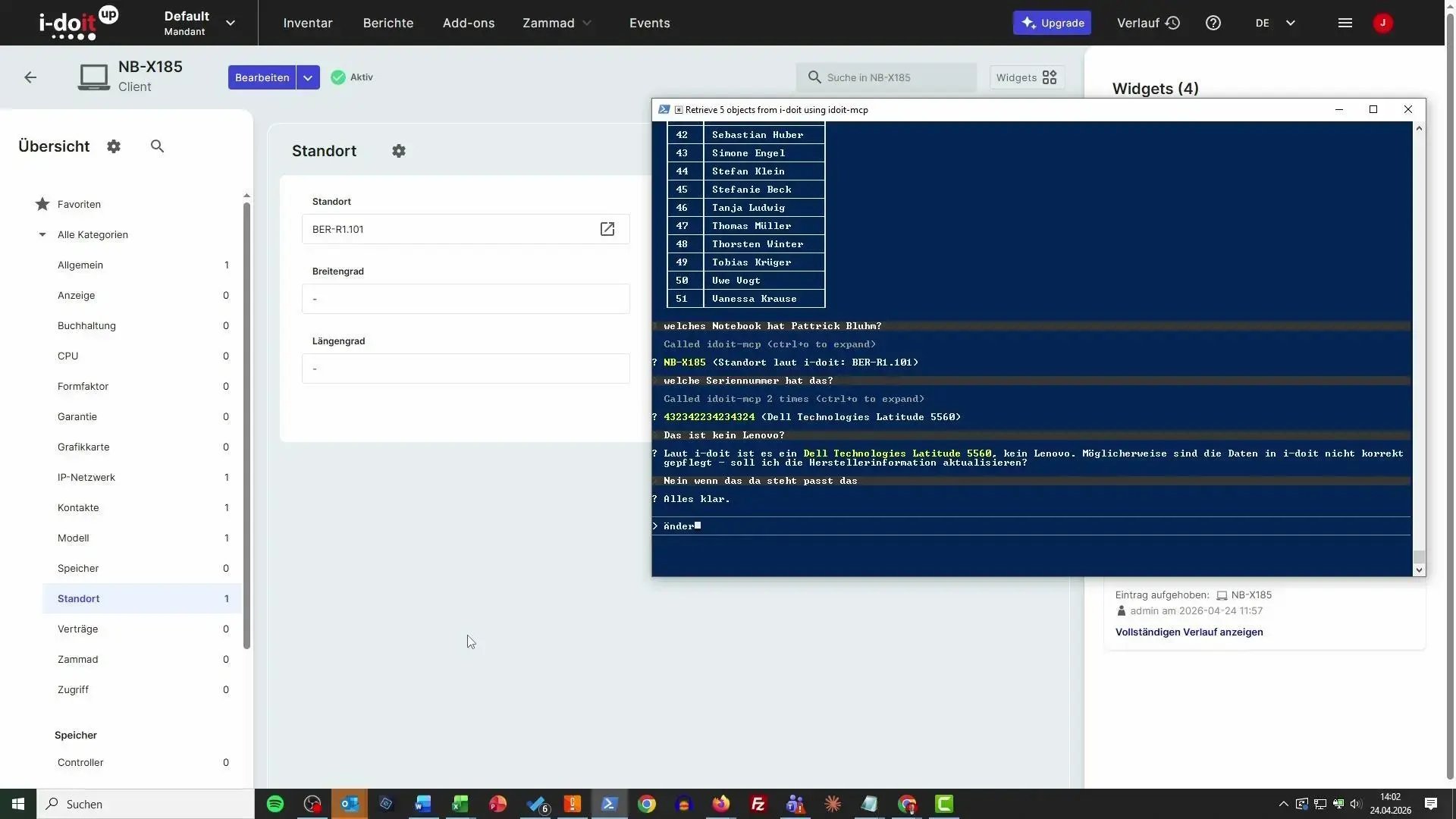
With the i-doit Add-on ChatCMDB, you can import large volumes of data without complex mapping or manual preparation. Instead of manually assigning CSV fields, you simply upload the file or paste the content directly and briefly describe what should be created. The data is automatically detected, interpreted correctly, and created in your CMDB — including assignments such as users, locations, and other related information. Even large device inventories can be transferred in a structured way within seconds, without the need to deal with import rules or field mappings.
With the i-doit MCP server (Model Context Protocol), your CMDB becomes an active knowledge source for external AI agents — such as Claude by Anthropic, Microsoft Copilot, or other LLM-based tools. The AI agent queries i-doit in real time: structured, context-aware, and without any manual preparation. While the ChatCMDB Add-on simplifies working within i-doit, the MCP server enables access from i-doit — directly into your AI workflows. Your documentation stops being a reference you look up, and becomes a live data layer your AI tools can actively work with.
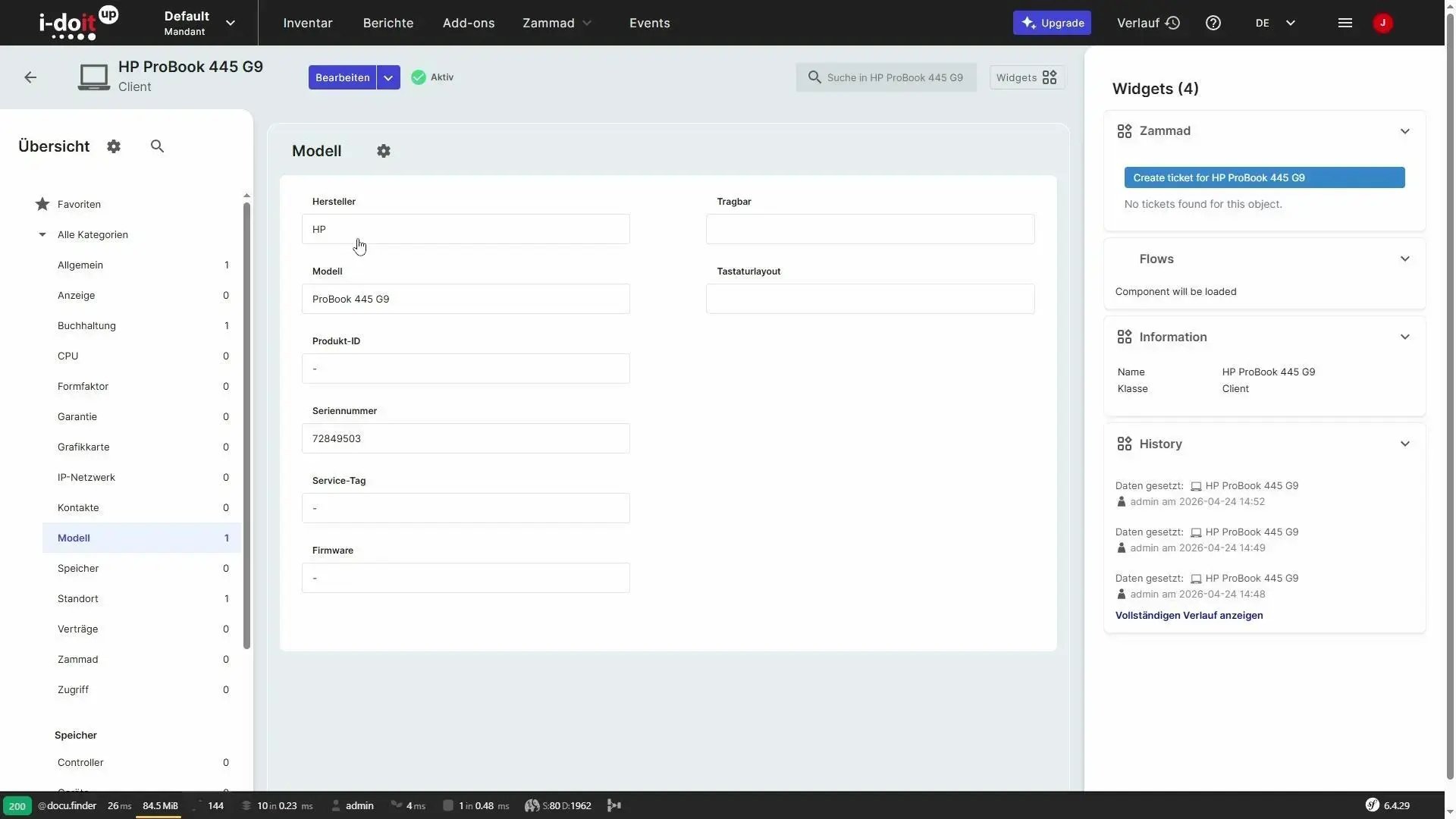
From a quick asset lookup during a support call to a full bulk import of a new device fleet – the ChatCMDB Add-on covers the everyday tasks that IT teams, administrators, and service desk staff deal with on a regular basis. Whenever CMDB data needs to be queried, updated, or enriched quickly and without detours, this add-on eliminates the friction of traditional navigation and manual entry.
i-doit becomes the central, conversational interface for all teams that depend on accurate, up-to-date documentation. Whether you are onboarding new hardware, responding to an incident, or importing a location structure from a spreadsheet – the add-on processes your input, interprets it correctly, and writes it directly to your CMDB. The result is faster operations, fewer errors, and documentation that stays consistent and reliable across the entire organization.
Teams that regularly query, update, or import data in i-doit benefit immediately from AI-assisted access to their CMDB — no specialist knowledge required. The add-on is equally suited for support and administration teams looking for faster day-to-day operations.
Create custom PDF documents directly from your CMDB with the help of AI.
Access your data via your own chat application with the help of AI.
Import tables into i-doit via your connected chat application.
Define workflows and processes for your i-doit environment in your own chat application.
You control audits centrally, plan audits, document results and automatically generate audit reports.
You analyze your IT infrastructure, identify documentation gaps and create location, user or cost centre-related reports and audit PDFs.
You create technical and organizational restart plans with automatic calculation of the restart times.
You can manage documents in an audit-proof manner, version and edit them directly in the tool and use templates and import functions.
From the hardware handover certificate to the disaster recovery plan. Create appealing documents - also as PDF - with daily updated data from your CMDB - automatically!
Create powerful automations without any programming knowledge!
Automatically create documents with AI.
Extend i-doit with powerful analysis functions: Calculate service costs, check data quality and perform failure simulations.
Discover how the i-doit Add-on ChatCMDB can support and streamline your processes. Get in touch with us for more information, pricing details, or to request a quote.

Phone: +49 (0) 211 - 699 31 0